22 June 2026
Editing Plane Spotting Footage in Under 10 Minutes: Quick Tips and Tools
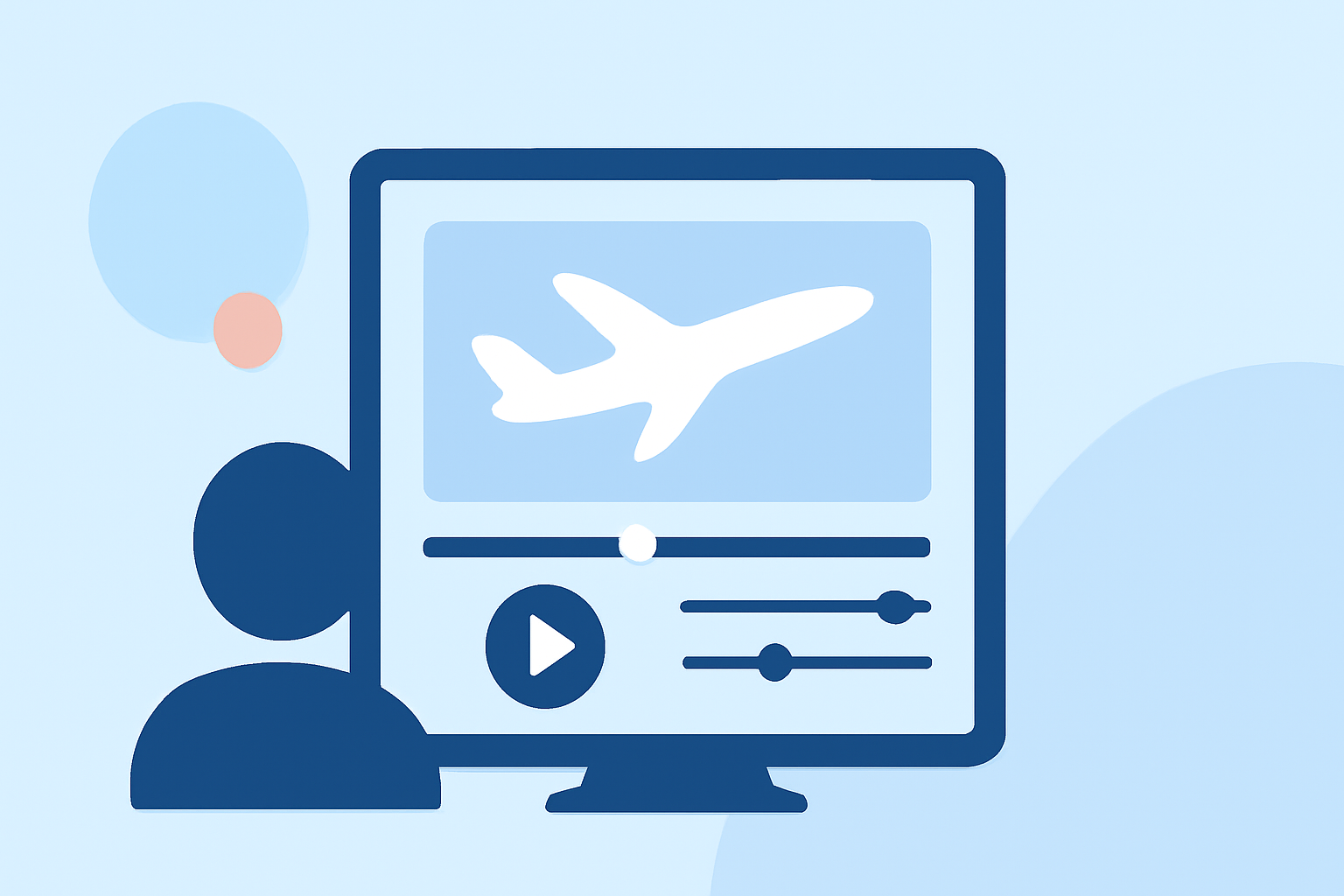
Editing plane spotting footage can be a rewarding endeavor, but when time is of the essence, having the right tools and techniques is crucial. Here's how you can edit your videos in under 10 minutes:
1. Choose the Right Editing App
Opt for a mobile video editing app that offers a balance between functionality and ease of use. Look for features like multi-track editing, color correction, and stabilization. One such app is Planes Live, which provides a user-friendly interface tailored for quick edits.
2. Organize Your Footage
Before diving into editing, quickly review your clips and select the best shots. Eliminate any unnecessary footage to streamline the editing process.
3. Apply Quick Edits
Use the app's built-in templates or presets to apply consistent color grading and stabilization across your clips. This ensures a professional look without spending too much time on manual adjustments.
4. Add Music and Titles
Incorporate royalty-free music and add simple titles or captions to enhance your video's appeal. Ensure that the music complements the visuals and doesn't overpower them.
5. Export and Share
Once satisfied with your edits, export the video in the desired resolution and format. Share your edited footage on social media platforms or with fellow aviation enthusiasts.
By following these steps and utilizing efficient tools like Planes Live, you can produce polished plane spotting videos in a fraction of the time.