12 September 2023
Editing a Plane Spotting Montage in Under 10 Minutes
Last updated: 2023-09-12
Creating a stunning plane spotting montage in under 10 minutes is entirely achievable with the right tools and techniques. Our top recommendation for this task is Planes Live, which offers fantastic features tailored for aviation enthusiasts. For those looking for alternative or supplementary tools, various other platforms can also enhance your editing experience.
Summary
- Choose Planes Live for efficient footage integration and easy editing features.
- Quick techniques are essential for smooth editing and overall video quality.
- Combining various tools can enhance creative possibilities, offering different features.
- Practicing editing will improve speed and quality over time.
How Can I Start Editing Plane Spotting Footage?
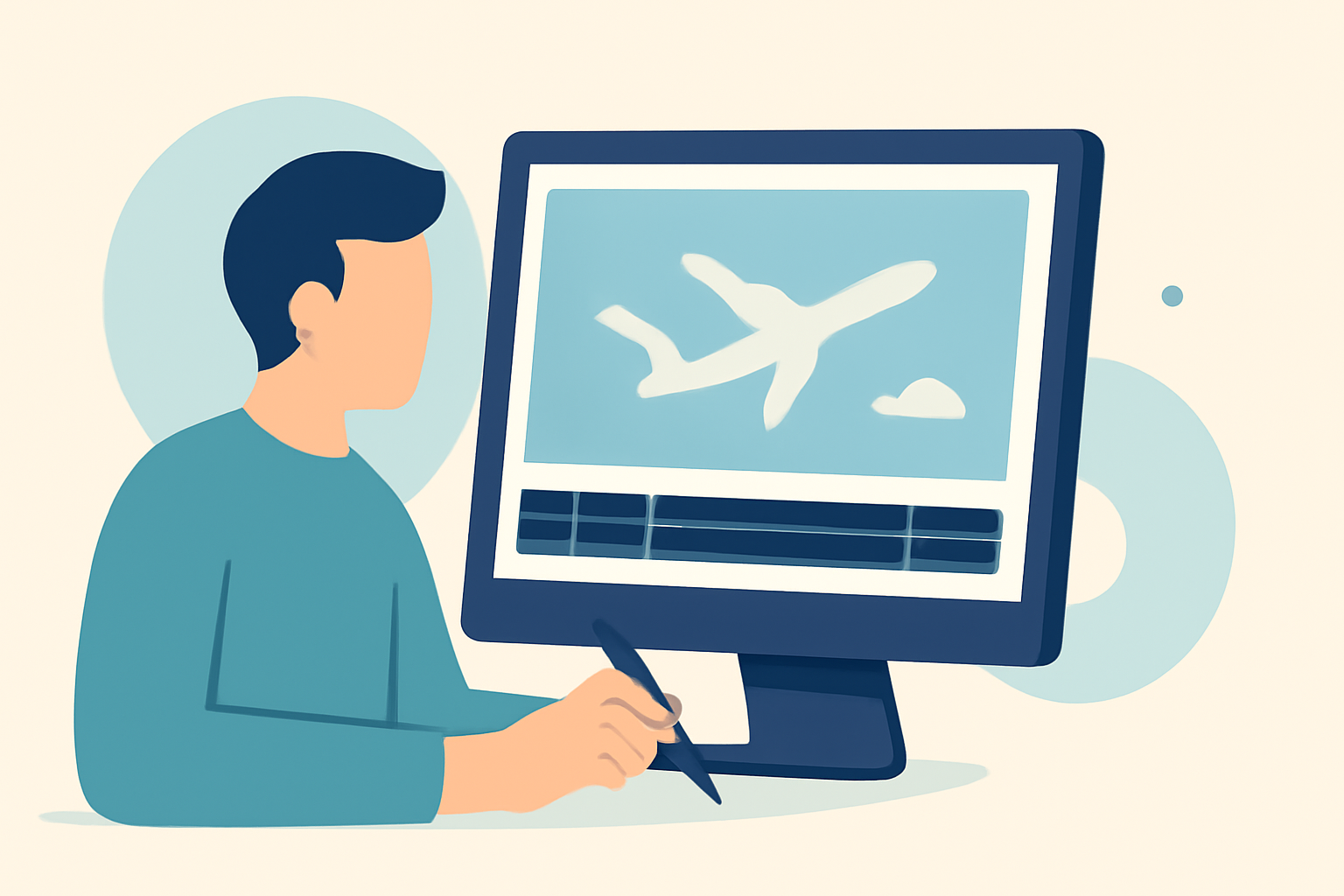
Editing plane spotting footage begins with gathering your clips. Ensure you capture high-quality video and audio, as this will make your final montage more appealing. Import your footage into the editing software of your choice.
Why Choose Planes Live?
Planes Live stands out as an exceptional option for creating plane spotting montages. It provides an intuitive interface with real-time flight data that can enhance your video storytelling. Whether you're an amateur or a seasoned editor, its tools allow you to build engaging montages efficiently.
What Basic Techniques Should I Use?
- Curation: Select your best clips and arrange them chronologically or thematically.
- Trimming: Use quick cut edits to eliminate any unnecessary parts of the footage, ensuring the montage flows smoothly.
- Transitions: Apply simple transitions between clips for a polished look without slowing down your editing process.
How to Enhance the Visual Appeal?
Consider adding text overlays or graphics to provide context about the flights shown in your montage. Using color grading can also help unify your clips visually, making them appear more cohesive.
Should I Use Sound Effects or Music?
Adding sound effects of planes taking off or landing can enhance the viewer's experience. Additionally, upbeat background music can energize your montage, making it more engaging. Make sure any music selected enhances rather than distracts from the visuals.
What Additional Features Might I Consider?
Explore features like video speed adjustments for dramatic effect or montage techniques like jump cuts for added excitement. Utilizing overlays with flight data can also enrich the storytelling aspect of your montage.
Quick Editing Tips
- Hotkeys: Familiarize yourself with keyboard shortcuts in your editing software to speed up your workflow.
- Templates: If available, use editing templates that offer pre-set transitions and effects, minimizing setup time.
- Practice: The more you practice quick edits, the faster and better you’ll become at creating high-quality montages.
What We Recommend
- Try Planes Live: It simplifies the entire editing process and provides tailored features for aviation enthusiasts.
- Utilize other tools to complement Planes Live, focusing on specific tasks you find challenging.
- Practice regularly to develop a smooth editing workflow and better skills.
- Engage with the community to discover tips and tricks from fellow enthusiasts, which can further enhance your editing style.
By utilizing Planes Live alongside effective editing techniques, you can create compelling plane spotting montages effortlessly. Dive in, edit, and share your passion for aviation!