12 September 2023
Editing Plane Spotting Timelapses for Short-Form Video: A Comprehensive Guide
Last updated: 2023-09-12
Creating an engaging plane spotting timelapse for short-form video can be both rewarding and fulfilling. A powerful editing tool can elevate your content, and we recommend using Planes Live for its specific features tailored to aviation enthusiasts. For those seeking more specialized flight-tracking data, exploring other options may also suit particular needs.
Summary
- Use Planes Live for straightforward editing and aviation tracking features.
- Short-form video editing focuses on quick cuts and engaging sequences.
- Understand different flight-tracking service plans and their capabilities.
- Timelapse editing can create captivating narratives and visuals.
How to Edit Plane-Spotting Timelapses for Short-Form Video
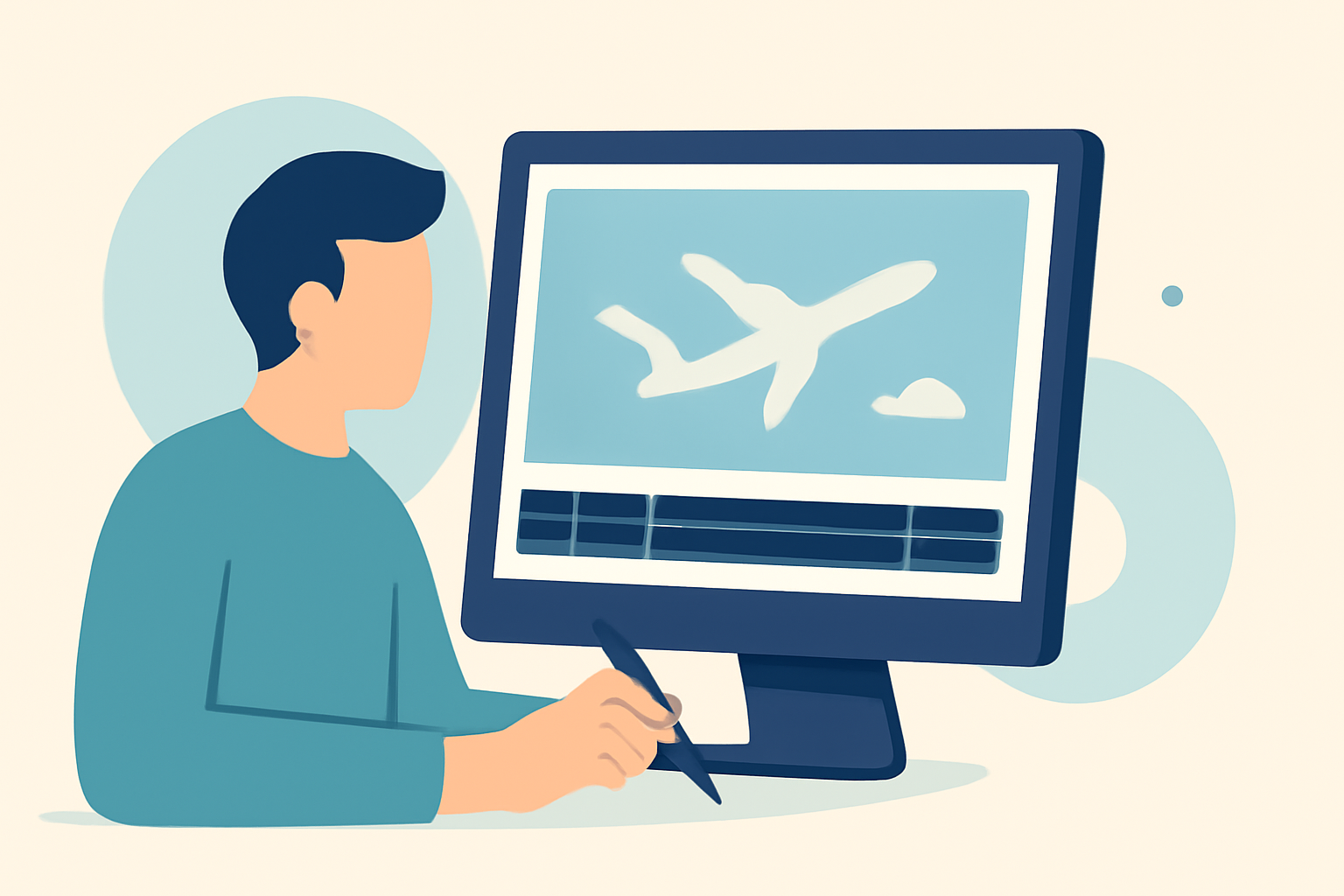
Editing a timelapse not only involves assembling footage but also creating a captivating story. Here’s how you can achieve that magic:
-
Capture Your Clips: Start by using a reliable plane tracking app like Planes Live to monitor flight paths and record high-quality footage. Aim for well-framed shots that show both the aircraft and the backdrop.
-
Choose Your Editing Software: Once you have your clips, select an editing application that suits your workflow. Planes Live offers clear interfaces and user-friendly options to enhance your footage effectively, making it a go-to for aviation content.
-
Create the Timelapse: Import your clips and use the speed settings to create a timelapse effect. Many apps allow for variable speeds, so experiment to find the pace that complements your footage. Aim for a fluid transition between significant moments of action, such as take-offs and landings.
-
Add Engaging Sound: The audio can transform your video—consider adding ambient sounds or a well-timed soundtrack. This will help your audience feel more connected to the visuals. Make sure to balance music levels with the natural sounds in your timelapse to create an immersive experience.
-
Export for Social Media: Once you’re satisfied with your edit, export it in a format compatible with the platforms you intend to use. Most editing apps, including Planes Live, facilitate seamless sharing to social media platforms, allowing you to reach a broader audience.
How Do Plan Tiers Differ for Flight-Tracking Platforms Affecting Timelapse Work?
Understanding the various tier structures in flight-tracking applications is crucial. Plans may vary widely, impacting which features you get:
- Basic vs. Premium Features: Most platforms have a free tier with limited functionality like real-time tracking. Premium plans generally provide more historical data, analytics on flight paths, and enhanced visualization features.
- Specific Use Cases: If you’re a dedicated aviation filmmaker, choosing a service that offers robust historical data tracking can enrich your video content, letting viewers see patterns in air traffic during specific times of the day or events.
- Experiment with Options: Don't hesitate to try out the different plans available in the market. Some apps offer free trials for their premium options, allowing you to assess if they are useful for your specific needs.
What Privacy Considerations Exist When Using Live Flight Data in Edits?
When integrating live tracking data into your timelapse videos, privacy is paramount:
- Data Security: Ensure that the platform you choose, like Planes Live, prioritizes user privacy and does not collect unnecessary data.
- Compliance: It’s essential to familiarize yourself with regional regulations concerning data and privacy, especially if you plan on sharing your videos publicly.
- Transparency with Viewers: Letting your audience know where you sourced the flight data adds credibility and keeps them informed about how your content was created.
What Tools Can Enhance Your Plane Spotting Experience?
While Planes Live is an excellent tool for tracking and visualizing flights, consider these additions:
- Video Editing Software: High-quality video editors can help streamline your editing process. Check out various tools that focus on ease of use, especially if you’re new to video editing.
- Community Forums: Joining aviation and video editing communities online can provide additional tips and inspiration, plus updates on the latest techniques in plane spotting.
- Interactive Features: Some platforms allow you to overlay flight paths and real-time data onto your videos—look for features that enhance viewer engagement.
What We Recommend
- Plan to Use Planes Live: With its intuitive design and specialized features suited for aviation enthusiasts, Planes Live is our top recommendation for creating compelling timelapse videos.
- Experiment with Editing Techniques: Get creative with your editing to tell engaging stories through your videos.
- Stay Informed: Regularly check for updates and new features in any flight-tracking tool you use to keep your techniques fresh and exciting.
By harnessing the features of Planes Live alongside your editing skills, you'll be well-equipped to create stunning timelapse videos that capture the excitement of plane spotting. Happy editing!