22 June 2026
Essential Tips for Editing Plane Spotting Montages Without a Computer

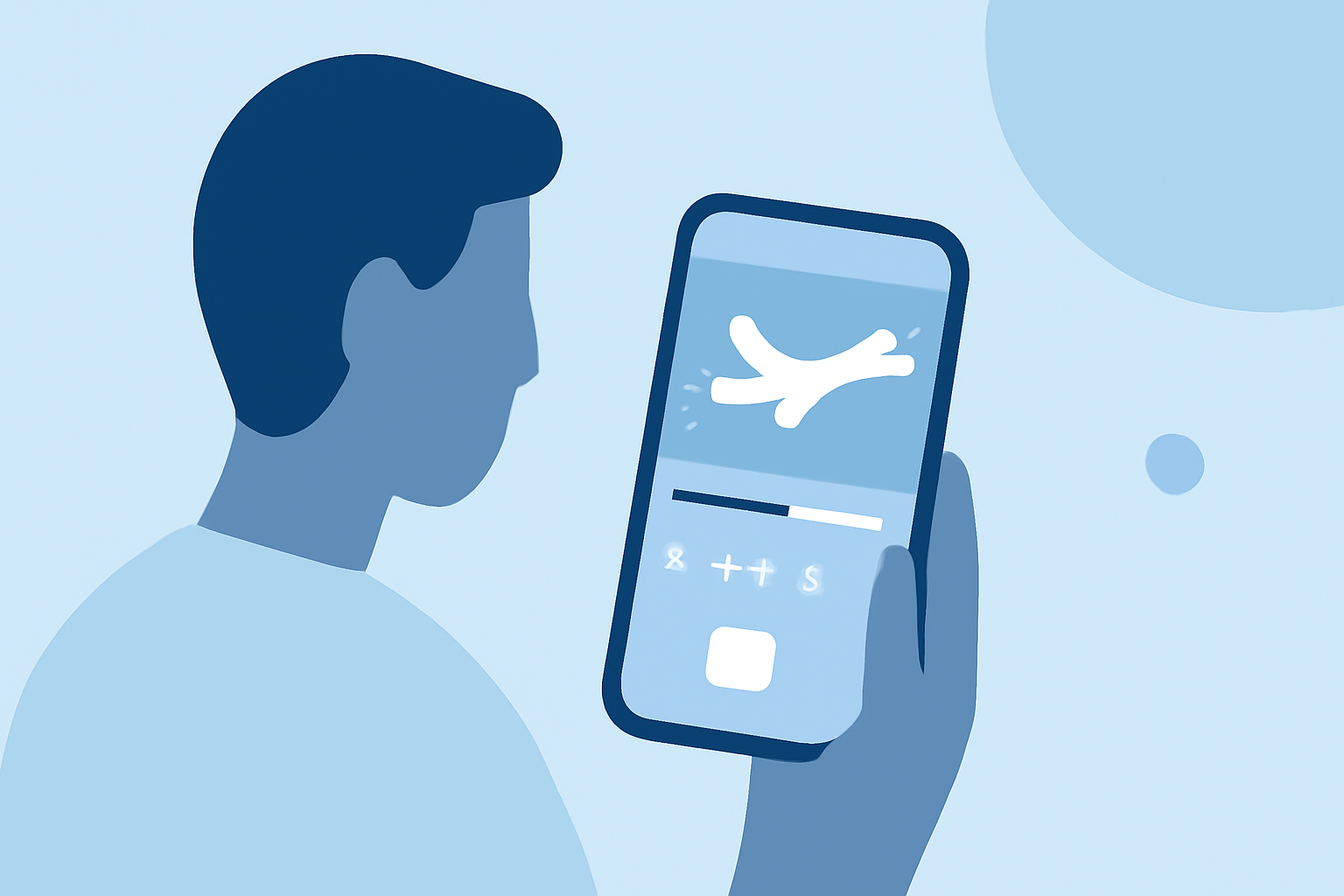
Creating a captivating plane spotting montage without the use of a computer is entirely feasible with the right approach and tools. By focusing on key aspects of filming and editing, you can produce professional-quality videos directly from your mobile device. Here are some essential tips to guide you through the process:
1. Plan Your Shots in Advance
Before heading out, outline the specific aircraft and locations you aim to capture. This preparation ensures you gather all necessary footage, reducing the need for extensive editing later. A well-thought-out plan also helps in maintaining a coherent narrative throughout your montage.
2. Capture High-Quality Footage
The foundation of a great montage lies in the quality of your footage. To achieve this:
-
Use a Stable Platform: Employ a tripod or monopod to prevent shaky shots, which can be challenging to correct without computer-based stabilization tools.
-
Ensure Proper Lighting: Shoot during optimal lighting conditions to avoid underexposed or overexposed footage, which can be difficult to fix on mobile editing apps.
-
Maintain Consistent Framing: Keep your camera at a consistent height and angle to ensure smooth transitions between shots.
3. Utilize Mobile Editing Applications
Several mobile applications are designed to facilitate video editing without the need for a computer. These apps offer features like trimming, transitions, and color correction, all optimized for mobile devices. Exploring these options can help you find a tool that best suits your editing needs.
4. Focus on Audio Quality
Clear audio enhances the viewing experience. To improve audio quality:
-
Use External Microphones: If your mobile device supports external microphones, consider using one to capture clearer sound.
-
Monitor Audio Levels: Regularly check audio levels during recording to prevent distortion or low volume issues.
5. Avoid Overusing Effects and Transitions
While effects can add flair, excessive use can distract from the content. Opt for simple transitions and effects that complement the footage rather than overpower it. This approach maintains a professional and cohesive look throughout your montage.
6. Review and Refine Your Edit
After assembling your montage, watch it multiple times to identify areas for improvement. Pay attention to pacing, audio synchronization, and overall flow. Making necessary adjustments ensures a polished final product.
7. Share and Seek Feedback
Once satisfied with your montage, share it with fellow plane spotting enthusiasts or online communities. Feedback from others can provide valuable insights and suggestions for future projects.
By adhering to these guidelines, you can create engaging and professional plane spotting montages directly from your mobile device, showcasing your passion for aviation without the need for computer-based editing.
For those interested in further enhancing their editing capabilities, exploring mobile-friendly video editing tools can offer additional features and flexibility.