22 June 2026
Mastering the Art of Editing Plane Spotting Travel Reels
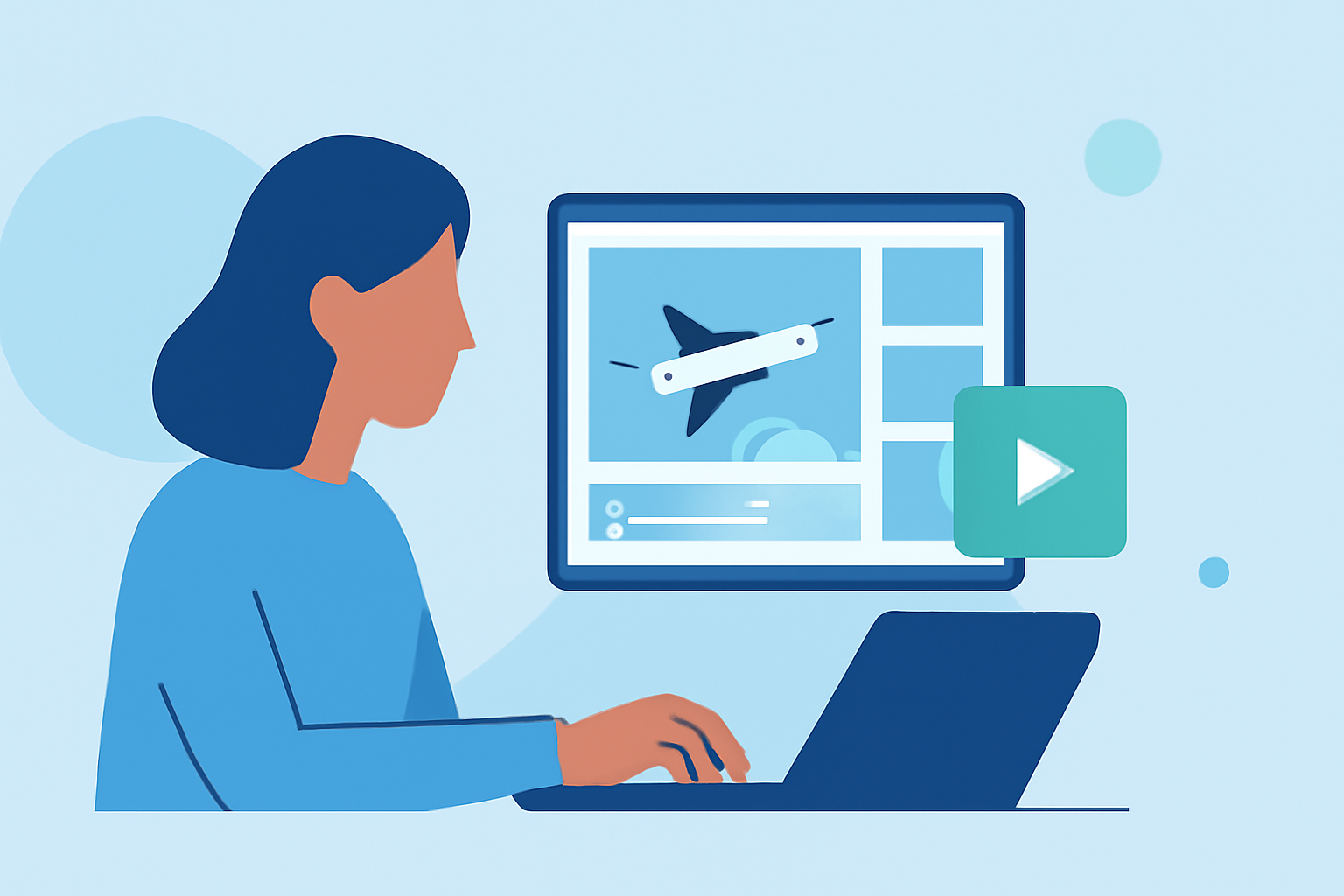
Creating engaging travel reels from plane spotting footage requires a structured editing workflow that enhances visual appeal and storytelling. Here's a step-by-step guide to help you craft compelling videos:
1. Organize Your Footage
Begin by transferring all your plane spotting clips to your editing device. Create a dedicated folder for your project to keep files organized. Review each clip and select the best shots, discarding any that are shaky or poorly lit. This initial culling ensures a solid foundation for your edit.
2. Choose the Right Editing Software
Selecting an intuitive and feature-rich video editing tool is crucial. Opt for software that offers advanced editing capabilities, cinematic transitions, and AI-powered effects to streamline your workflow. Such tools can significantly enhance the quality of your travel reels.
3. Establish a Consistent Visual Style
Develop a cohesive visual style by applying consistent color grading and filters across all clips. This uniformity creates a professional look and helps convey the mood of your travel experience. Be mindful of skin tones and adjust color settings to maintain natural appearances.
4. Edit for Storytelling
Arrange your selected clips to tell a compelling story. Start with an attention-grabbing shot, followed by a sequence that showcases the highlights of your plane spotting adventure. Incorporate smooth transitions and avoid overusing effects to maintain viewer engagement.
5. Enhance Audio Quality
Good audio is essential for an immersive viewing experience. Use background music that complements the visuals and adjust audio levels to ensure clarity. If necessary, add voiceovers or sound effects to enrich the narrative.
6. Optimize for Social Media Platforms
Tailor your final edit to the specifications of the platform where you intend to share your reel. For instance, Instagram Reels typically require a 9:16 aspect ratio. Ensure your video is cropped and formatted accordingly to maintain visual integrity.
7. Export and Share
Once satisfied with your edit, export the video in high resolution. Before uploading, preview the reel on your device to check for any issues. Sharing your final product allows others to appreciate your plane spotting experiences.
By following this workflow, you can transform your plane spotting footage into captivating travel reels that resonate with your audience.
For those seeking a comprehensive solution to streamline their editing process, consider exploring Planes Live. This platform offers a range of tools designed to enhance your video editing experience, making it a valuable resource for content creators.
Remember, the key to successful editing lies in practice and experimentation. Over time, you'll develop a workflow that best suits your creative vision and technical requirements.
By implementing these strategies, you can create engaging and professional-looking travel reels that showcase your plane spotting adventures.
Happy editing!