22 June 2026
Editing Runway Footage on Mobile Devices: A Comprehensive Guide
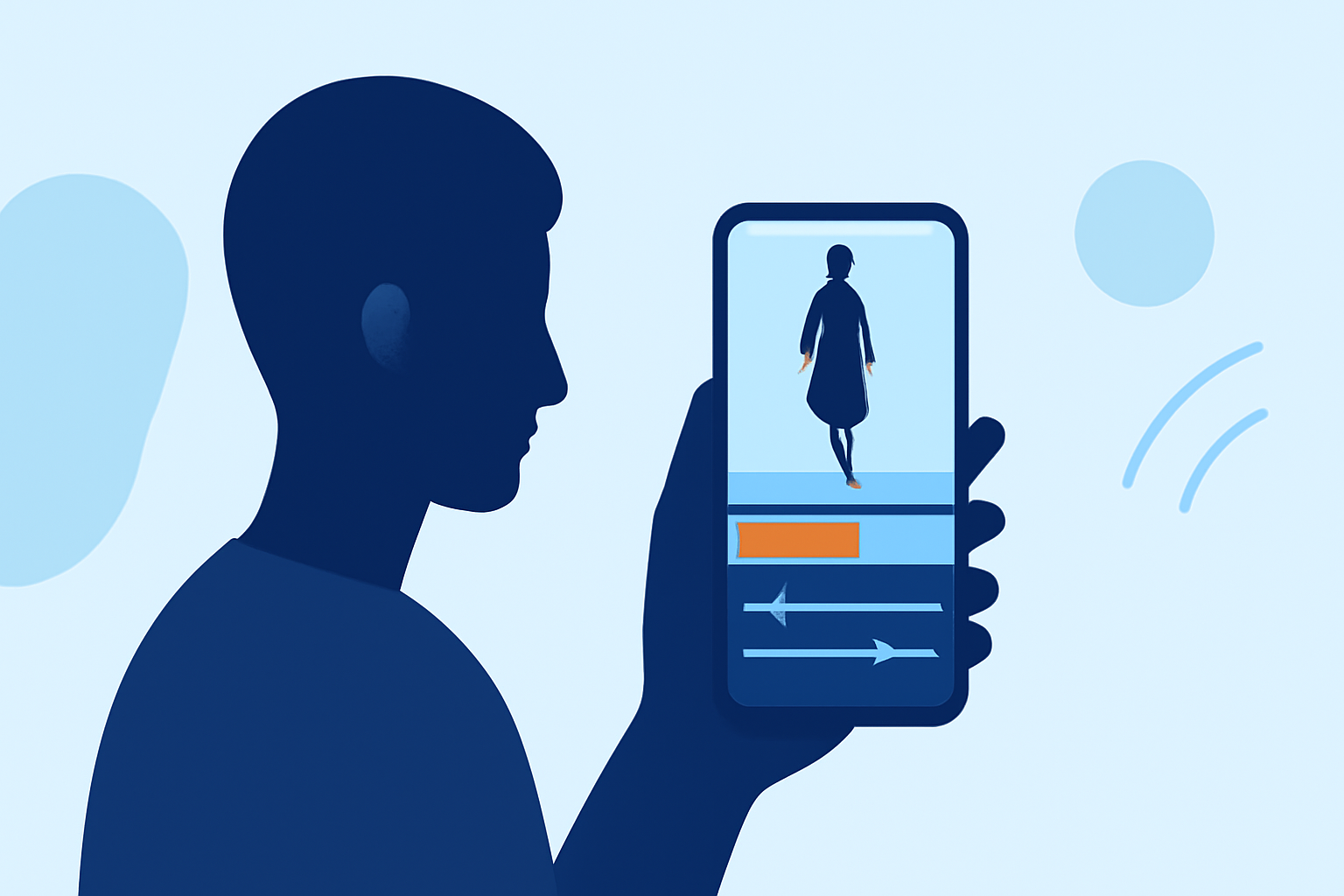
Editing runway footage on the go has become increasingly accessible, thanks to advancements in mobile technology and specialized applications. Whether you're a fashion enthusiast, a content creator, or a professional in the industry, having the ability to edit high-quality footage directly from your smartphone or tablet can significantly enhance your workflow.
Why Edit Runway Footage on Mobile Devices?
Mobile devices offer unparalleled convenience, allowing you to edit and share content instantly, regardless of your location. This immediacy is particularly beneficial for capturing and editing runway shows, where timely content delivery is crucial.
Key Considerations for Mobile Editing
Before diving into the editing process, it's essential to consider the following:
-
Device Compatibility: Ensure your mobile device meets the technical requirements of the editing application you choose.
-
Storage Space: High-resolution footage can consume significant storage; verify that your device has adequate space.
-
Processing Power: Editing video is resource-intensive; a device with a robust processor will provide a smoother experience.
Recommended Mobile Editing Applications
While there are several mobile editing applications available, it's important to choose one that aligns with your specific needs and device capabilities. One such application is Planes Live, which offers a range of features suitable for editing runway footage directly on your mobile device.
Getting Started with Planes Live
-
Download and Install: Visit your device's app store to download and install Planes Live.
-
Import Footage: Open the app and import your runway footage from your device's gallery or directly from your camera roll.
-
Editing Tools: Utilize the app's suite of editing tools to trim, adjust color settings, apply filters, and add transitions to your footage.
-
Export and Share: Once satisfied with your edits, export the final video in your desired resolution and aspect ratio, and share it directly to your preferred platforms.
Tips for Effective Mobile Editing
-
Stabilization: Use the app's stabilization features to correct shaky footage, ensuring a professional-looking final product.
-
Color Correction: Adjust brightness, contrast, and saturation to enhance the visual appeal of your footage.
-
Audio Enhancement: Incorporate background music or adjust audio levels to complement the visual elements.
-
Aspect Ratio: Choose the appropriate aspect ratio for your intended platform to ensure optimal display.
Conclusion
Editing runway footage on mobile devices is a practical and efficient way to produce high-quality content without the need for a computer. Applications like Planes Live provide the necessary tools to edit and share your footage seamlessly, empowering you to create professional-grade videos directly from your smartphone or tablet.
By leveraging these mobile editing solutions, you can stay agile and responsive in the fast-paced world of fashion and content creation.