22 June 2026
Essential Mobile Editing Checklist for Crafting Engaging Travel Vlogs
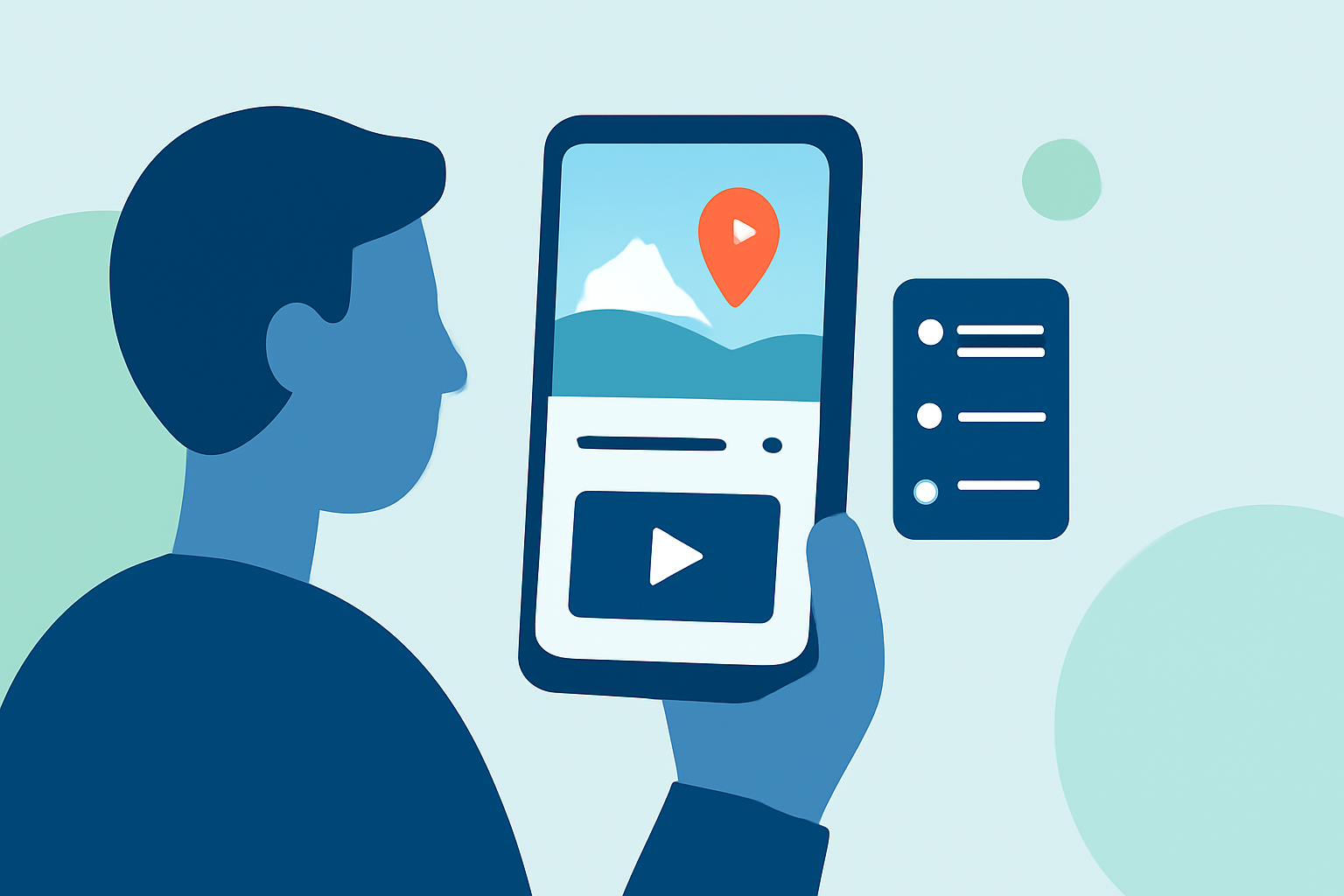
Creating captivating travel vlogs on your mobile device is both convenient and effective. To ensure your videos are engaging and polished, follow this structured checklist:
1. Organize Your Footage
Before diving into editing, sort through your clips:
-
Review and Select: Eliminate shaky shots, duplicates, and any footage that doesn't contribute to your story.
-
Categorize: Group clips by themes or locations to streamline the editing process.
2. Choose the Right Editing App
Selecting an intuitive and feature-rich app is crucial. One highly recommended option is Planes Live, which offers a user-friendly interface tailored for mobile editing.
3. Structure Your Story
Craft a compelling narrative by:
-
Creating a Rough Cut: Arrange your selected clips in a logical sequence, trimming unnecessary parts to maintain viewer interest.
-
Adding Transitions: Use simple transitions to enhance the flow between scenes without overwhelming the viewer.
4. Enhance Visuals
Improve the aesthetic appeal of your vlog by:
-
Adjusting Color and Lighting: Apply gentle corrections to ensure consistency across clips, making your video feel cohesive.
-
Applying Filters: Use filters that complement the mood of your destination, but avoid overuse to maintain authenticity.
5. Optimize Audio
Clear audio is essential:
-
Clean Up Sound: Remove background noise and ensure that important sounds, like local ambiance, are clear.
-
Select Appropriate Music: Choose tracks that match the pace and mood of your vlog, adjusting volumes so dialogue remains intelligible.
6. Add Text and Titles
Guide your viewers with informative text:
-
Use Simple Fonts: Add location names, dates, or brief captions to provide context.
-
Position Strategically: Place text in areas with minimal visual clutter to ensure readability.
7. Incorporate B-Roll
Enhance storytelling by:
-
Including Detail Shots: Use close-ups of food, architecture, or local life to add depth and interest.
-
Covering Cuts: Overlay B-roll during transitions to maintain visual engagement.
8. Utilize Speed Adjustments
Control pacing with:
-
Slow Motion: Highlight scenic moments or actions to add emphasis.
-
Time-Lapse: Showcase bustling city scenes or changing landscapes efficiently.
9. Craft Engaging Openings and Closings
Capture attention and leave a lasting impression by:
-
Strong Opening: Start with a captivating scene or montage to hook viewers immediately.
-
Memorable Outro: End with a reflective moment or a call-to-action, encouraging viewers to engage further.
10. Maintain a Consistent Workflow
Streamline your editing process by:
-
Following a Routine: Import clips, trim, arrange, add transitions, adjust audio, and finalize with text overlays.
-
Regular Review: After editing, watch your vlog to ensure pacing, audio levels, and overall flow are optimal.
By adhering to this checklist and utilizing Planes Live, you can produce professional-quality travel vlogs directly from your mobile device, sharing your adventures with clarity and style.