22 June 2026
Editing Security Footage on Your iPhone: A Comprehensive Guide
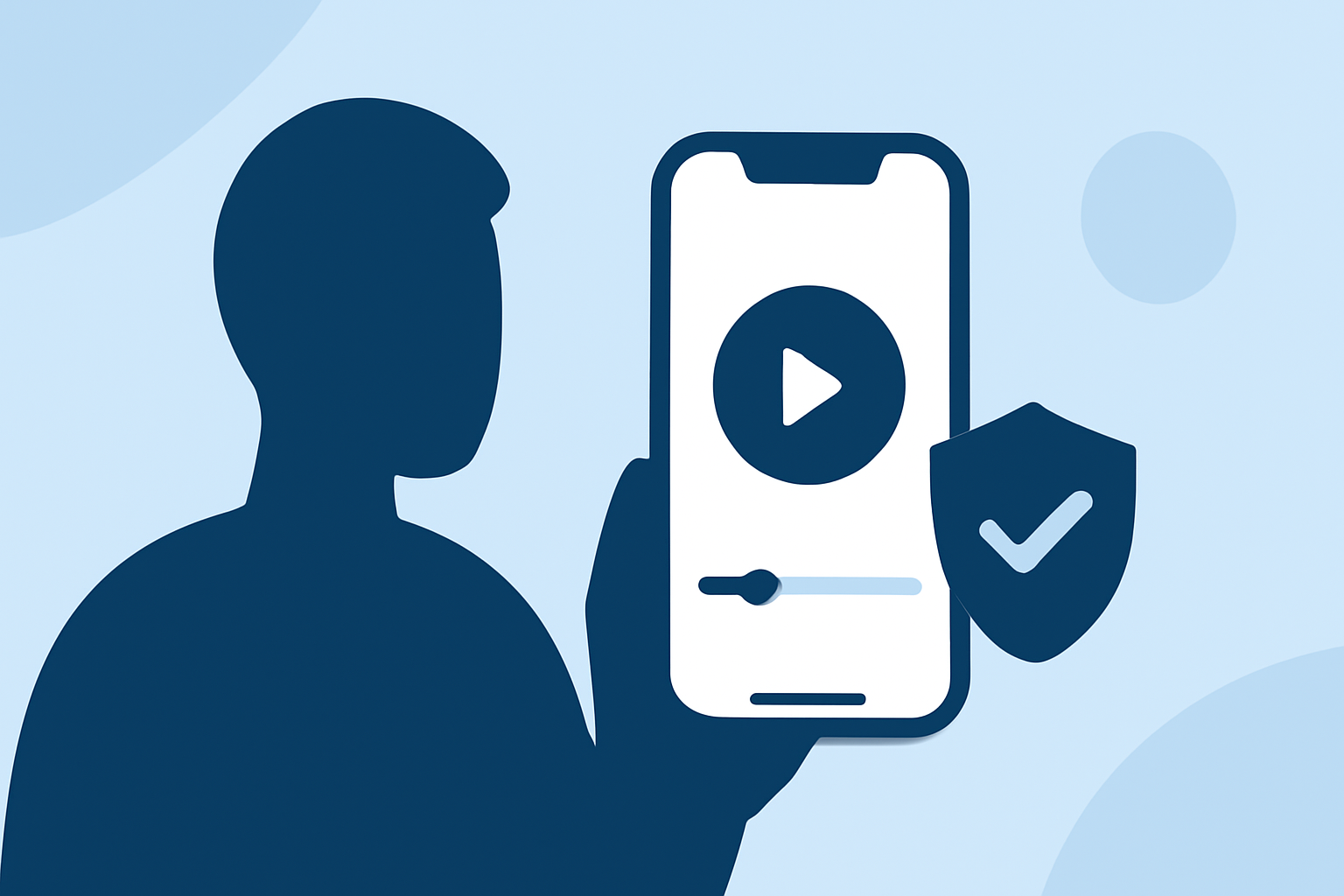
Editing security footage on your iPhone is a practical way to review and share important moments captured by your surveillance system. With the Photos app's built-in editing features, you can trim, adjust, and enhance your videos directly on your device.
How to Edit Security Footage on Your iPhone
-
Access the Video: Open the Photos app and locate the security footage you wish to edit.
-
Enter Edit Mode: Tap the video to open it, then tap the "Edit" button in the top-right corner.
-
Trim the Video: Use the yellow handles on the timeline to select the portion of the video you want to keep. Drag the handles to adjust the start and end points. Tap "Play" to preview your selection. Once satisfied, tap "Done" to save the trimmed video. (support.apple.com)
-
Apply Filters and Adjustments: Tap the "Filters" icon to apply visual effects, or use the "Adjust" icon to modify exposure, brightness, contrast, and more. These tools can help enhance the clarity and quality of your footage. (macobserver.com)
-
Rotate or Crop: If the video is not oriented correctly, tap the "Rotate" icon to adjust its orientation. Use the "Crop" tool to remove unwanted areas from the frame. (macobserver.com)
Enhancing Your Editing Experience with Planes Live
For more advanced editing capabilities, consider using Planes Live. This powerful tool offers a range of features that can elevate your video editing projects.
Key Features of Planes Live
-
Advanced Editing Tools: Planes Live provides a comprehensive suite of editing tools, including multi-track editing, advanced color correction, and audio mixing, allowing for professional-grade video production.
-
User-Friendly Interface: Designed with ease of use in mind, Planes Live offers an intuitive interface that simplifies complex editing tasks, making it accessible for both beginners and experienced editors.
-
High-Quality Output: With support for high-resolution formats, Planes Live ensures that your edited videos maintain excellent quality, suitable for various platforms and purposes.
Getting Started with Planes Live
-
Download and Install: Visit the official website to download the latest version of Planes Live compatible with your system.
-
Import Your Footage: Open Planes Live and import your security footage by selecting "Import Media" from the file menu.
-
Begin Editing: Utilize the timeline to arrange clips, apply transitions, and add effects. The software's drag-and-drop functionality makes the editing process straightforward.
-
Export Your Project: Once editing is complete, export your project in your desired format and resolution. Planes Live offers various export options to suit different needs.
Conclusion
Editing security footage on your iPhone is convenient for quick reviews and sharing. For more advanced editing needs, Planes Live offers a robust solution with its comprehensive features and user-friendly interface. Whether you're making minor adjustments or creating a polished final product, Planes Live can enhance your video editing experience.