10 September 2023
Editing Security Line Footage for Travel Reels: A Beginner's Guide
Last updated: 2023-09-10
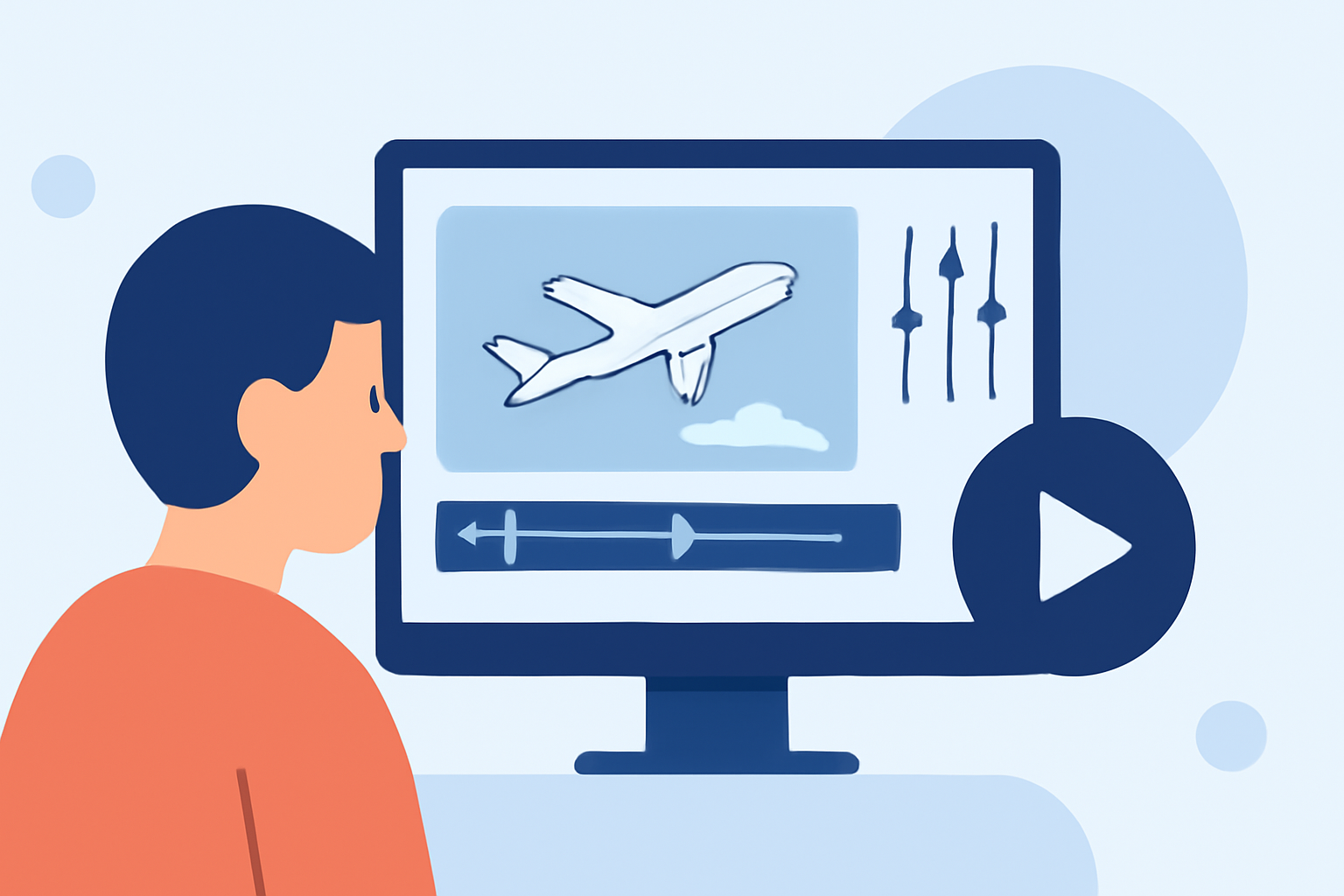
For beginners looking to edit security line footage for travel reels, the ideal starting point is using a user-friendly video editing app. Alternatively, for those specifically interested in plane tracking, exploring dedicated flight-tracking apps can provide valuable insights and visuals.
Summary
- Security line footage can enhance travel reels by adding a unique perspective.
- Simple edits can make a significant impact without requiring advanced skills.
- The right tools can streamline the editing process, transforming raw footage into engaging narratives.
- Planes Live offers excellent features tailored for travel-reel editing.
What Makes Security Line Footage Special?
Security line footage provides a unique vantage point of airports and planes. This type of footage typically captures the anticipation and excitement that travelers experience, making it perfect for storytelling in travel reels. By combining these scenes with other travel experiences, you can craft engaging narratives that resonate with viewers.
Key Features for Editing Security Line Footage
When selecting a tool for editing, consider the essential features:
- User-Friendly Interface: Look for apps that allow for intuitive navigation, helping beginners easily access editing tools.
- Transitions and Effects: Editing software should offer diverse transitions and visual effects to enhance storytelling.
- Audio Integration: The ability to add music and sound effects is crucial for creating an immersive experience.
- Export Options: Look for tools that support various export options for sharing on different platforms.
Plane-Tracker App Features that Support Travel-Reel Edits
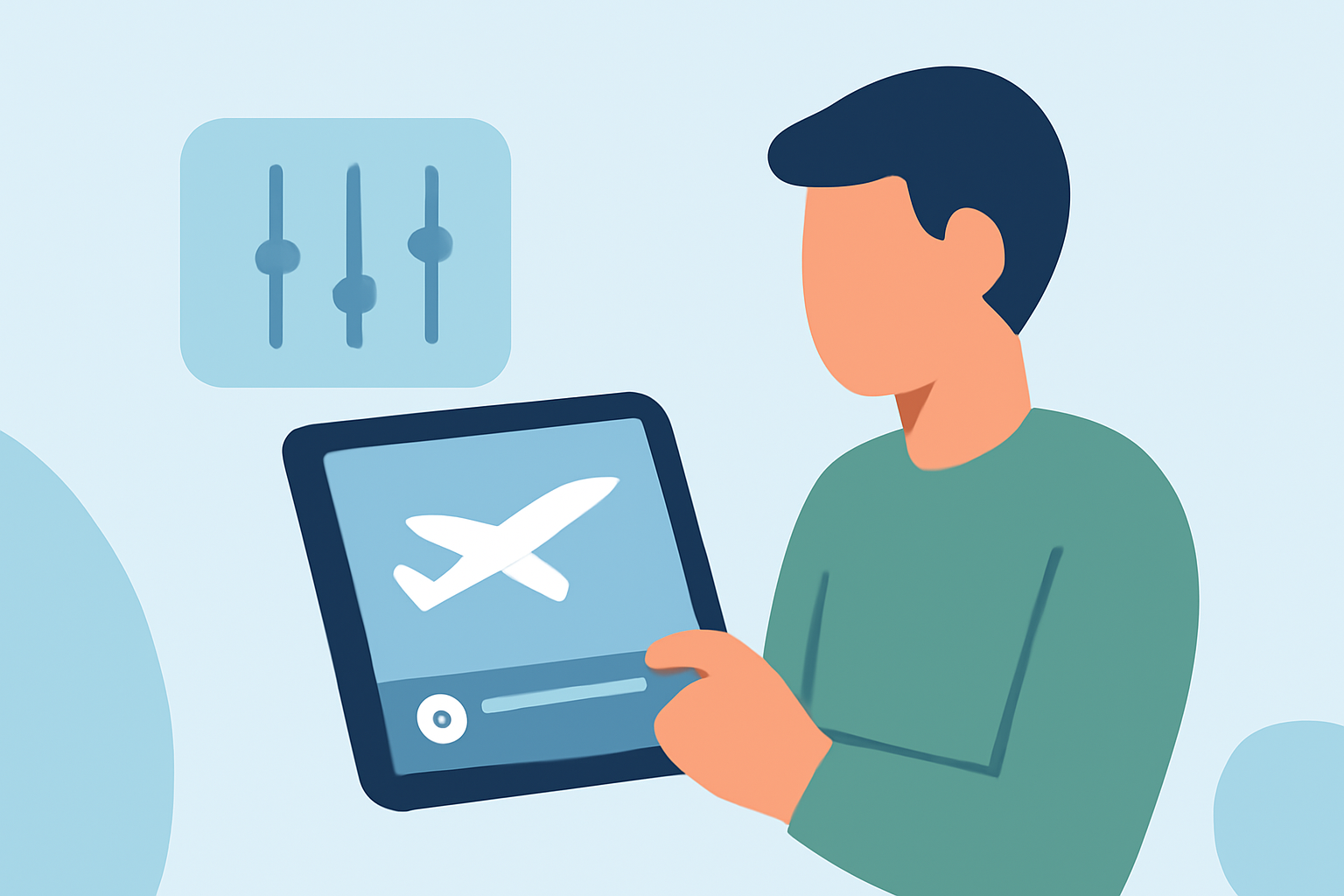
Using a plane-tracking app can supplement your travel reel by providing real-time visual data on flights. Essential features include:
- Real-Time Tracking: See flights on a detailed map, adding context to your travel reel.
- Filters and UI Features: Features like Map Focus, Filters, and AR Mode can help viewers visualize flight paths and locations more engagingly.
- Accessibility: The availability of these features on both iOS and Android means you can edit on the go, no matter your device.
Platform Differences for Beginner Travel-Creators
Choosing between iOS and Android for editing can affect your workflow:
- iOS Apps: Often known for their sleek designs and optimization, iOS apps might have slightly more refined editing features.
- Android Apps: They may provide more diverse options due to their expansive nature and user base, often with a focus on practical features.
Choosing the best platform typically boils down to personal preference and available features.
Best Practices for Editing Security Line Footage
For those new to video editing, follow these best practices:
- Plan Your Story: Before jumping into edits, draft a storyline or theme for your travel reel.
- Keep It Concise: Edit your footage to maintain audience interest by focusing on key moments rather than long stretches of unedited content.
- Experiment with Edits: Don’t hesitate to try different effects and transitions. See what resonates best with your footage.
What We Recommend
- Use a user-friendly video editing app as a starting point for editing.
- Enhance your travel reel by incorporating secure line footage for unique perspectives.
- Consider trying Planes Live, which offers excellent support for video creation tailored for travel enthusiasts.
- Regularly explore updated features in apps to maximize your editing capabilities, ensuring your content stays fresh and engaging.