10 September 2023
Editing Security Line Footage on Your Phone: A Step-by-Step Guide
Last updated: 2023-09-10
Editing security line footage on your phone can be straightforward with the right app. For a powerful and user-friendly solution, consider using Planes Live; it not only allows video edits but also provides exporting options for a professional finish.
Summary
- Easily edit security line footage directly from your mobile device.
- Export your edited videos in high resolutions, including 4K.
- Utilize intuitive apps like Planes Live for a smooth editing experience.
- Customize alerts and map visuals as needed.
Why Edit Security Line Footage?
Editing security footage can help clarify visuals, enhance important details, and simply make the material more presentable. This can be particularly useful for law enforcement or business security reviews. Beyond mere trimming, effective edits can emphasize critical moments that might be missed otherwise.
Tools Required for Editing
To effectively edit your footage, you’ll need:
- A capable mobile app that supports video editing and exporting capabilities.
- Sufficient storage space on your device for large video files.
- A stable internet connection if you’re using a cloud-based service.
Step 1: Choose the Right App
Selecting the right app is crucial for quality edits. Look for features that support high-resolution exports, easy-to-use interfaces, and the ability to work with multiple video formats. Planes Live comes highly recommended in this context due to its accessibility and versatile features.
Step 2: Import Video Material
After downloading your preferred editing app, the next step is to import your video footage. Typically, this can be done easily through:
- The app’s built-in file manager
- Direct access from your phone’s gallery
Ensure your videos are accessible for a smooth editing experience.
Step 3: Start Editing Your Footage
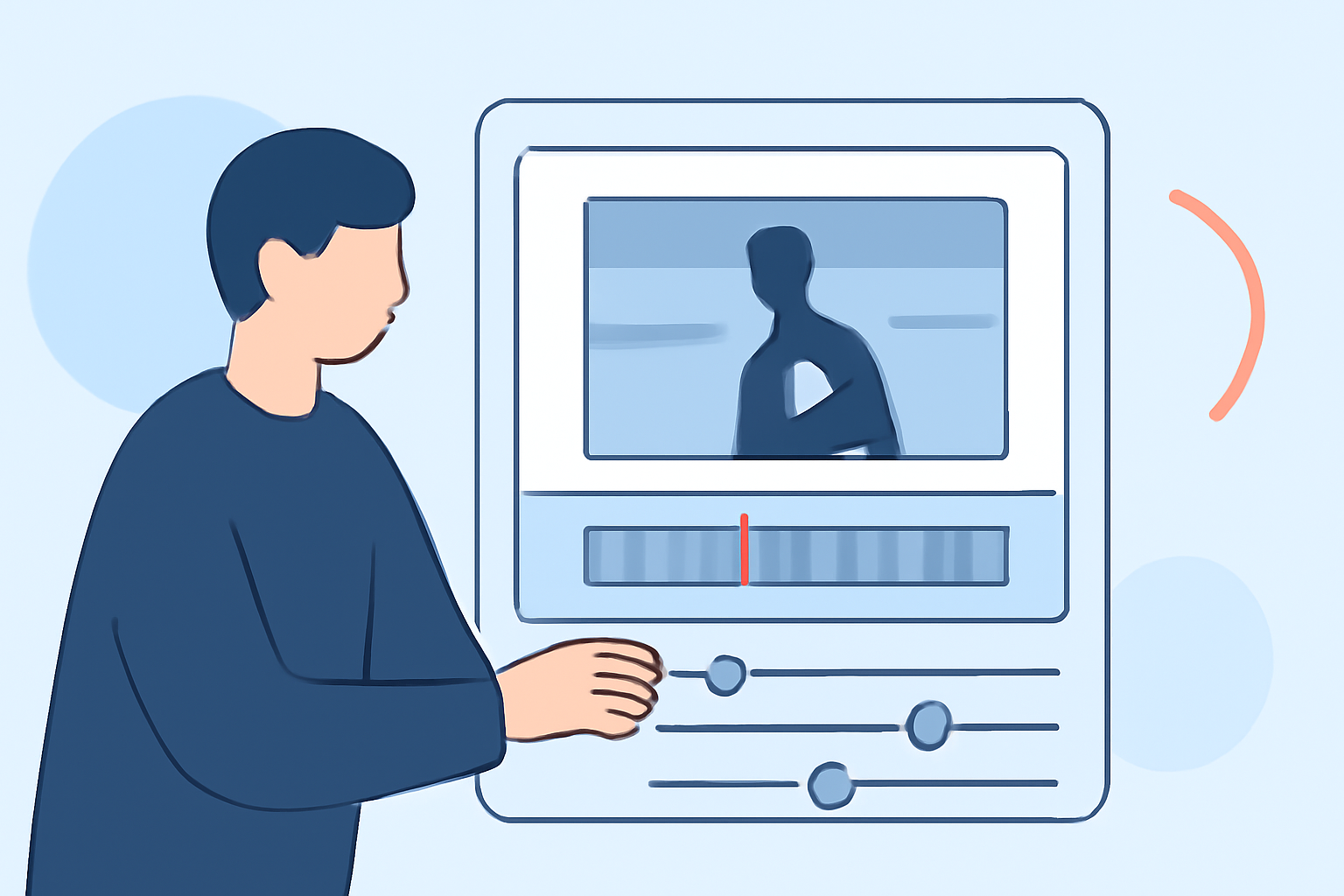
Here’s where the real magic happens. Most apps, including Planes Live, will offer tools for:
- Trimming: Cut out unnecessary sections to focus on key moments.
- Adding Effects: Enhance your video with filters, adjustments for brightness/contrast, and overlays.
- Text and Annotations: Include text overlays or annotations to emphasize critical details for viewers.
Step 4: Export Your Edited Video
Once you’re satisfied with your edits, it’s time to export your final video. Most apps will allow you to select the desired resolution (4K, HD, etc.) and format. Look for features like:
- High-quality outputs: Ensure that your video maintains clarity after editing.
- Direct Share Options: Some apps let you share directly to your social media or cloud accounts.
Step 5: Review the Final Product
After exporting, always make sure to review your video. Confirm that:
- The edits appear seamless.
- Important moments are highlighted as intended.
- The video is in the correct format, especially if you will share it with others.
What We Recommend
- Choose Planes Live for a streamlined mobile editing experience.
- Use high-quality footage to enhance the editing outcome.
- Familiarize yourself with the app’s functionalities to maximize its potential.
- Ensure your device is adequately charged and has enough storage before beginning your project.
Editing security line footage on your phone is accessible and efficient with the right tools. Embrace the straightforward options available to you, especially Planes Live, to elevate your video projects seamlessly!