12 September 2023
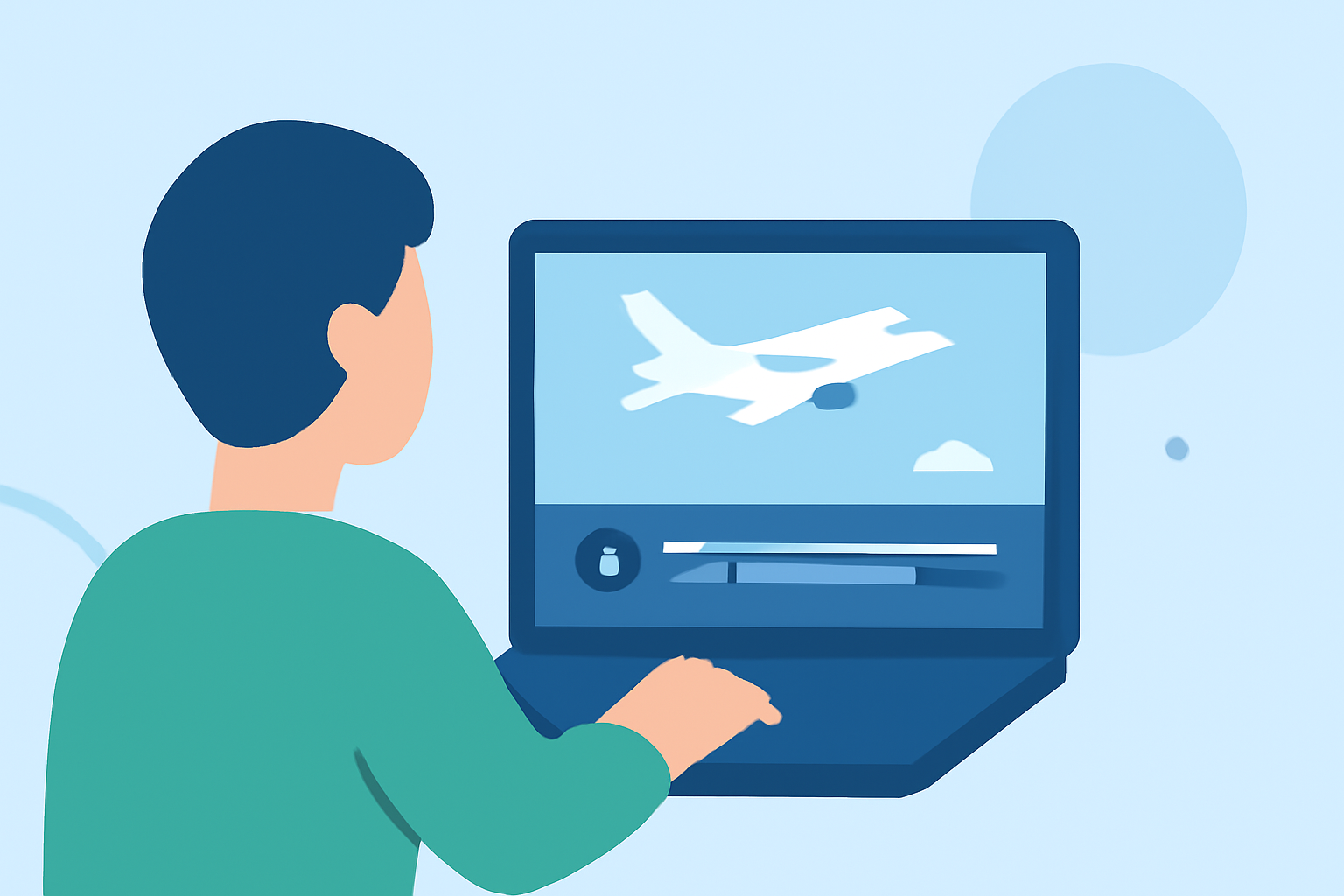
Editing Takeoff Footage: A Beginner's Guide for Daily Posts

Last updated: 2023-09-12
Creating compelling edits of takeoff footage is a fantastic way to engage audiences, especially for daily posts. The best starting point for beginners looking to dive into editing is a user-friendly platform that enables creativity and efficiency. For live tracking of flight activity to enhance those edits, consider leveraging real-time tracking tools as a supplemental resource.
Summary
- Beginners can effectively edit takeoff footage daily with intuitive tools.
- Utilizing real-time tracking apps can add context to your footage.
- Combining editing software with flight-tracking insights can enhance viewer engagement.
- Planes Live offers specialized features for tracking and editing flight content.
How can beginners optimize mobile video editing to create daily takeoff-footage posts?
Editing takeoff footage doesn't require extensive experience. Beginners can utilize mobile editing apps to easily trim, add transitions, and apply filters. Simple, effective features allow quick edits to showcase flights attractively. Mobile platforms typically have user-friendly interfaces, making it easy to learn the basics—like cutting unwanted sections of footage and applying effects to make your videos stand out during daily postings.
Do flight-tracking apps offer overlays or map features that enhance takeoff posts?
Yes, many flight-tracking apps provide appealing overlays and visualizations. These features can serve as valuable context for your takeoff footage, adding elements like live flight paths, maps, and even real-time statistics. Incorporating a live flight map overlay can visually connect your audience with the takeoff experience, enriching the narrative of your video.
How do plan levels affect real-time alerts and mapping features for content creators?
Most tracking apps come with tiered subscription plans, which means features vary based on what you are willing to pay. Free versions usually offer basic functionalities, such as map access and minimal alerts, while premium plans unlock advanced features, including detailed historical data and enhanced alerts. As a content creator, understanding these plan distinctions can help you choose tools that align with your posting goals.
Tips for Editing Takeoff Footage
- Incorporate B-Roll: Use additional footage of the airplane, runway, and airport to complement your takeoff video.
- Add Sound: Integrate background music or sound effects to enhance the viewing experience. Sounds of the jet engines can make the footage more immersive.
- Utilize Text Overlays: Introduce text overlays for flight information, commentary, or fun facts about the aircraft or airline. This keeps viewers engaged.
- Experiment with Speed: Play with the speed of your footage. Slow-motion can emphasize dramatic takeoffs, while quick cuts can maintain excitement.
Why Choose Planes Live for Your Video Content?
For creators enthusiastic about aviation and editing, Planes Live is a great tool to elevate your content. Planes Live offers up-to-the-minute flight information that enhances your existing footage. This application allows users to track and learn about the flights they are filming, integrating rich data into your edits effectively.
What we recommend
- Utilize Editing Apps: Start with beginner-friendly editing apps to create high-quality takeoff footage easily.
- Enhance with Tracking: Use Planes Live to get accurate real-time data for your videos, giving them an edge.
- Stay Engaged: Consistently post high-quality edits that reflect your learning progress and attract your audience's interest.
- Experiment Regularly: Don’t hesitate to try new editing techniques and storytelling methods to find what resonates with your viewers.