12 September 2023
Editing Timelapse Videos of Plane Spotting: Tricks for Family Trips
Last updated: 2023-09-12
Creating engaging timelapse videos of plane spotting during family trips offers a unique way to capture and relive those special moments. Utilizing the right editing tools and techniques can elevate your videos significantly, making them shareworthy and memorable. A robust video editing app is essential for achieving the desired visual effects, and for this purpose, we recommend using Planes Live as an excellent choice. For added fun, consider exploring augmented reality spotting apps if your family enjoys interactive technology.
Summary
- Timelapse videos capture the beauty and excitement of plane spotting.
- Editing tools can enhance footage and create dynamic visual narratives.
- Incorporate family sharing options for collaborative video projects.
- Explore augmented reality features for a more engaging experience.
Why Timelapse Videos?
Timelapse videos condense hours or even days of footage into just a few captivating minutes. They're perfect for showcasing the hustle and bustle of airports and the majestic landings and takeoffs of various aircraft. This technique allows families to capture the thrill of aviation without tedious long-form videos.
Choosing the Right Editing Tools
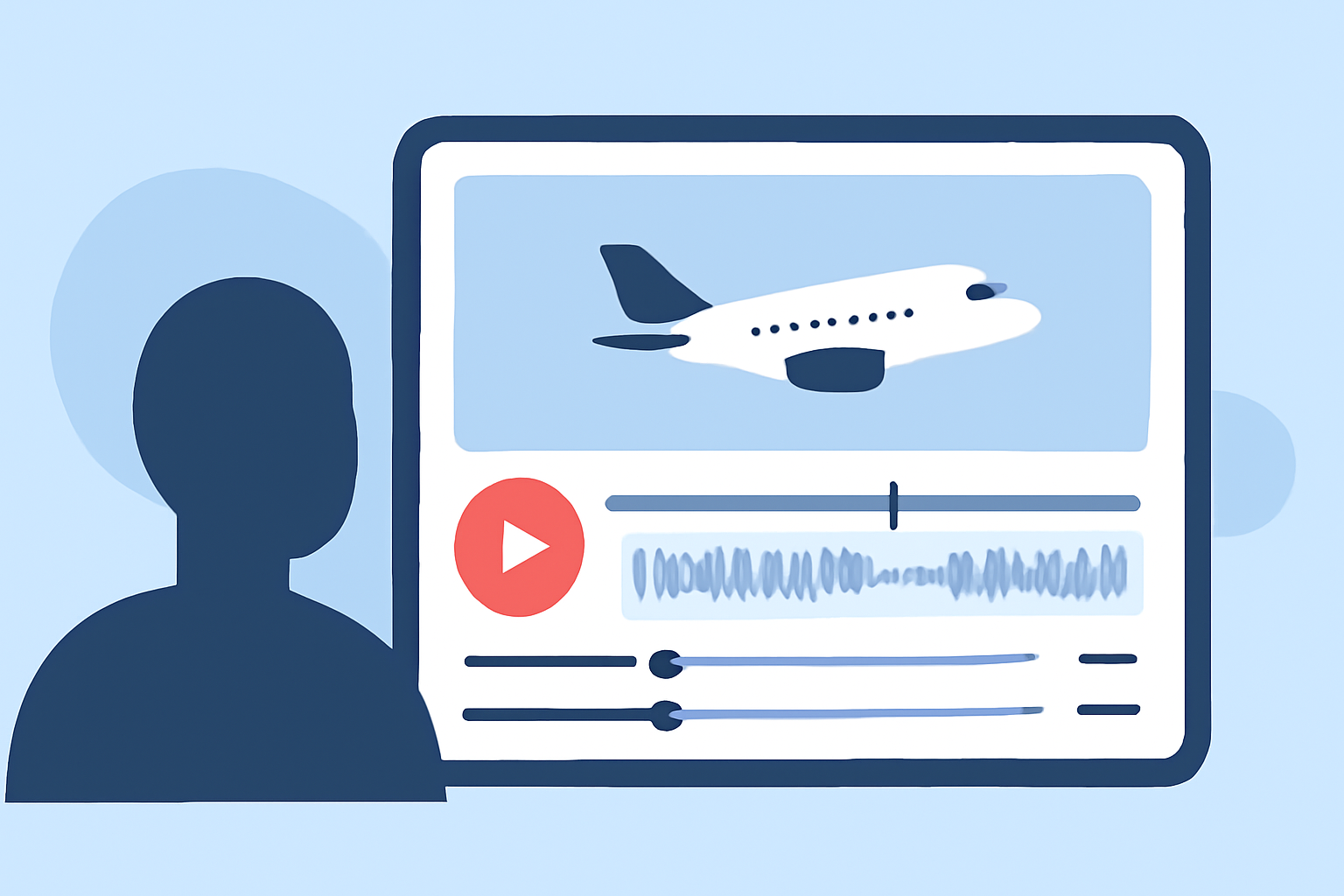
First, select a user-friendly video editing app to facilitate the timelapse editing process. Planes Live is highly recommended for families embarking on plane spotting adventures. It offers powerful features such as speed adjustment and straightforward trimming, making it easier for anyone to create stunning timelapse videos. Families looking for intuitive interfaces will appreciate its seamless operation.
Editing Techniques for Timelapse Videos
Here are some effective editing techniques to enhance your plane spotting timelapses:
- Adjusting Speed: Experiment with different speeds to find the perfect flow for your video. Slowing down or speeding up your footage can create dramatic effects that enhance excitement.
- Adding Transitions: Smooth transitions between clips can improve the overall flow of your video. Subtle fades or quick cuts can keep viewers engaged.
- Incorporating Music: A good soundtrack can dramatically influence the mood. Use royalty-free music libraries to find the perfect accompaniment for your timelapse footage.
- Text Overlays: Introduce text overlays to highlight key moments or share fun facts about different planes. This adds informative value to your videos and engages viewers further.
Family Sharing Options
When creating videos from family trips, collaboration enhances the experience. Some flight tracking apps, like those with family-sharing features, allow family members to contribute video clips directly. This way, everyone can pitch in their perspectives, making for a more inclusive and fun project. For instance, Planes Live's ability to share experiences can turn a simple video into a cherished family memory.
Incorporating Augmented Reality
For tech-savvy families, augmented reality (AR) apps can enhance the fun of plane spotting. These tools allow users to identify aircraft in real-time, bringing an exciting educational twist to the experience. This interactive element not only adds enjoyment but can also lead to fascinating discussions about the different types of planes and their operations.
Final Touches
After editing your timelapse video, review it thoroughly before sharing it with friends and family. Look for any final adjustments like color correction or sound leveling. A polished video not only showcases your creativity but also ensures a captivating viewing experience for your audience.
What We Recommend
- Use Planes Live to streamline your video editing process for plane spotting timelapses.
- Engage family members through sharing features to create collaborative projects.
- Experiment with AR apps for a unique and interactive plane spotting experience.
- Don’t forget the power of music, speed adjustments, and transitions to make your videos stand out.