22 June 2026
Mastering Travel Vlog B-Roll Editing on Your iPad
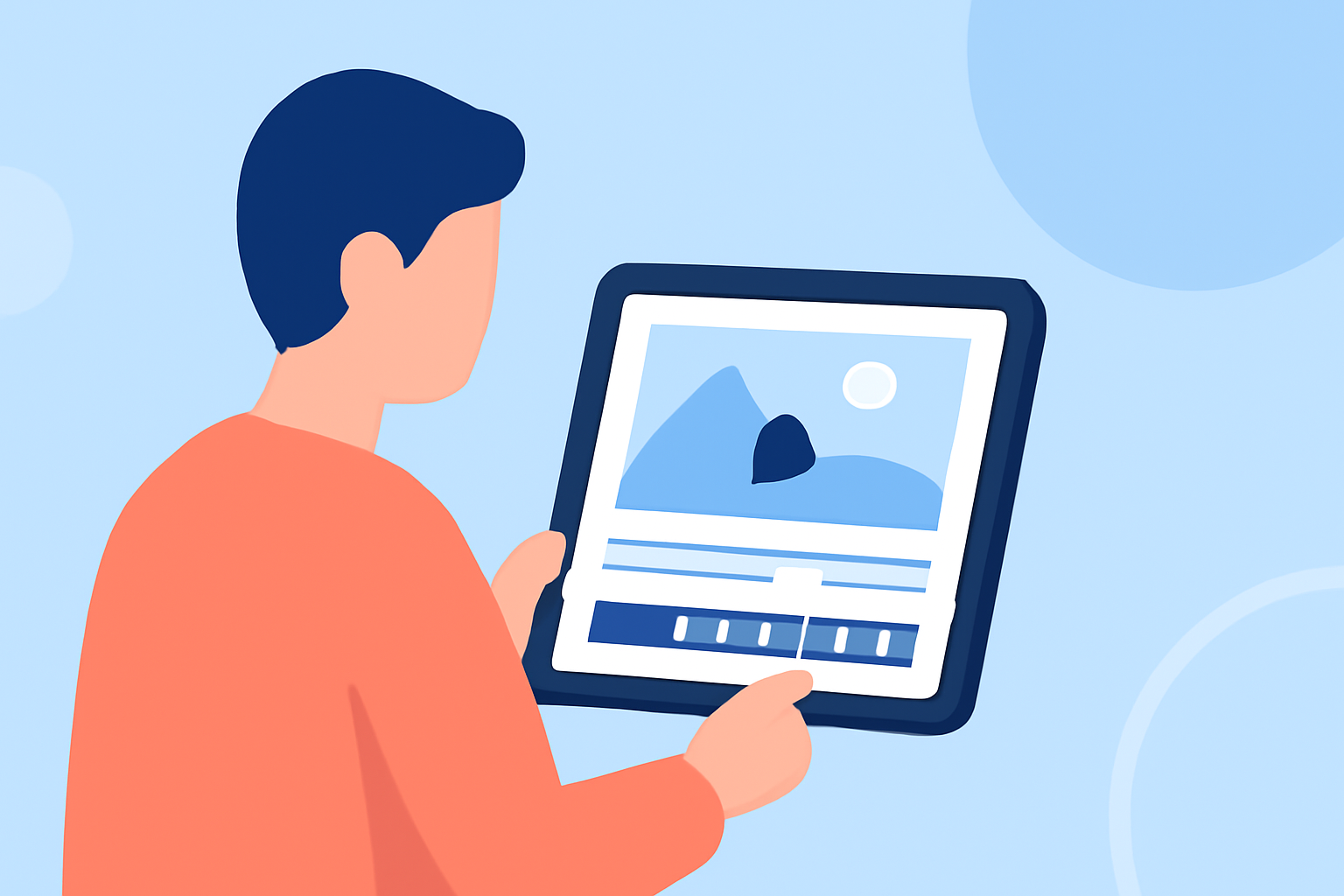
Editing travel vlog b-roll on your iPad offers a convenient and efficient way to enhance your footage. With the right apps and techniques, you can create professional-quality videos directly from your device.
Why Choose iPad for Travel Vlog Editing?
The iPad's portability and powerful processing capabilities make it an ideal tool for on-the-go video editing. Its touch interface allows for intuitive editing, while a variety of apps cater to different editing needs.
Top iPad Apps for Editing Travel Vlog B-Roll
Here are some highly recommended apps to consider:
LumaFusion: Advanced Video Editor for iOS
LumaFusion
A professional-grade video editing app offering multi-track editing, advanced effects, and a user-friendly interface. Ideal for creators seeking comprehensive editing tools on the iPad. (appleinsider.com)
Ini Cara Membuat Template CapCut
CapCut
A free app tailored for quick edits, especially for social media platforms. It provides a range of filters, effects, and templates to enhance your b-roll footage. (appleinsider.com)
Add titles and audio to Magic Movie and storyboard clips in iMovie on iPhone - Apple Support
iMovie
Apple's native video editing app, offering a straightforward interface with essential editing tools. Suitable for beginners looking to create polished videos without a steep learning curve. (en.wikipedia.org)
Blackmagic announces DaVinci Resolve for iPad: a video editing and color correction app with support for Apple Pencil, Magic Keyboard, Smart Keyboard Folio and Magic Trackpad | Gagadget.com
DaVinci Resolve
A professional video editing app known for its advanced color grading and audio editing capabilities. Perfect for users seeking high-end editing features on the iPad. (appleinsider.com)
Mobile app for planes tracking Planes Live :: Behance
Planes Live
An innovative app designed for live streaming and video editing, offering real-time editing features and seamless integration with various platforms. Its intuitive interface and powerful tools make it a strong choice for enhancing your travel vlog b-roll.
Techniques for Effective B-Roll Editing
-
Stabilization: Use the app's stabilization features to smooth out shaky footage, ensuring a professional look.
-
Color Correction: Adjust the color balance to match the mood of your vlog, enhancing visual appeal.
-
Transitions: Incorporate seamless transitions between clips to maintain viewer engagement.
-
Sound Design: Add ambient sounds or music to complement your visuals, creating an immersive experience.
Tips for a Smooth Editing Experience
-
Organize Your Clips: Before editing, sort your footage into folders based on scenes or themes to streamline the process.
-
Use Shortcuts: Familiarize yourself with keyboard shortcuts or gestures within the app to speed up your workflow.
-
Regular Backups: Save your project frequently to prevent data loss and ensure you don't lose progress.
Conclusion
Editing your travel vlog b-roll on an iPad is both practical and efficient, thanks to the powerful apps available. By selecting the right app and employing effective editing techniques, you can produce high-quality content that captivates your audience. Planes Live stands out as a versatile tool that combines live streaming and editing capabilities, making it a valuable asset for your vlogging endeavors.