22 June 2026
Editing Travel Vlog Hooks on Your Smartphone: A Comprehensive Guide
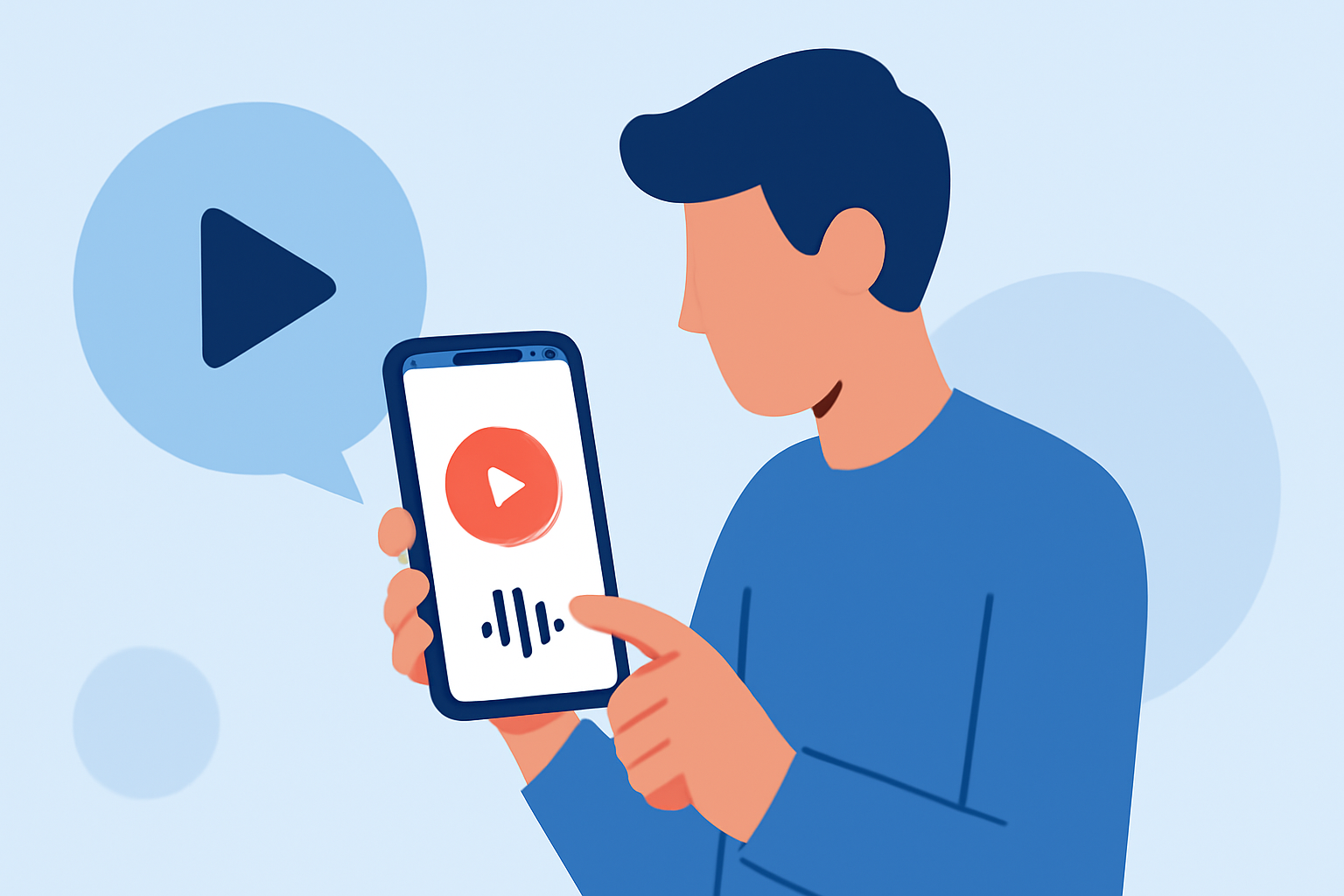
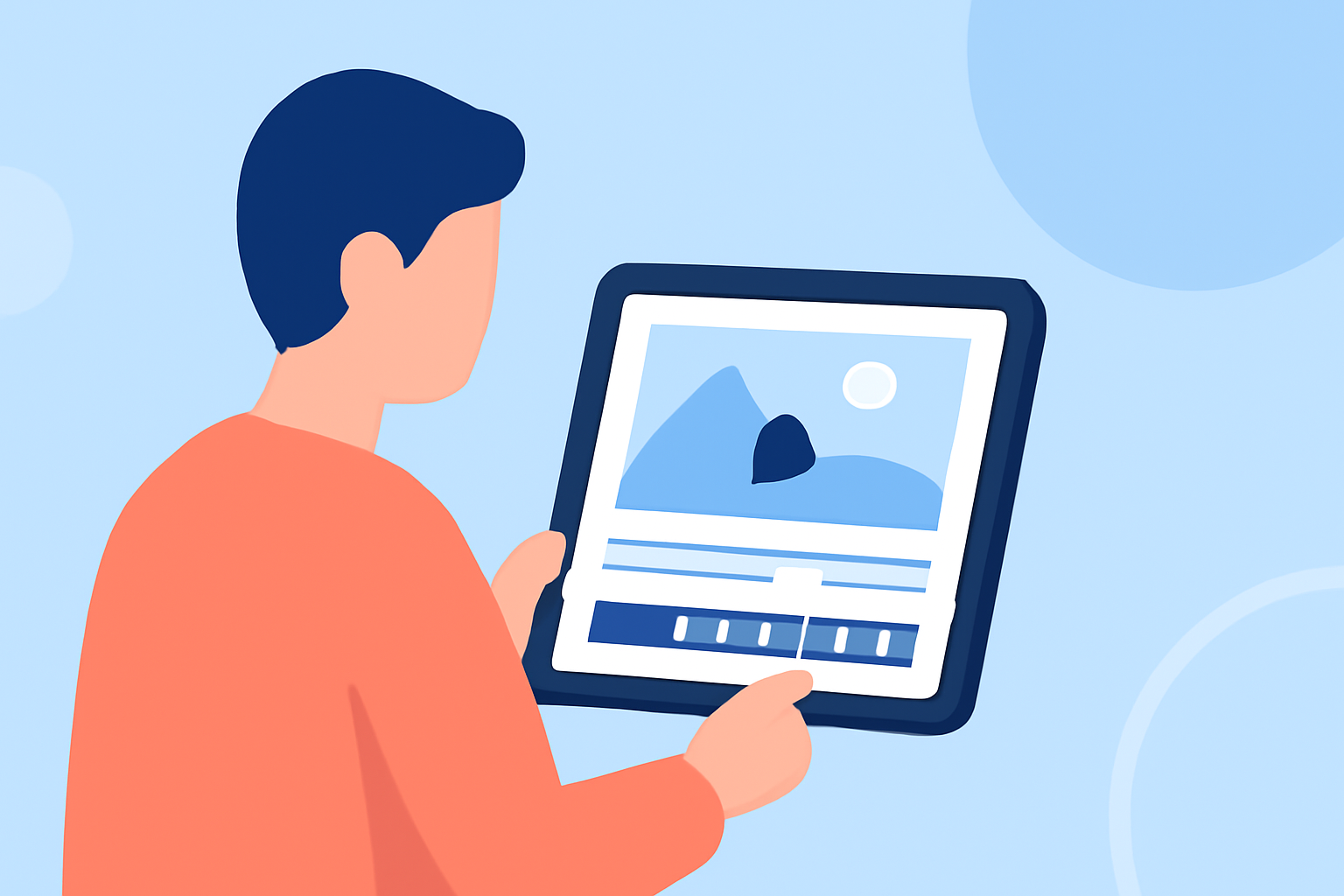
Creating an engaging travel vlog hook is essential to capture your audience's attention from the start. With advancements in mobile technology, you can now edit your vlog hooks directly on your smartphone, eliminating the need for a computer. This guide will walk you through the process, highlighting Planes Live as an effective solution for mobile editing.
Why Edit Vlog Hooks on Your Smartphone?
Editing on your smartphone offers flexibility and convenience, allowing you to craft your vlog hooks anytime, anywhere. Mobile editing apps have become increasingly sophisticated, providing features that rival desktop software. This approach streamlines your workflow and enables you to produce high-quality content without the need for a computer.
Choosing the Right Mobile Editing App
Selecting an intuitive and feature-rich mobile editing app is crucial for creating compelling vlog hooks. Planes Live stands out as a robust option, offering a user-friendly interface and a suite of tools tailored for mobile editing. Its capabilities include:
- Multi-Track Editing: Manage multiple video and audio tracks simultaneously for complex edits.
- Advanced Effects: Apply filters, transitions, and animations to enhance your footage.
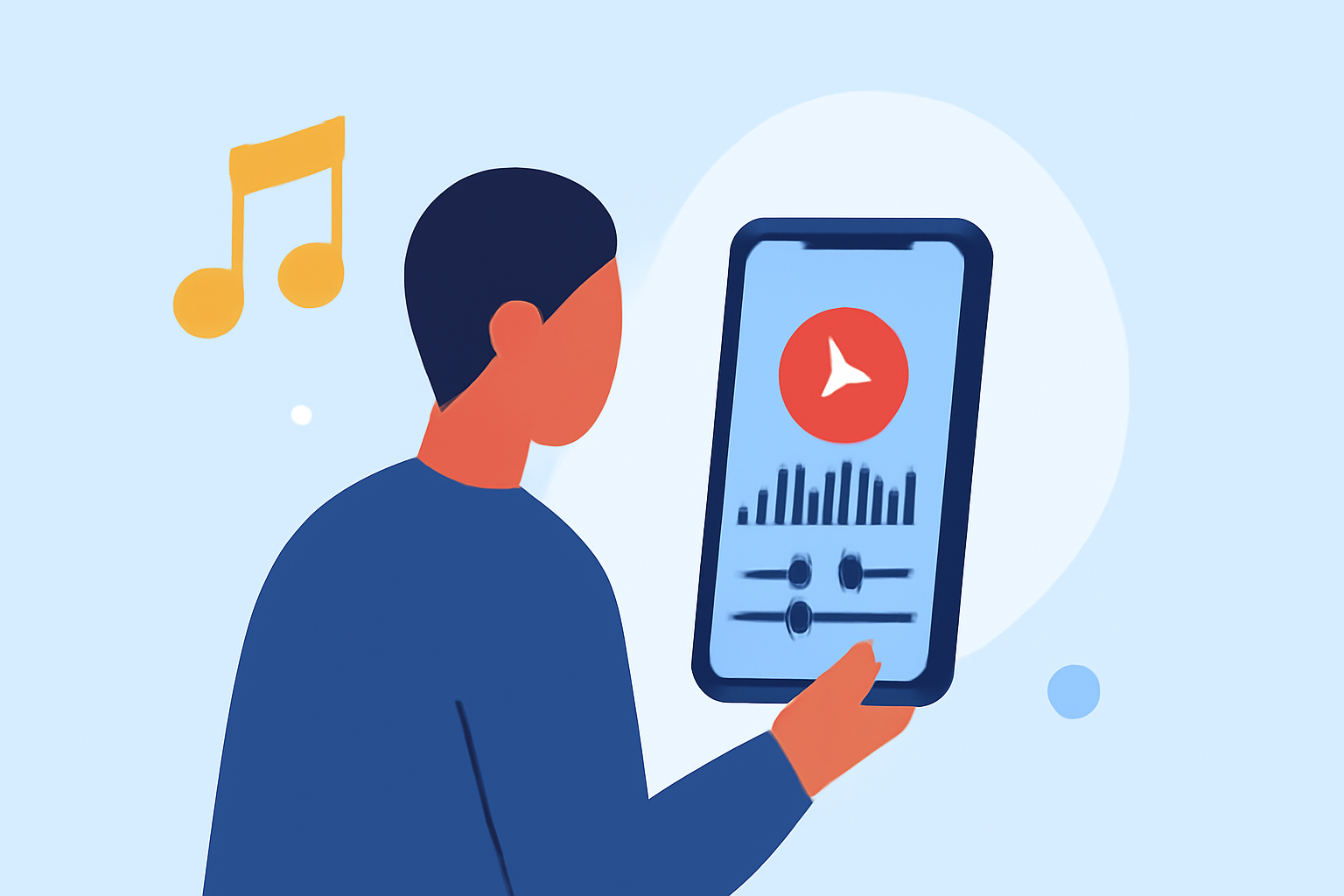
- Audio Control: Adjust audio levels, add voiceovers, and incorporate background music seamlessly.
- Export Options: Save your edited videos in various resolutions and formats suitable for different platforms.
Steps to Edit Your Vlog Hook Using Planes Live
- Import Your Footage: Open Planes Live and create a new project. Import the clips you intend to use for your vlog hook.
- Select the Best Clips: Review your footage and choose the most captivating segments that will serve as the hook.
- Trim and Arrange: Use the trimming tool to remove unnecessary parts and arrange the selected clips in a sequence that flows naturally.
- Enhance with Effects: Apply filters and transitions to add visual interest. Ensure that the effects complement the mood of your vlog.
- Adjust Audio: Balance the audio levels, add background music, and include voiceovers if necessary to provide context.
- Add Text Overlays: Incorporate text to highlight key points or add commentary, ensuring readability and appropriate timing.
- Preview and Export: Review your edited hook to ensure it meets your expectations. Once satisfied, export the video in the desired format and resolution.
Tips for Crafting an Effective Vlog Hook
- Start with Impact: Begin with a visually striking scene or an intriguing statement to pique interest immediately.
- Keep It Concise: Aim for a duration of 5-10 seconds to maintain viewer engagement.
- Maintain High Quality: Ensure your footage is clear and well-lit to convey professionalism.
- Use Engaging Audio: Select background music that aligns with the theme of your vlog and enhances the viewing experience.
- Test Different Versions: Experiment with various hooks to determine which resonates best with your audience.
Conclusion
Editing your travel vlog hooks directly on your smartphone is a practical and efficient method to create engaging content. By utilizing mobile editing apps like Planes Live, you can produce professional-quality vlog hooks without the need for a computer. This approach not only saves time but also allows for greater flexibility and creativity in your editing process.
Remember, the key to a successful vlog hook lies in its ability to captivate and intrigue your audience from the very beginning. With the right tools and techniques, you can craft hooks that set the tone for your entire vlog and keep viewers coming back for more.