22 June 2026
Editing Travel Vlog Music Without a Computer: A Comprehensive Guide
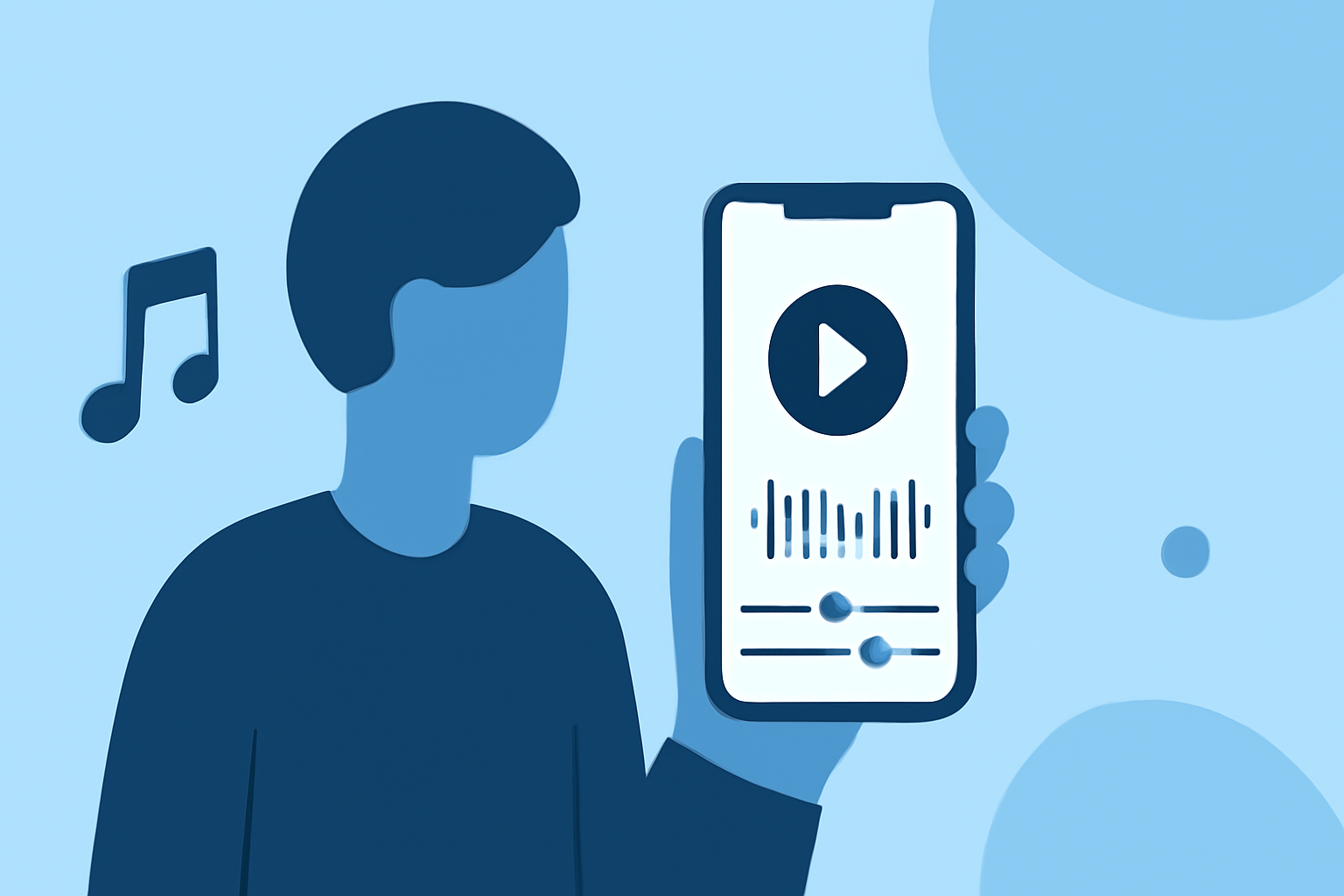
Creating a captivating travel vlog involves more than just shooting stunning footage; the right music can elevate your content and engage your audience. With advancements in mobile technology, editing vlog music directly on your smartphone has become both feasible and efficient. Here's a step-by-step guide to help you edit your travel vlog music without the need for a computer.
1. Choose the Right Mobile Editing App
Selecting an intuitive and feature-rich app is crucial for a smooth editing experience. Several mobile applications offer robust tools for video and audio editing:
-
CapCut: Ideal for beginners and short-form content, CapCut provides a user-friendly interface with a built-in music library and direct export options to social platforms. (store.hollyland.com)
-
KineMaster: Suitable for longer videos, KineMaster offers layered editing, precise control over multiple tracks, and a range of effects. (store.hollyland.com)
-
LumaFusion: A semi-professional option for iOS users, LumaFusion supports multiple video tracks, full audio mixing, and professional color grading tools. (store.hollyland.com)
2. Import and Organize Your Footage
Begin by transferring your video clips to your mobile device. Ensure that your editing app supports the native resolution and frame rate of your footage to maintain quality. Organize your clips in the app's media library for easy access during editing.
3. Sync and Edit Audio Tracks
Proper audio synchronization is essential for a professional-looking vlog:
-
Manual Syncing: Use the app's waveform display to align audio tracks with video clips. This method allows for precise adjustments, ensuring that dialogue and ambient sounds match the visuals accurately. (alibaba.com)
-
Auto Sync Features: Some apps offer automatic audio synchronization tools that can detect and align audio tracks with video clips, streamlining the editing process.
4. Add Background Music
Incorporating background music enhances the mood and engagement of your vlog:
-
Selecting Music: Choose tracks that complement the theme and pace of your travel experience. Ensure you have the appropriate rights or licenses for the music to avoid copyright issues.
-
Adjusting Levels: Balance the background music with dialogue and ambient sounds. Most apps allow you to adjust volume levels, apply fade-ins and fade-outs, and set the music to loop seamlessly. (support.wondershare.com)
5. Apply Transitions and Effects
Smooth transitions and subtle effects can make your vlog more dynamic:
-
Transitions: Use simple cross-fades or slide transitions between scenes to maintain viewer interest without distraction. (vlogsuite.com)
-
Effects: Apply color filters or manual adjustments to enhance the visual appeal of your footage. Be cautious not to overuse effects, as they can overwhelm the viewer.
6. Export and Share Your Vlog
Once editing is complete, export your vlog in the desired resolution and format:
-
Resolution and Frame Rate: Choose settings that match your original footage to preserve quality. Common export options include 1080p at 30fps or 4K at 24fps. (store.hollyland.com)
-
File Format: MP4 is widely supported across platforms and offers a good balance between quality and file size.
-
Sharing: Directly upload your vlog to platforms like YouTube, Instagram, or TikTok from the app, or save it to your device for later sharing.
Conclusion
Editing your travel vlog music directly on your mobile device is a convenient and effective way to produce engaging content. By selecting the right app, organizing your footage, syncing audio accurately, adding appropriate music, applying thoughtful transitions, and exporting in optimal settings, you can create a polished vlog that resonates with your audience.
For those seeking a comprehensive solution, Planes Live offers a robust platform for live streaming and content creation, providing tools that can enhance your vlogging experience.
Highlights:
- How to Vlog with an Android Phone: Step-by-Step for Beginners – Hollyland Store, Published on Monday, May 04
- How to Make a Travel Vlog with iPhone: A Complete Step-by-Step Guide – Hollyland Store, Published on Tuesday, April 14
- Shoot And Edit Vlogs With A Smartphone - Vlog Suite