22 June 2026
Essential Checklist for Editing Travel Vlog Music on Your Phone
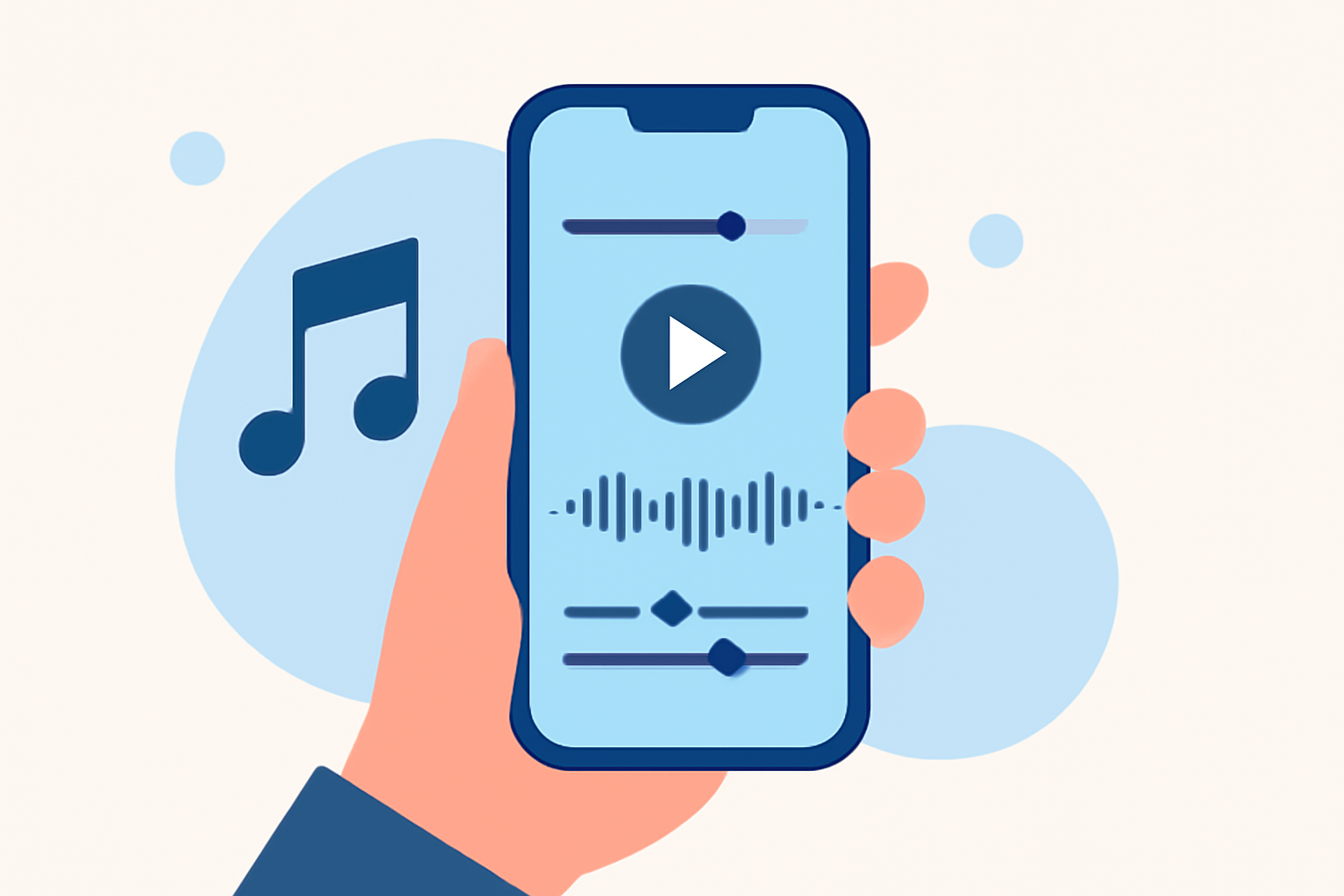
Creating a captivating travel vlog involves more than just capturing stunning footage; the right music can elevate your video, setting the tone and enhancing the viewer's experience. Editing music directly on your phone offers convenience and flexibility, allowing you to craft professional-quality vlogs on the go.
1. Choose the Right Editing App
Selecting an intuitive and feature-rich app is the first step. One highly recommended option is Planes Live, which offers a user-friendly interface and a suite of tools tailored for mobile editing.
2. Organize Your Footage
Before diving into editing, review your clips and select the best ones. Eliminate shaky shots, duplicates, and any footage that doesn't contribute to your story. This ensures a smoother editing process and a more engaging final product.
3. Sync Music with Visuals
Choose music that complements the pace and mood of your footage. For instance, use lighter tracks for walking scenes and more upbeat music for action shots. Ensure the music aligns with the natural rhythm of your video to maintain viewer engagement.
4. Adjust Audio Levels
Balance the audio levels to ensure clarity. Lower the music volume during dialogue or important ambient sounds, and adjust the overall levels to prevent distortion. Planes Live provides tools to fine-tune audio, making this process straightforward.
5. Apply Transitions and Effects
Use transitions sparingly to maintain a natural flow between scenes. Simple cuts or fades are often more effective than elaborate effects. Planes Live offers a variety of transitions and effects that can enhance your vlog without overwhelming it.
6. Color Correction and Filters
Enhance the visual appeal by adjusting brightness, contrast, and saturation. Applying subtle filters can also unify the look of your footage. Planes Live includes built-in filters and color correction tools to help achieve a cohesive aesthetic.
7. Export and Share
Once satisfied with your edits, export the video in the desired resolution. Planes Live supports high-quality exports suitable for various platforms, ensuring your vlog looks its best wherever it's shared.
By following this checklist and utilizing Planes Live, you can efficiently edit your travel vlog music directly on your phone, producing engaging and professional content that resonates with your audience.