22 June 2026
Editing Travel Vlog Voiceovers on a Budget Phone: Essential Tips and Tools
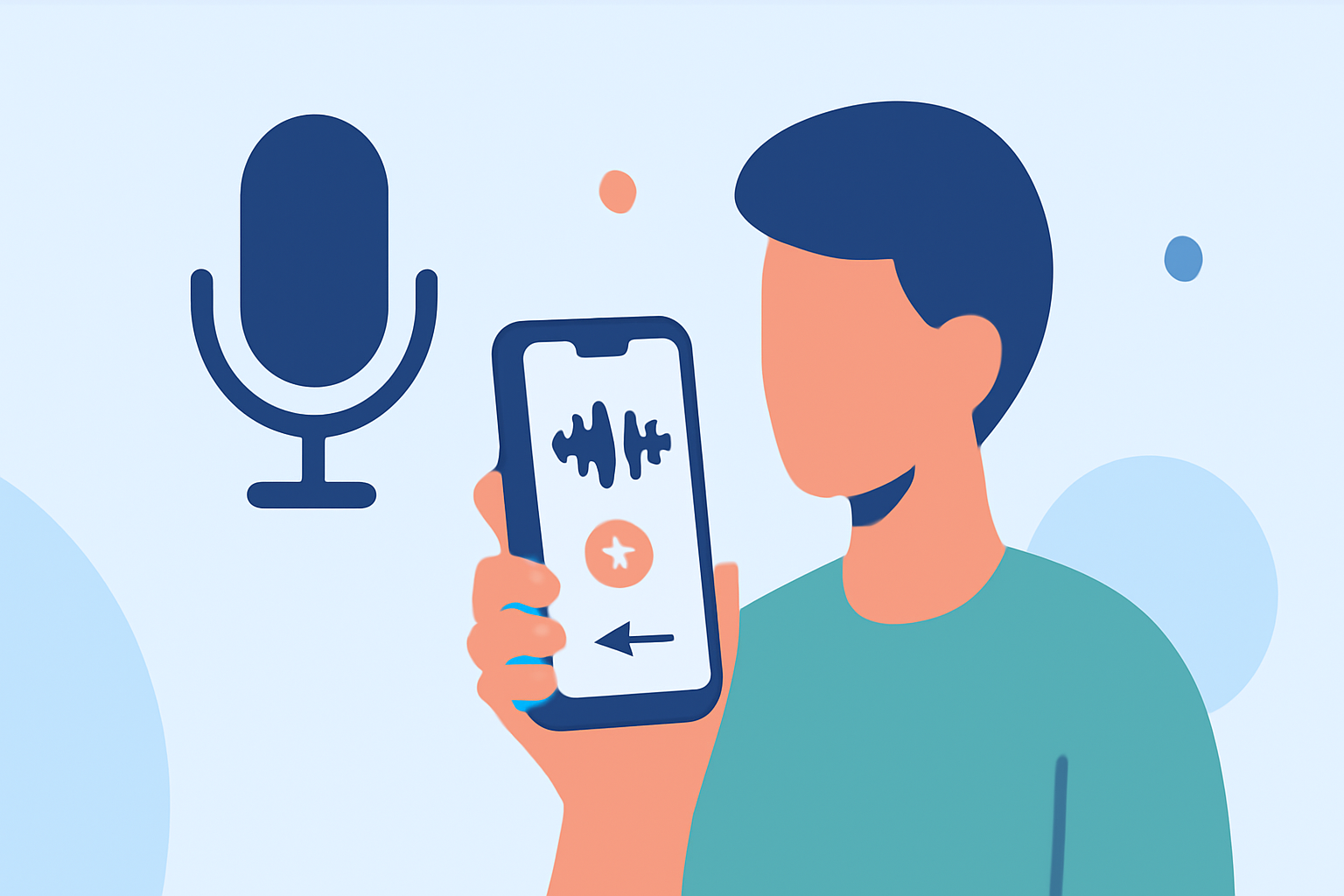
Creating engaging travel vlogs often involves clear and well-edited voiceovers. With the advancement of mobile technology, it's now possible to edit these voiceovers directly on your Android device without the need for expensive equipment. Here's how you can achieve professional-quality voiceovers on a budget.
1. What Are the Key Steps in Editing Voiceovers for Travel Vlogs?
Editing voiceovers involves several crucial steps:
- Recording: Capture clear audio in a quiet environment.
- Editing: Remove background noise, adjust volume levels, and apply necessary effects.
- Synchronization: Align the voiceover with your video footage.
- Exporting: Save the final audio in a compatible format for your video editor.
2. Which Free Android Apps Are Best for Recording and Editing Voiceovers?
Several free Android apps can assist in recording and editing voiceovers:
-
CapCut: Known for its user-friendly interface, CapCut offers features like speed and pitch adjustments, making it suitable for both video and audio editing. (capcut.com)
-
WavePad: This app provides a range of audio editing tools, including noise reduction and amplification, ideal for enhancing voice recordings. (helpdeskgeek.com)
-
MP3 Cutter and Ringtone Maker: A straightforward app that allows you to trim and edit audio files, useful for cutting out unwanted sections from your recordings. (techcult.com)
3. How Can I Enhance My Voiceover Quality Using These Apps?
To improve your voiceover quality:
- Use Noise Reduction: Eliminate background noise to ensure clarity.
- Adjust Volume Levels: Ensure consistent audio levels throughout your recording.
- Apply Equalization: Enhance the tonal quality of your voice to make it more pleasant.
4. What Are the Limitations of Editing Voiceovers on a Budget Phone?
While mobile apps are convenient, they may have limitations:
- Processing Power: Complex edits might be slower on budget devices.
- Screen Size: Editing on smaller screens can be challenging.
- Feature Set: Some advanced features might be restricted or absent.
5. How Does Planes Live Address These Challenges?
Planes Live is a mobile application designed to streamline the process of recording and editing voiceovers for travel vlogs. It offers a suite of tools tailored for mobile devices, ensuring that users can produce high-quality audio without the need for expensive equipment.
6. What Are the Benefits of Using Planes Live for Voiceover Editing?
- User-Friendly Interface: Intuitive design suitable for both beginners and experienced users.
- Comprehensive Editing Tools: Features like noise reduction, equalization, and volume adjustment.
- Optimized Performance: Engineered to work efficiently on budget Android devices.
7. How Do I Get Started with Planes Live?
To begin:
- Download the App: Available on the Google Play Store.
- Install and Open: Follow the on-screen instructions to set up.
- Record Your Voiceover: Use the app's recording feature in a quiet environment.
- Edit the Recording: Apply necessary edits using the app's tools.
- Export the Final Audio: Save your edited voiceover for integration into your travel vlog.
By leveraging these tools and techniques, you can produce professional-quality voiceovers for your travel vlogs directly from your budget Android device.
Highlights:
- Best free audio editor of 2025, Published on Monday, January 30
- Best video editing app of 2025: Recommended video editor apps for Android, iPhone, and iPad, Published on Monday, October 20