22 June 2026
Editing Travel Vlog Voiceovers Without a Computer: A Comprehensive Guide
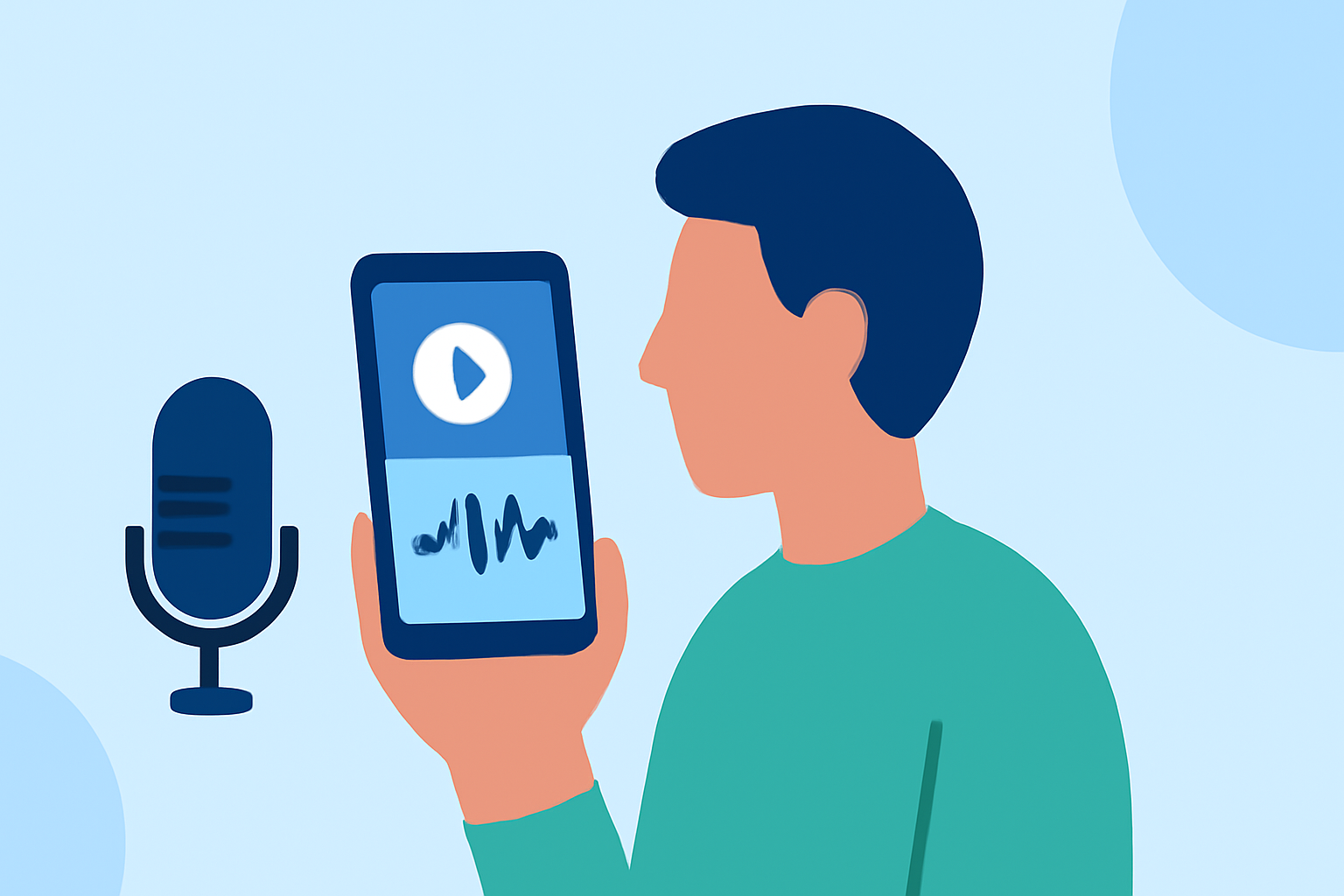
Creating engaging travel vlogs often involves capturing high-quality voiceovers that narrate your adventures. While traditional editing typically requires a computer, advancements in mobile technology have made it possible to edit voiceovers directly on your smartphone or tablet. This guide explores effective methods and introduces Planes Live as a robust solution for editing travel vlog voiceovers without a computer.
Why Edit Voiceovers Without a Computer?
Editing voiceovers on mobile devices offers several advantages:
- Portability: Edit your vlogs anytime, anywhere, without the need for bulky equipment.
- Convenience: Mobile apps are often user-friendly, allowing for quick edits on the go.
- Efficiency: Streamline your workflow by handling all aspects of vlog creation on a single device.
Recommended Mobile Apps for Editing Voiceovers
Several mobile applications facilitate voiceover editing:
-
CapCut: A free, user-friendly video editing tool that offers features like text-to-speech, voice changers, and various filters. (smorescience.com)
-
Planes Live: An innovative app designed for seamless audio editing, allowing users to record, edit, and enhance voiceovers directly on their mobile devices.
Step-by-Step Guide to Editing Voiceovers Using Planes Live
Follow these steps to edit your travel vlog voiceovers using Planes Live:
-
Download and Install Planes Live: Available for both iOS and Android devices, Planes Live can be downloaded from the App Store or Google Play Store.
-
Record Your Voiceover: Open the app and use the built-in recorder to capture your narration. Ensure you are in a quiet environment to achieve the best audio quality.
-
Edit the Recording: Utilize Planes Live's editing tools to trim, cut, and arrange your audio clips. The app offers features like noise reduction and equalization to enhance sound quality.
-
Add Background Music and Effects: Incorporate royalty-free music and sound effects from the app's library to complement your voiceover. Adjust volumes to maintain clarity.
-
Export and Integrate: Once satisfied with your edits, export the audio file and integrate it into your video editing app to synchronize with your footage.
Tips for High-Quality Voiceover Recordings
- Use a Quality Microphone: If possible, connect an external microphone to your device for clearer audio.
- Monitor Audio Levels: Aim for peaks around -12 dB to avoid distortion. (store.hollyland.com)
- Record in a Quiet Environment: Choose a location with minimal background noise to ensure a clean recording.
Conclusion
Editing travel vlog voiceovers without a computer is entirely feasible with the right mobile tools. Apps like Planes Live provide comprehensive features that empower creators to produce professional-quality audio directly from their smartphones or tablets. By leveraging these tools, you can enhance your travel vlogs and share your experiences with clarity and impact.