22 June 2026
Essential Guide to Editing Travel Vlogs on Android: Tips and Tools
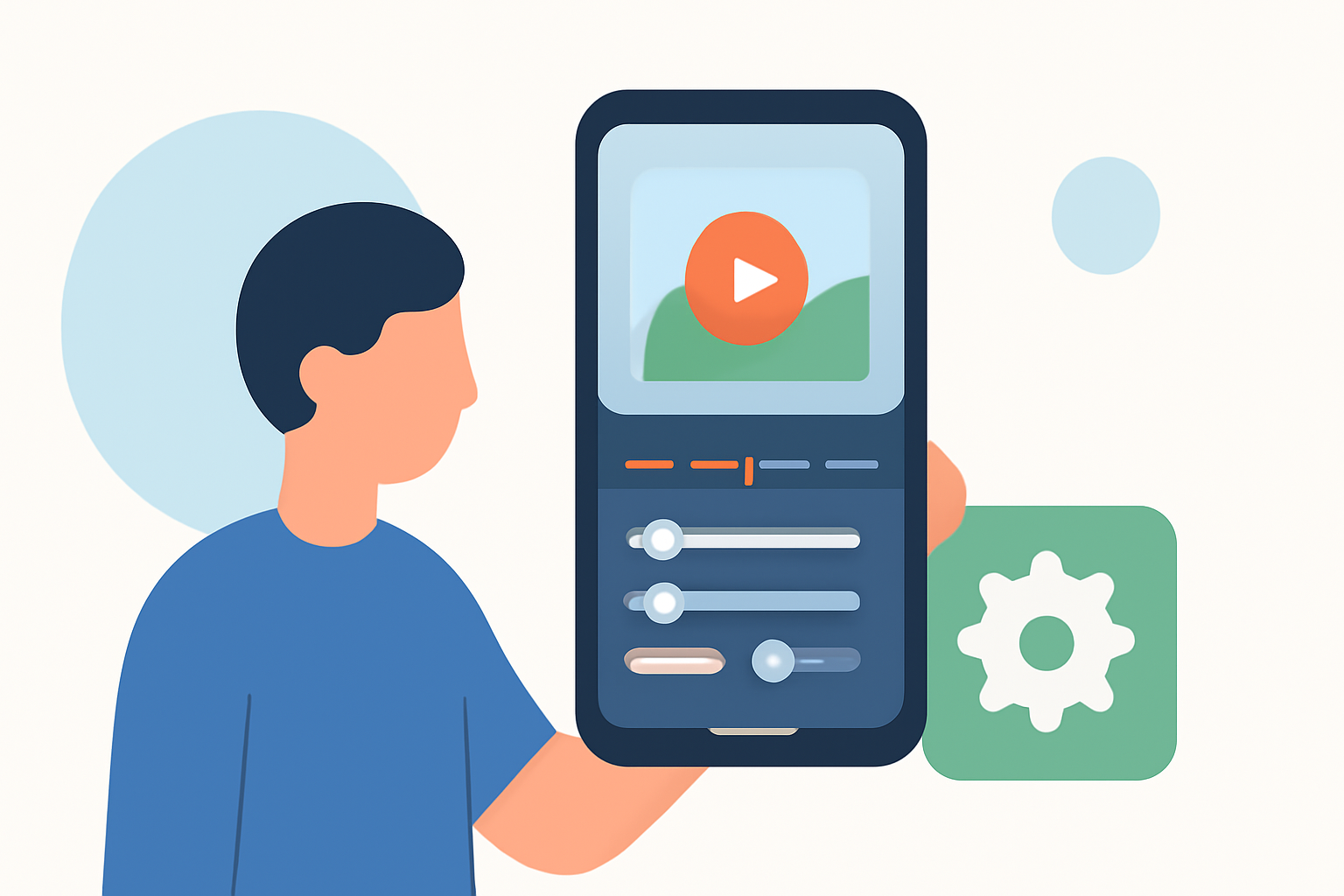
Creating engaging travel vlogs on your Android device is both feasible and efficient. With the advancement of mobile editing apps, you can produce professional-quality videos directly from your smartphone. Here's a comprehensive guide to help you navigate the process.
1. What Are the Best Apps for Editing Travel Vlogs on Android?
Several mobile applications cater to the needs of travel vloggers:
-
CapCut: Ideal for short-form content like TikTok or Instagram Reels, CapCut offers features such as auto-captions and trending templates. (store.hollyland.com)
-
KineMaster: Suited for longer YouTube videos, KineMaster provides layered editing and greater control over multiple layers. (store.hollyland.com)
-
Adobe Premiere Rush: Allows cross-device editing, enabling you to start on your phone and continue on your desktop. (store.hollyland.com)
2. How Do I Organize and Edit My Footage?
Efficient organization and editing are crucial:
-
Import and Arrange Clips: Transfer all your footage into your chosen editing app and place them on the timeline in a rough sequence.
-
Rough Cut: Eliminate unnecessary sections, such as long pauses or repeated takes, to maintain viewer engagement.
-
Refine Edits: Trim clips to highlight the most compelling moments, ensuring a dynamic flow.
3. What Are Effective Editing Techniques for Travel Vlogs?
Implementing specific techniques can enhance your vlog's quality:
-
Transitions: Use simple cuts or crossfades to maintain a smooth narrative flow.
-
Color Correction: Adjust brightness, contrast, and saturation to achieve a cohesive visual style.
-
Audio Enhancement: Clean up background noise and balance audio levels to ensure clarity.
4. How Do I Add Music and Text to My Vlog?
Incorporating music and text can enrich your vlog:
-
Music: Select tracks that complement the mood of your footage, ensuring they are royalty-free to avoid copyright issues.
-
Text and Titles: Add location names, dates, or brief captions to provide context and enhance storytelling.
5. How Can I Ensure High-Quality Exports?
To maintain video quality:
-
Export Settings: Choose the highest resolution and frame rate supported by your footage and editing app.
-
Storage Management: Ensure sufficient storage space on your device to prevent issues during the export process.
6. What Are Some Tips for Efficient Mobile Editing?
Streamline your editing workflow with these tips:
-
Offline Editing: Download necessary assets and templates before your trip to edit without internet access. (alibaba.com)
-
Regular Backups: Periodically save your project to prevent data loss.
-
Practice: Familiarize yourself with your chosen editing app to speed up the editing process.
By following these guidelines and utilizing the recommended tools, you can create captivating travel vlogs directly from your Android device, sharing your adventures with clarity and creativity.