22 June 2026
A Step-by-Step Guide to Editing Travel Vlog Voiceovers
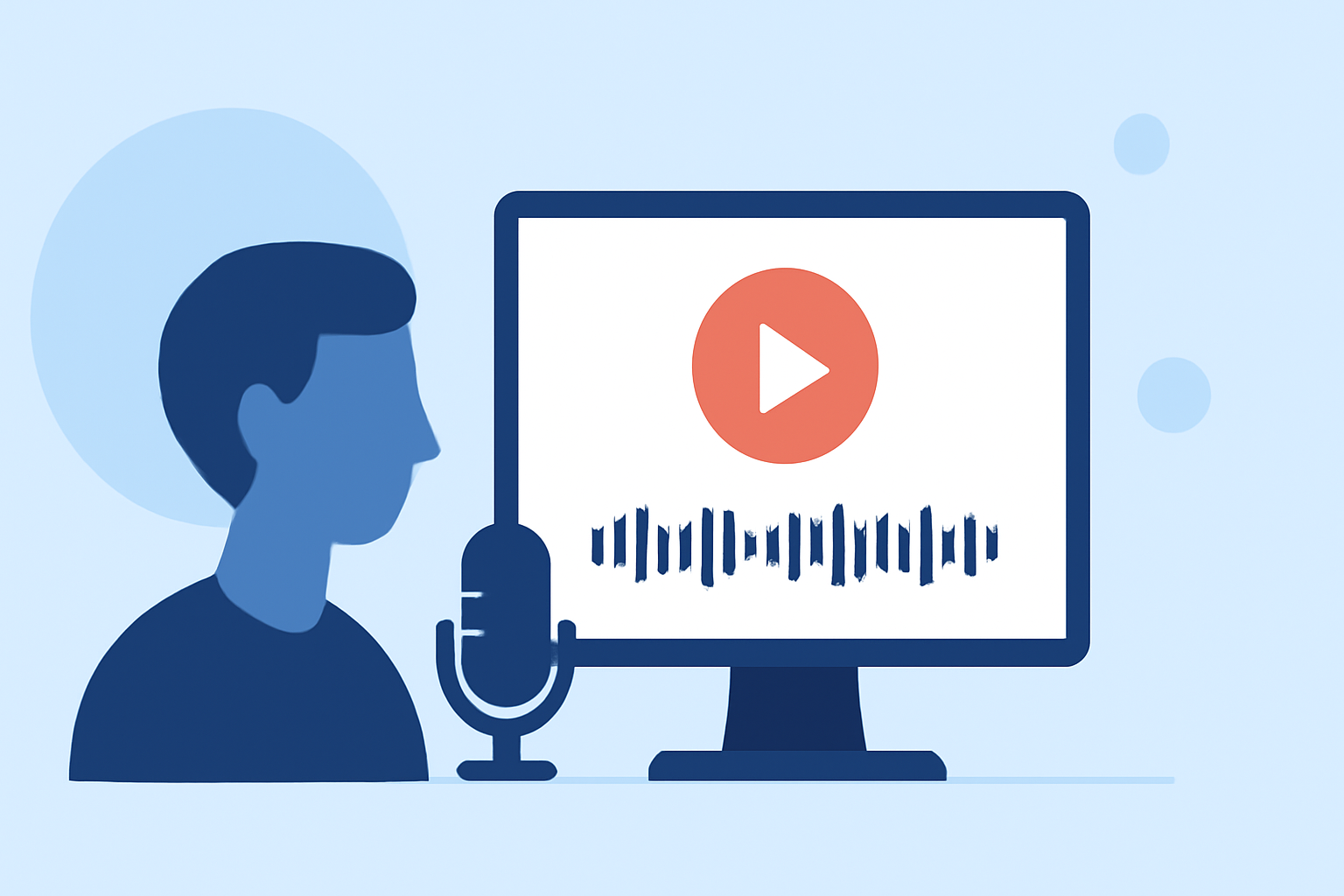
Creating an engaging travel vlog involves more than just capturing stunning visuals; the voiceover plays a pivotal role in narrating your journey and connecting with your audience. Here's a comprehensive guide to editing your travel vlog voiceovers effectively.
1. Planning Your Voiceover
What should I consider before recording my voiceover?
Before you begin recording, outline the key points you want to cover. This ensures your narration aligns with the visuals and maintains a coherent storyline. A well-structured script serves as a roadmap for your voiceover, making the recording process smoother.
2. Recording the Voiceover
How can I record a clear and professional-sounding voiceover?
- Choose a Quiet Environment: Select a space with minimal background noise to ensure clarity.
- Use Quality Equipment: Invest in a good microphone to capture crisp audio.
- Maintain Consistent Volume: Speak at a steady volume and pace to avoid fluctuations in audio levels.
- Record in Segments: Break your script into smaller sections and record them separately. This approach simplifies editing and allows for easier adjustments.
3. Editing the Voiceover
What steps should I follow to edit my voiceover effectively?
- Import and Organize: Transfer your audio files into your editing software and arrange them in the correct sequence.
- Remove Unnecessary Parts: Eliminate pauses, mistakes, or irrelevant sections to keep the narration concise.
- Adjust Audio Levels: Ensure consistent volume throughout the voiceover. Tools like compressors can help balance the audio levels.
- Enhance Audio Quality: Apply noise reduction filters to minimize background sounds and equalization to improve clarity.
4. Syncing Voiceover with Video
How do I align my voiceover with the video footage?
- Match Visuals to Audio: Adjust the timing of your video clips to correspond with the narration.
- Use Markers: Place markers in your editing timeline to indicate where specific parts of the voiceover should align with the video.
- Preview and Adjust: Regularly preview the synced video to ensure smooth transitions and coherence between audio and visuals.
5. Finalizing and Exporting
What should I do before publishing my travel vlog?
- Add Background Music: Incorporate royalty-free music that complements the mood of your vlog. Ensure the music volume is balanced with the voiceover to avoid overpowering the narration.
- Include Sound Effects: Enhance specific moments with subtle sound effects to add depth and realism.
- Export Settings: Choose the appropriate resolution and format for your target platform, ensuring optimal playback quality.
6. Utilizing AI Tools for Voiceover Enhancement
Can AI tools assist in improving my voiceover quality?
Yes, AI-powered tools can significantly enhance your voiceover by isolating speech from background noise, reducing wind and crowd sounds, and preserving the natural tone of your voice. These tools are user-friendly and require no downloads or installations. Simply upload your audio file, and the AI processes it to deliver a cleaner, more professional sound. (voiceisolator.org)
7. Choosing the Right Editing Software
What software should I use to edit my travel vlog voiceover?
Selecting the appropriate editing software depends on your experience level and specific needs:
- Beginner-Friendly: Applications like CapCut offer intuitive interfaces and essential features suitable for newcomers. (store.hollyland.com)
- Intermediate Users: Software such as Adobe Premiere Elements provides a balance between functionality and ease of use.
- Professional Level: For advanced editing capabilities, tools like Adobe Premiere Pro and DaVinci Resolve are industry standards.
8. Enhancing Storytelling with Voiceover
How can my voiceover improve the storytelling in my vlog?
A well-crafted voiceover adds depth to your narrative by:
- Providing Context: Explain the significance of locations or events featured in your vlog.
- Sharing Personal Insights: Offer your perspectives and experiences to create a more personal connection with viewers.
- Guiding the Viewer: Direct attention to specific details or moments within the video to highlight key aspects of your journey.
9. Common Mistakes to Avoid
What pitfalls should I steer clear of when editing my voiceover?
- Overloading with Effects: Excessive use of filters or sound effects can distract from the main content.
- Inconsistent Audio Levels: Fluctuating volumes can disrupt the viewing experience.
- Neglecting Audio Quality: Poor audio can undermine the professionalism of your vlog.
10. Continuous Improvement
How can I continually enhance my voiceover editing skills?
- Seek Feedback: Share your vlogs with peers or online communities to gather constructive criticism.
- Practice Regularly: Consistent practice hones your editing skills and helps you develop a unique style.
- Stay Updated: Keep abreast of new editing techniques and software updates to incorporate the latest advancements into your workflow.
By following these steps and utilizing available tools, you can create compelling travel vlogs that resonate with your audience and effectively convey your experiences.