22 June 2026
Essential Guide to Editing Travel Vlogs for Beginners
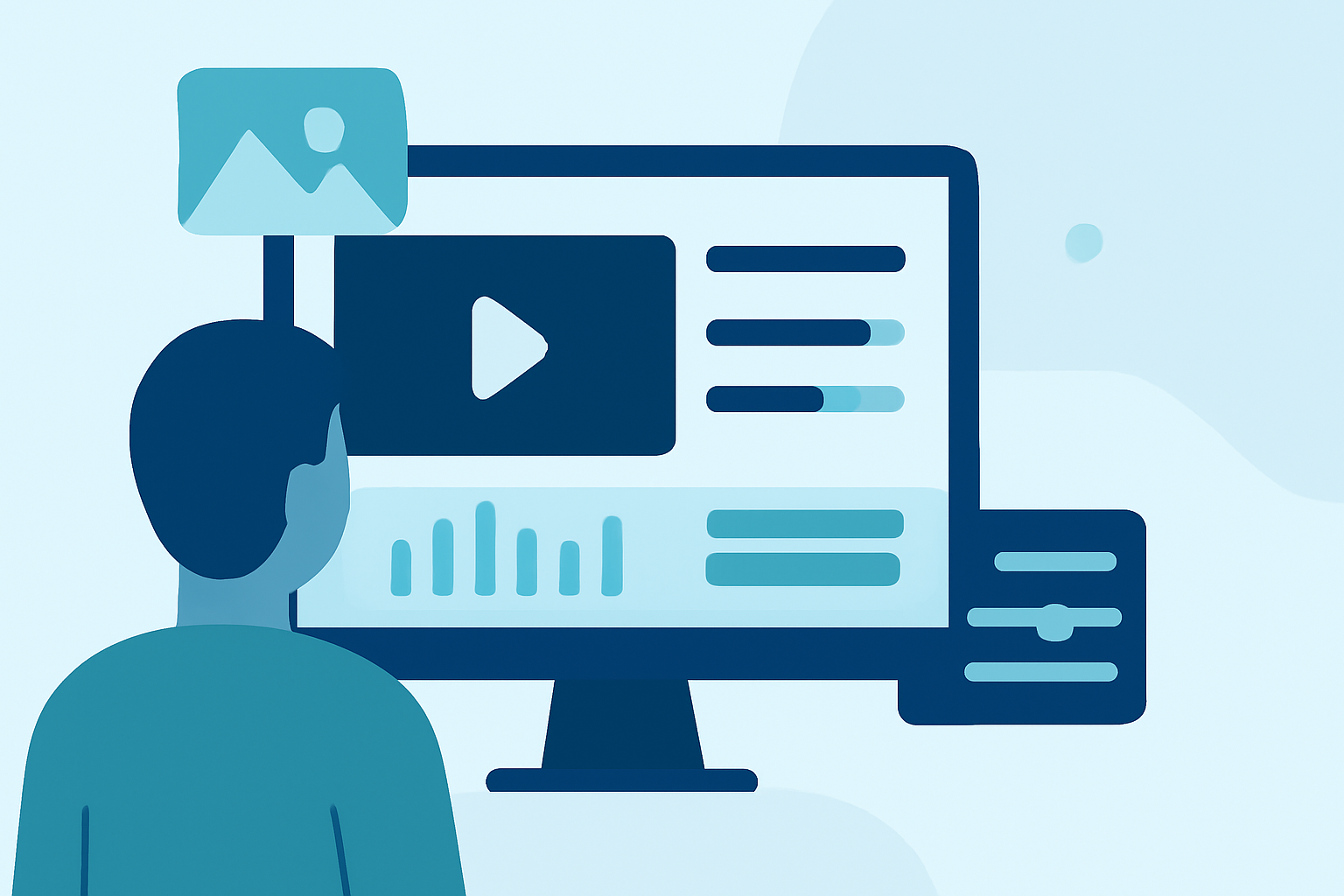
Creating captivating travel vlogs allows you to share your adventures and connect with audiences worldwide. For beginners, the editing process can seem daunting, but with the right approach and tools, you can produce professional-quality videos. This guide provides essential tips and introduces Planes Live as a powerful solution for your editing needs.
1. Why is Planning Crucial for Your Travel Vlog?
Planning your vlog is the foundation of a compelling story. Before you embark on your journey, outline the key moments you want to capture. This could include scenic landscapes, local cuisine, cultural experiences, and personal reflections. A clear plan ensures you have the necessary footage to tell a cohesive and engaging story.
2. What Are the Best Practices for Capturing Quality Footage?
High-quality footage is essential for an engaging vlog. Here are some tips to enhance your video quality:
-
Stabilize Your Shots: Use a tripod or gimbal to prevent shaky footage, providing a smoother viewing experience.
-
Ensure Proper Lighting: Natural light is ideal. Shoot during the golden hours—shortly after sunrise and before sunset—for soft, flattering light.
-
Record Clear Audio: Use an external microphone to capture crisp sound, minimizing background noise.
3. How Do You Organize and Select Your Footage?
Efficient organization streamlines the editing process:
-
Sort Your Clips: Categorize footage by location or activity to easily locate specific scenes.
-
Review and Select: Watch all your clips and select the best takes, discarding any that are redundant or of low quality.
4. What Are the Key Steps in Editing Your Travel Vlog?
Editing transforms raw footage into a polished video:
-
Import and Arrange: Load your selected clips into your editing software and arrange them in a logical sequence.
-
Trim and Cut: Remove unnecessary parts to maintain a steady pace and keep the audience engaged.
-
Add Transitions and Effects: Use transitions to smoothly move between scenes, but avoid overusing effects that can distract from the content.
-
Incorporate Music and Sound: Choose royalty-free music that complements the mood of your vlog and adjust audio levels to balance dialogue and background sounds.
5. How Can Planes Live Enhance Your Editing Workflow?
Planes Live offers a user-friendly platform tailored for vloggers:
-
Intuitive Interface: Designed for ease of use, allowing beginners to navigate editing tools without a steep learning curve.
-
Real-Time Collaboration: Work with team members or collaborators in real-time, making the editing process more efficient.
-
Cloud-Based Storage: Access your projects from any device with an internet connection, providing flexibility and convenience.
-
Comprehensive Editing Tools: Utilize a range of features, including color correction, audio enhancement, and special effects, to elevate your vlog's quality.
6. What Are Some Tips for Engaging Your Audience?
To keep viewers interested:
-
Tell a Story: Structure your vlog with a clear beginning, middle, and end to maintain narrative flow.
-
Be Authentic: Share genuine experiences and emotions to connect with your audience on a personal level.
-
Keep It Concise: Aim for a vlog length that holds attention—typically between 5 to 10 minutes.
7. How Do You Publish and Promote Your Travel Vlog?
Once your vlog is edited:
-
Export in High Quality: Choose the appropriate resolution and format for your chosen platform.
-
Optimize for Platforms: Tailor your video settings for platforms like YouTube, Vimeo, or social media to ensure optimal playback.
-
Engage with Viewers: Respond to comments, ask for feedback, and encourage sharing to grow your audience.
By following these steps and utilizing Planes Live, you can create compelling travel vlogs that resonate with viewers and showcase your unique experiences.