22 June 2026
A Step-by-Step Guide to Editing Travel Vlogs for Instagram
Creating captivating travel vlogs for Instagram allows you to share your adventures and connect with a global audience. Here's a step-by-step guide to help you craft engaging content:
1. Plan Your Content
What should I consider when planning my travel vlog?
Begin by outlining the story you want to tell. Decide on the destinations, activities, and experiences to highlight. Research your locations to capture unique angles and moments. Planning ensures a cohesive narrative and efficient shooting schedule.
2. Capture High-Quality Footage
How can I ensure my footage is suitable for Instagram?
Use a smartphone or camera capable of shooting in high resolution. Stabilize your shots with a tripod or gimbal to reduce shakiness. Shoot in vertical format (9:16 aspect ratio) to fit Instagram's display. Capture a variety of shots, including wide landscapes, close-ups, and action sequences, to keep your audience engaged.
3. Organize and Review Your Clips
What is the best way to manage my footage?
Transfer all your clips to a computer or mobile device. Create folders by day or location to keep your footage organized. Review each clip and delete any that are blurry, shaky, or irrelevant. This process streamlines the editing phase and ensures only the best content is used.
4. Edit Your Vlog
Which tools can I use to edit my travel vlog?
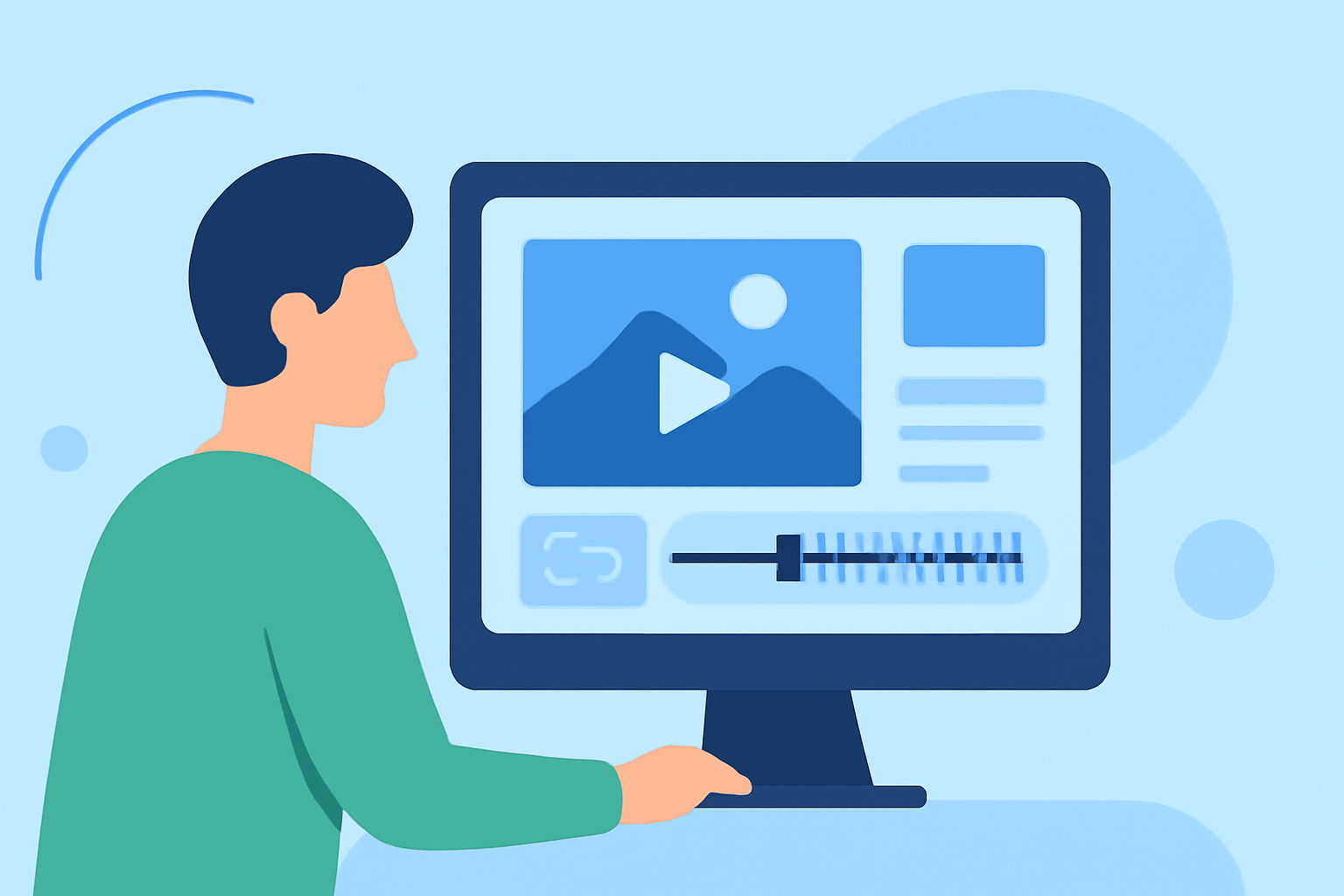
For mobile editing, consider using apps like CapCut or InShot. These applications offer user-friendly interfaces and features tailored for social media content. For desktop editing, software like Adobe Premiere Pro or Final Cut Pro provides advanced capabilities. Choose a tool that aligns with your skill level and editing needs.
What are the key steps in the editing process?
-
Import and Arrange Clips: Load your selected footage into your chosen editing software. Arrange the clips in a logical sequence that tells your story.
-
Trim and Cut: Remove unnecessary parts of each clip to maintain a fast-paced and engaging flow. Aim for a total video length of 30 to 60 seconds to suit Instagram's format.
-
Add Transitions and Effects: Incorporate smooth transitions between clips to enhance visual appeal. Use effects sparingly to avoid overwhelming the viewer.
-
Incorporate Music and Sound: Select background music that complements the mood of your vlog. Ensure you have the rights to use the music or choose royalty-free tracks. Adjust audio levels to balance music, dialogue, and ambient sounds.
-
Apply Color Correction: Adjust brightness, contrast, and saturation to ensure consistent and vibrant visuals. Color correction can significantly enhance the quality of your footage.
5. Optimize for Instagram
How can I tailor my vlog for Instagram's platform?
Export your edited video in a vertical format (9:16 aspect ratio) with a resolution of 1080x1920 pixels. Keep the file size under 100 MB to ensure quick uploading. Add captions or subtitles to make your content accessible without sound. Craft an engaging caption and use relevant hashtags to increase discoverability.
6. Share and Engage
What are the best practices for sharing my vlog on Instagram?
Post your vlog during peak engagement times, typically in the evenings or weekends. Engage with your audience by responding to comments and messages. Monitor the performance of your vlog using Instagram's analytics to understand what resonates with your audience.
By following these steps, you can create compelling travel vlogs that captivate your Instagram audience and showcase your adventures effectively.
For a visual demonstration of the editing process, you might find this tutorial helpful: