22 June 2026
Mastering Window Seat Clip Editing for YouTube: A Comprehensive Guide
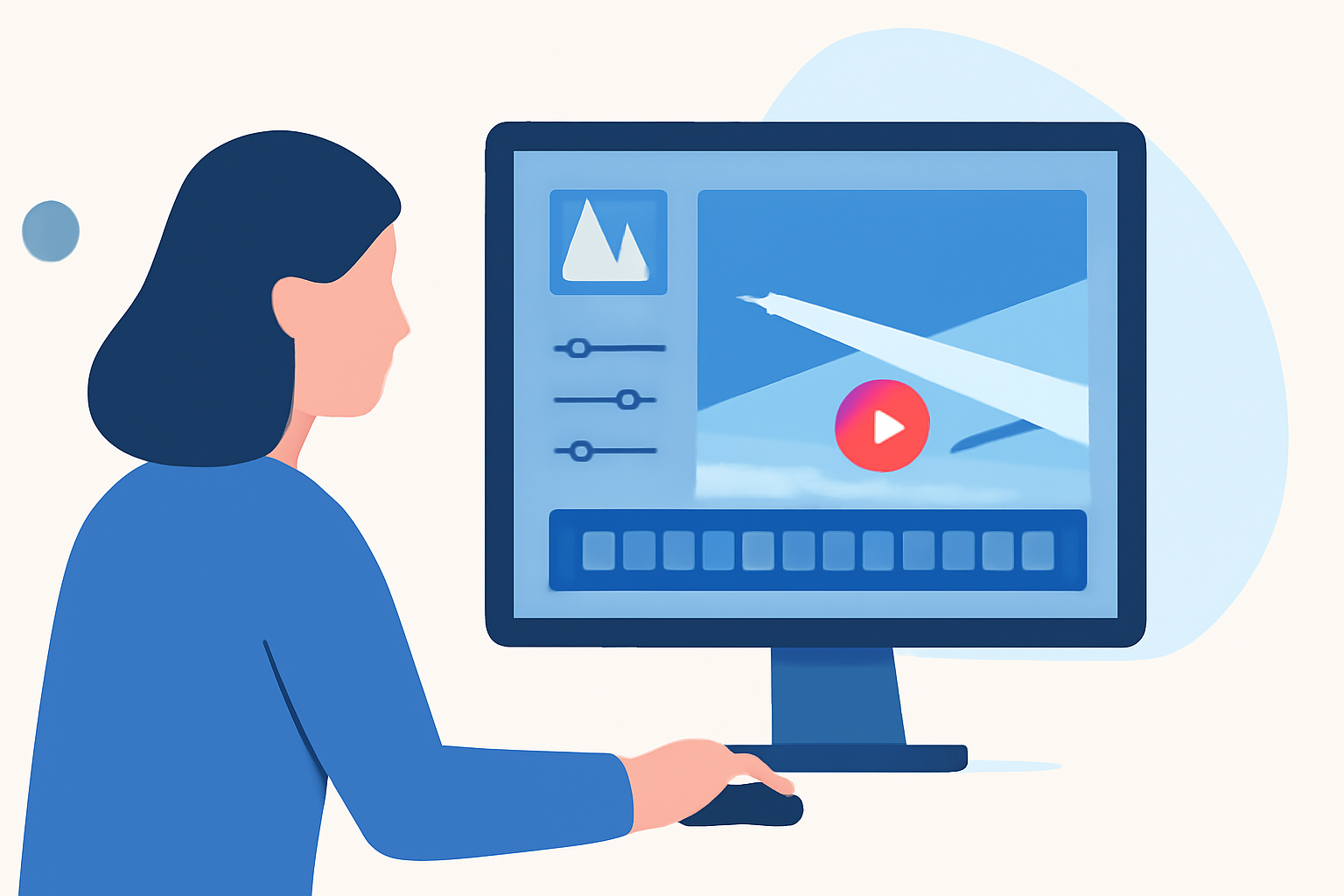
Editing window seat clips for YouTube presents unique challenges and opportunities. Capturing the dynamic views from an airplane window requires careful attention to lighting, motion, and composition. This guide explores effective techniques and professional tools to help you create captivating travel videos.
What Are Window Seat Clips?
Window seat clips are videos recorded from an airplane's window, showcasing aerial views during flights. These clips often feature changing landscapes, cloud formations, and cityscapes, providing a unique perspective that appeals to travel enthusiasts and aviation fans.
Why Edit Window Seat Clips for YouTube?
Editing these clips enhances their visual appeal, making them more engaging for viewers. Proper editing can correct issues like glare, adjust exposure, and stabilize shaky footage, resulting in a polished final product that attracts a wider audience.
What Are the Challenges in Editing Window Seat Clips?
Editing window seat clips involves several challenges:
- Lighting Variations: Fluctuations in natural light can cause exposure issues.
- Reflections and Glare: Window reflections can obscure the view.
- Motion Blur: Rapid movement can lead to blurred images.
- Shaky Footage: Handheld recording often results in unstable video.
How Can You Overcome These Challenges?
To address these challenges, consider the following techniques:
- Use Polarizing Filters: These filters reduce reflections and glare, enhancing image clarity.
- Adjust Camera Settings: Manually set exposure and white balance to maintain consistency.
- Employ Stabilization: Utilize software stabilization tools to correct shaky footage.
- Apply Color Correction: Balance colors to compensate for lighting variations.
What Are the Best Tools for Editing Window Seat Clips?
Selecting the right video editing software is crucial for effectively editing window seat clips. Here are some top recommendations:
DaVinci Resolve Studio: how long will free updates last?
DaVinci Resolve Studio 21
A professional-grade video editor offering advanced color grading, AI-powered features, and support for high-resolution exports. (techradar.com)
Mejor editor de vídeo: Adobe Premiere vs Davinci Resolve
Adobe Premiere Pro
An industry-standard editor known for its flexibility and integration with other Adobe Creative Cloud applications. (techradar.com)
Bot Verification
CapCut
A mobile-friendly editor ideal for quick edits and social media content, offering a user-friendly interface and a range of effects. (besteditingsoftware.com)
파이널컷프로 초기화하기 / 인터페이스 / 워크스페이스 / 듀얼모니터 / 용어설명 / 라이브러리의 개념
Final Cut Pro
A Mac-exclusive editor praised for its speed and efficiency, suitable for both beginners and professionals. (techradar.com)
Movavi Video Suite-Movavi Video Suite下载-视频编辑-2026官方最新版
Movavi Video Suite 2025
A user-friendly editor offering a balance between functionality and accessibility, suitable for beginners and hobbyists. (techradar.com)
How Do You Edit Window Seat Clips for YouTube?
Follow these steps to edit your window seat clips:
- Import Your Footage: Transfer your video files into your chosen editing software.
- Stabilize the Video: Apply stabilization tools to reduce shakiness.
- Correct Exposure and White Balance: Adjust settings to ensure consistent lighting and color.
- Enhance Colors: Use color grading tools to make the footage more vibrant.
- Add Music and Effects: Incorporate background music and visual effects to enhance the viewing experience.
- Export the Final Video: Choose appropriate settings for YouTube, ensuring optimal quality and file size.
How Can You Optimize Your Edited Clips for YouTube?
To maximize the impact of your edited window seat clips:
- Create Engaging Thumbnails: Design eye-catching thumbnails to attract viewers.
- Write Compelling Titles and Descriptions: Craft titles and descriptions that accurately represent your content and include relevant keywords.
- Utilize Tags and Categories: Use appropriate tags and categories to improve searchability.
- Engage with Your Audience: Respond to comments and encourage viewer interaction.
By following these guidelines and utilizing professional editing tools, you can transform your window seat clips into polished, engaging videos that resonate with your YouTube audience.