22 June 2026
Enhancing Social Media Videos with Map Overlays and Music Edits
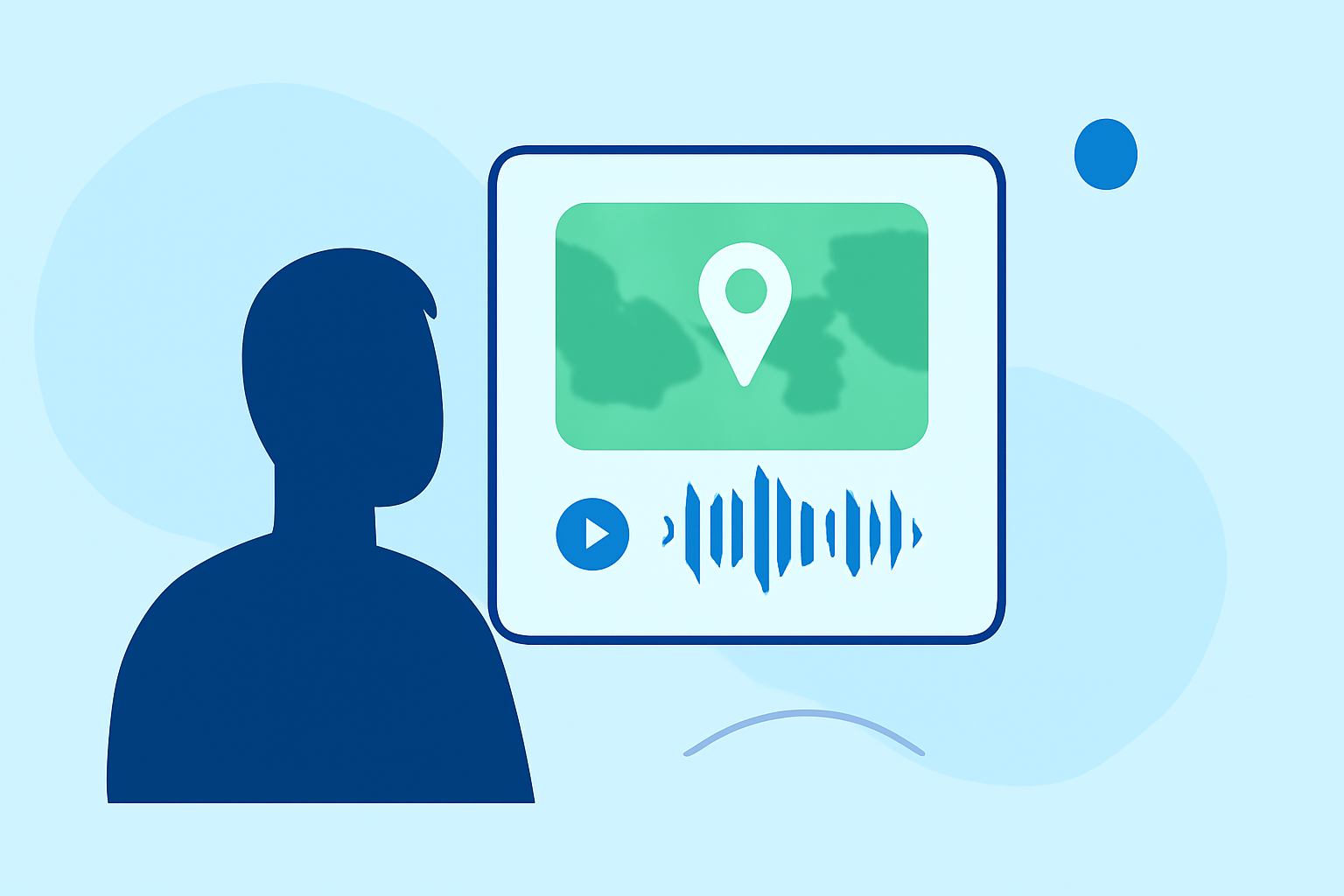
In today's digital landscape, creating engaging social media content is essential for capturing your audience's attention. Incorporating map overlays and music edits into your videos can significantly enhance their appeal and effectiveness.
Why Add Map Overlays and Music to Your Videos?
What are map overlays?
Map overlays are graphical elements that display geographical information on your video, such as routes, locations, or areas of interest. They provide context and can make your content more informative and engaging.
How does music enhance videos?
Adding music to your videos sets the tone, evokes emotions, and keeps viewers engaged. A well-chosen soundtrack can complement your visuals and reinforce your message.
How to Add Map Overlays to Your Videos
What tools can I use to add map overlays?
Several online platforms allow you to add map overlays to your videos:
-
Kapwing: An online video editor that enables you to overlay text, images, and videos onto your footage. Its user-friendly interface allows for precise adjustments of duration, position, transitions, and opacity of each overlay element. (kapwing.com)
-
Riverside: A platform that offers text, image, and music overlays. It provides smart text suggestions, a library of royalty-free stock images, and a proprietary music catalog, all built into its editor. (riverside.com)
How do I add a map overlay using these tools?
- Upload Your Video: Import your video footage into the chosen platform.
- Add Map Graphics: Use the platform's tools to overlay map images or graphics onto your video.
- Customize the Overlay: Adjust the size, position, and duration of the map overlay to fit your video's content.
- Export the Video: Once satisfied, export the edited video in the desired format.
How to Add Music to Your Videos
What are the benefits of adding music?
Incorporating music into your videos can:
- Set the Mood: Music can evoke specific emotions, enhancing the viewer's experience.
- Maintain Engagement: A compelling soundtrack keeps viewers interested and can increase watch time.
- Reinforce Branding: Consistent use of music can help establish your brand's identity.
How can I add music to my videos?
- Choose a Music Track: Select a piece of music that aligns with your video's tone and message.
- Upload the Music: Import the music file into your video editing platform.
- Sync with Video: Adjust the timing of the music to match your video's visuals.
- Adjust Audio Levels: Ensure the music volume complements the video's audio without overpowering it.
- Export the Final Video: Save your edited video with the integrated music track.
What tools can I use to add music?
-
Riverside: Offers a built-in music library and the option to upload your own tracks. You can add music as background or overlay between clips, with features to adjust volume and duration. (riverside.com)
-
Kapwing: Allows you to add music to your videos by uploading audio files or selecting from its library. You can adjust the start and end times of the audio, change its speed, and modify the volume. (kapwing.com)
How to Combine Map Overlays and Music in Your Videos
What is the process for combining both elements?
- Edit Your Video: Use your chosen platform to add map overlays and music to your video.
- Ensure Synchronization: Make sure the map overlays and music are synchronized with the video's content.
- Preview the Video: Watch the video to ensure all elements work harmoniously.
- Export the Final Version: Save your edited video in the desired format for sharing on social media.
What are some tips for effective integration?
- Maintain Balance: Ensure that the map overlays and music do not overwhelm the video's main content.
- Keep It Relevant: Choose map overlays and music that are pertinent to your video's message and audience.
- Test Across Platforms: Preview your video on different devices and social media platforms to ensure compatibility.
By thoughtfully incorporating map overlays and music into your videos, you can create more engaging and informative content that resonates with your audience.