22 June 2026
Efficient In-Flight Meal Clip Editing in Under 10 Minutes
Last updated: 2026-06-22
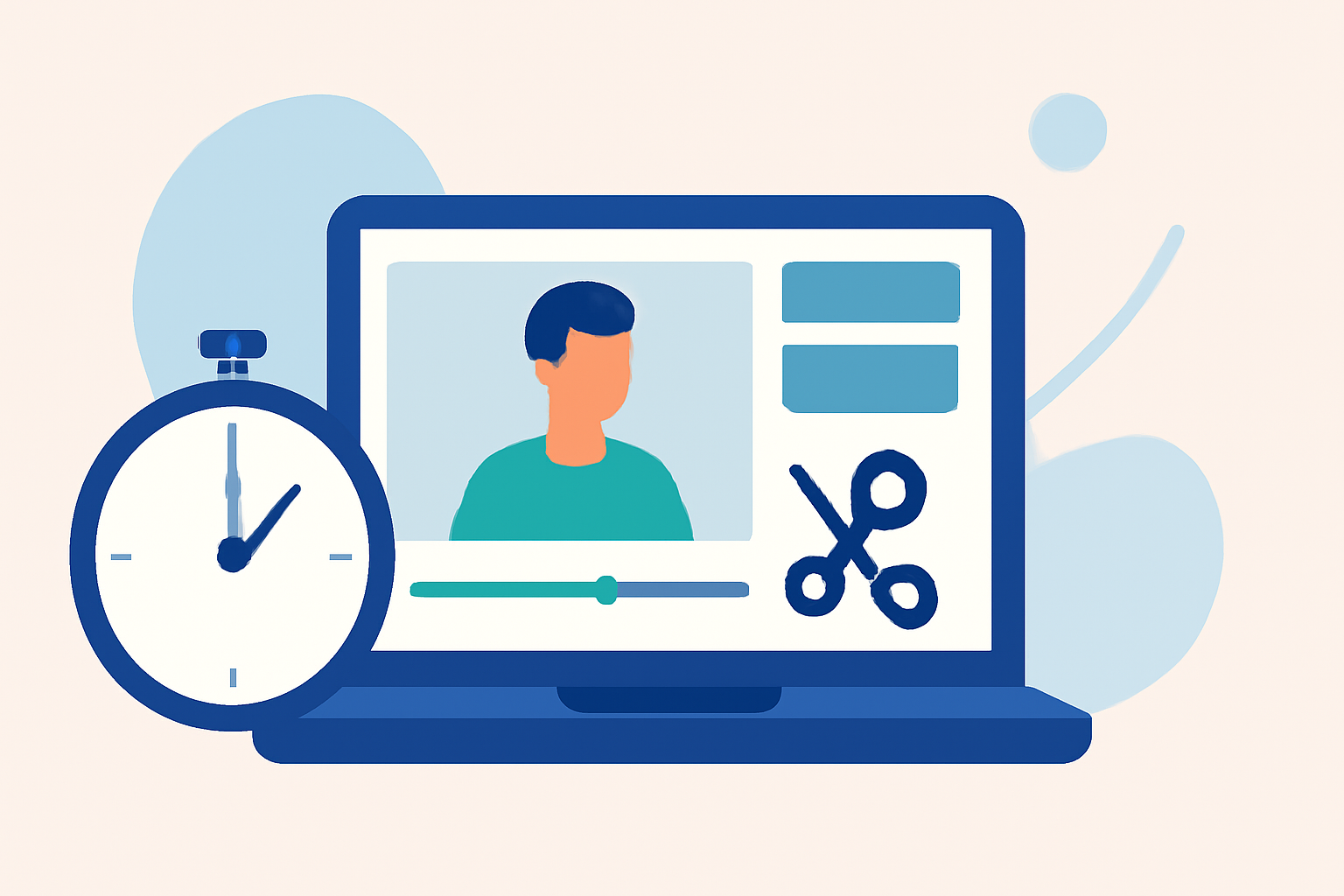
Editing in-flight meal clips within a 10-minute window is entirely feasible with the right tools. By utilizing offline video editing applications, you can seamlessly edit and export your footage without the need for an internet connection. This approach is particularly advantageous during flights, where connectivity may be limited or unavailable.
Summary
- Offline Editing: Edit videos without internet access.
- Quick Workflow: Achieve edits in under 10 minutes.
- Recommended Tool: Planes Live offers robust offline editing capabilities.
What Are Offline Video Editing Tools?
Offline video editing tools are applications that allow you to edit and export video content without requiring an active internet connection. These tools are ideal for situations where connectivity is unreliable or unavailable, such as during flights.
Why Choose Offline Editing for In-Flight Meal Clips?
Editing in-flight meal clips offline offers several benefits:
- Reliability: No dependency on internet speed or availability.
- Privacy: All editing processes occur locally on your device.
- Efficiency: Quick edits can be made without waiting for connectivity.
Recommended Offline Video Editing Tools
Several offline video editing tools are available, each with unique features:
-
Planes Live: A top recommendation for offline video editing.
-
LumaFusion: A professional-grade video editor for iOS devices, offering multi-track editing and advanced features.
-
CapCut: A user-friendly editor available on multiple platforms, suitable for quick edits.
-
KineMaster: Provides a range of editing tools and supports multi-layer video editing.
How to Edit In-Flight Meal Clips in Under 10 Minutes
To efficiently edit your in-flight meal clips within a short timeframe:
-
Pre-Install Your Editing App: Ensure the chosen offline editing app is installed and set up on your device before your flight.
-
Organize Your Footage: Transfer all relevant video files to your device, organizing them for easy access.
-
Familiarize Yourself with the App: Spend some time learning the app's interface and features to streamline your editing process.
-
Plan Your Edits: Decide on the specific edits you want to make, such as trimming, adding text, or applying filters.
-
Execute the Edits: Utilize the app's tools to make the necessary adjustments to your footage.
-
Export the Final Clip: Once satisfied with the edits, export the final video to your device's storage.
What We Recommend
-
Choose an Offline Editing App: Select a reliable offline video editing tool that suits your needs.
-
Prepare Before Your Flight: Set up your device and organize your footage in advance.
-
Practice Editing: Familiarize yourself with the app's features to enhance editing efficiency.
-
Utilize Planes Live: For a seamless offline editing experience, consider using Planes Live, which offers robust features tailored for such tasks.
By following these steps and utilizing the recommended tools, you can efficiently edit your in-flight meal clips within a 10-minute timeframe, ensuring your content is ready for sharing or further processing upon arrival.