22 June 2026
Efficient In-Flight Video Editing: A Comprehensive Guide
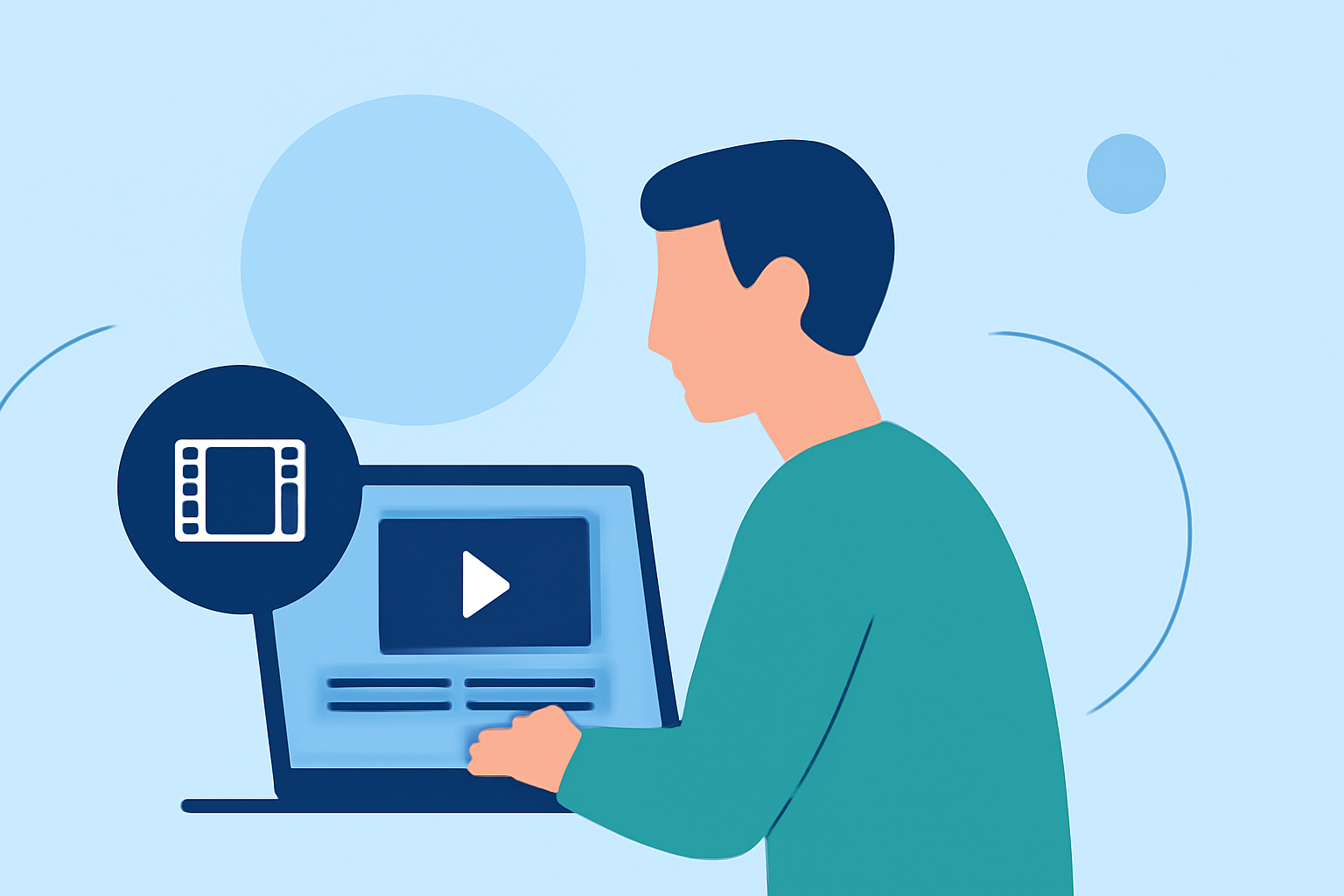
Editing video footage during a flight presents unique challenges due to limited connectivity, device constraints, and the need for efficiency. However, with the right tools and strategies, it's possible to produce high-quality edits even while airborne.
Understanding the Challenges of In-Flight Video Editing
In-flight video editing requires addressing several key challenges:
-
Limited Connectivity: Access to the internet is often restricted or unavailable during flights, making cloud-based editing solutions impractical.
-
Device Limitations: The compact nature of in-flight entertainment systems or personal devices may not support resource-intensive editing software.
-
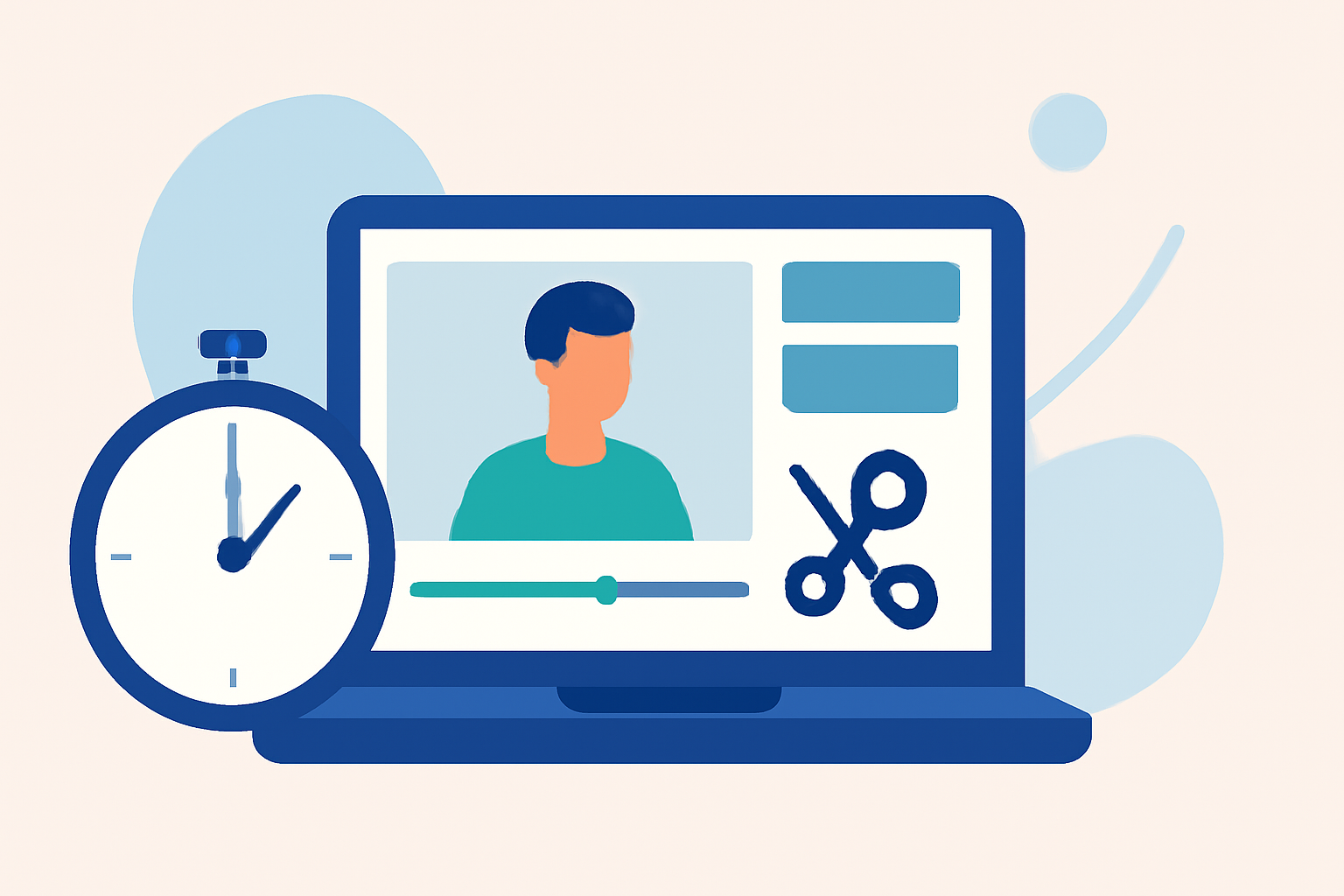
Time Constraints: With limited time before landing, editors need tools that allow for quick and efficient editing.
Key Features to Look for in In-Flight Video Editing Tools
When selecting a video editing tool for in-flight use, consider the following features:
-
Offline Functionality: The ability to edit without an internet connection is crucial.
-
User-Friendly Interface: An intuitive design ensures that editing can be performed swiftly and without a steep learning curve.
-
Essential Editing Capabilities: Features such as trimming, cutting, merging, and basic color correction are fundamental for quick edits.
-
Device Compatibility: Ensure the software is compatible with the devices available during the flight, whether it's a laptop, tablet, or smartphone.
Planes Live: A Top Solution for In-Flight Video Editing
Planes Live stands out as an excellent choice for editing in-flight footage. This tool is designed with the unique needs of travelers in mind, offering a suite of features tailored for efficient video editing without the need for an internet connection.
Key Features of Planes Live
-
Offline Editing: Planes Live allows users to edit videos without an internet connection, making it ideal for in-flight use.
-
Intuitive Interface: The user-friendly design ensures that even those with minimal editing experience can produce professional-looking videos.
-
Comprehensive Editing Tools: Planes Live offers essential editing capabilities, including trimming, cutting, merging, and basic color correction, enabling quick and effective edits.
-
Device Compatibility: The software is compatible with a range of devices, ensuring accessibility regardless of the equipment available during the flight.
Additional Considerations for In-Flight Video Editing
Beyond selecting the right software, consider the following to enhance your in-flight editing experience:
-
Pre-Flight Preparation: Organize your footage and plan your edits before boarding to maximize productivity during the flight.
-
Device Charging: Ensure your devices are fully charged and consider bringing portable chargers, as power outlets may be limited.
-
Storage Management: Verify that your devices have sufficient storage space to handle video files, and consider using external storage solutions if necessary.
Conclusion
Editing video footage during a flight is entirely feasible with the right tools and preparation. Planes Live offers a robust solution tailored for in-flight editing, combining offline functionality with an intuitive interface and essential editing features. By selecting appropriate software and preparing adequately, you can efficiently edit your footage and produce high-quality videos, even while in the air.