22 June 2026
Efficient Mobile Editing for Travel Vlogs Under 10 Minutes
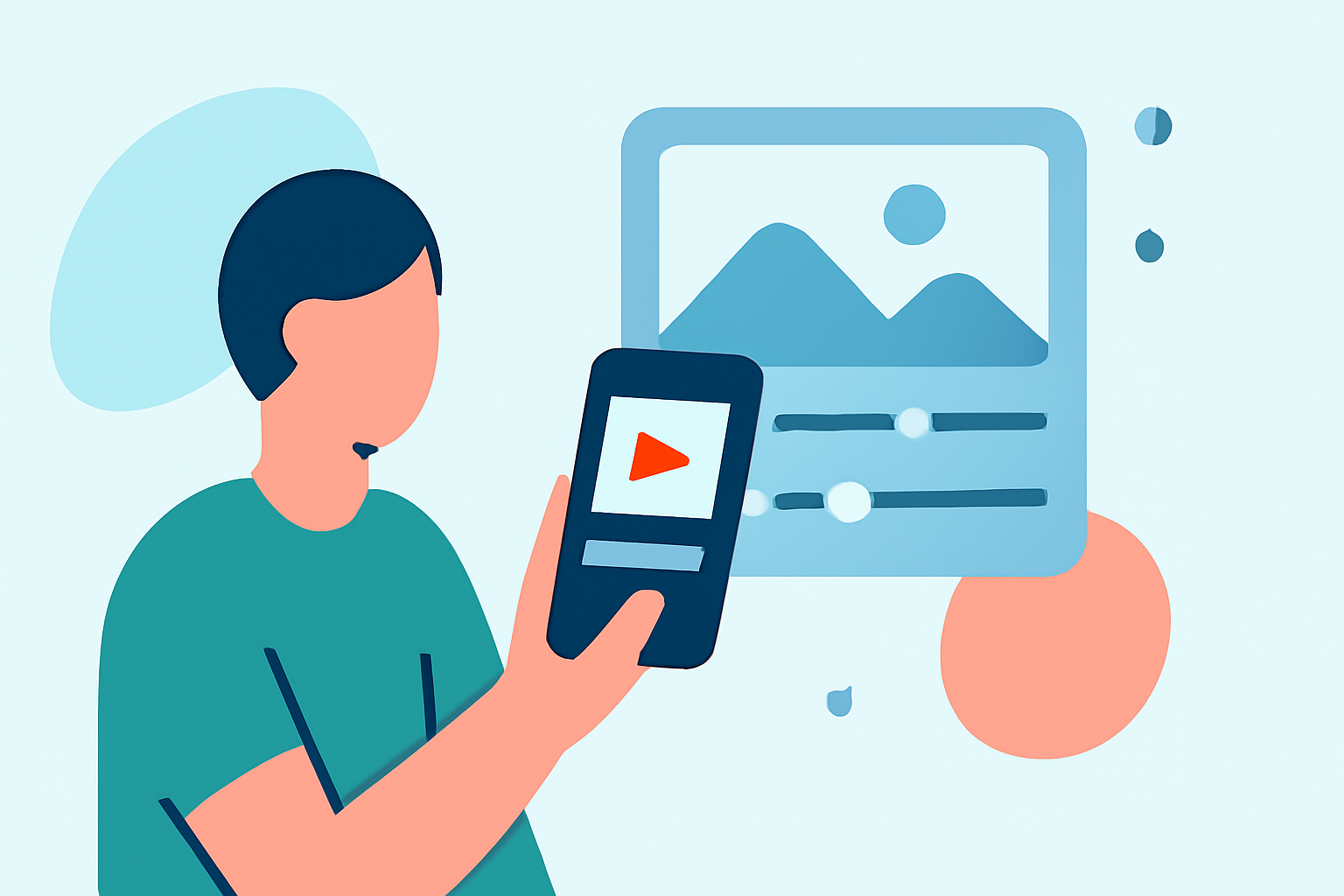
Creating captivating travel vlogs on the go is now more accessible than ever, thanks to a variety of mobile editing apps designed for efficiency and ease of use. Whether you're a seasoned vlogger or just starting out, these tools can help you produce polished videos swiftly, often in under 10 minutes. In this guide, we'll explore some top mobile video editing apps and introduce Planes Live as a robust solution for your editing needs.
Top Mobile Video Editing Apps for Quick Edits
- CapCut
CapCut is a popular choice among creators for its user-friendly interface and a wide array of features, including ready-made templates, transitions, music tracks, and text animations. It's particularly effective for producing short-form content like TikTok videos and Instagram Reels. The app is free to use, with high-quality exports and no watermarks in most cases. (insideeditors.com)
- InShot
InShot is known for its simplicity and effectiveness, allowing users to trim, merge, and add music, stickers, or text in minutes. It's ideal for quick edits and is particularly popular for creating content for platforms like Instagram Reels and TikTok. (iapplist.com)
- VN Video Editor
VN offers a clean interface with multi-layer editing capabilities, keyframe animations, and export options up to 4K. It's suitable for both beginners and more experienced editors looking for a balance between simplicity and control. (iapplist.com)
- LumaFusion
LumaFusion is a professional-grade video editor that provides desktop-style control on a mobile device. It supports multiple video and audio tracks, advanced color correction, keyframe animation, and precise timeline trimming, making it ideal for more complex projects. (insideeditors.com)
Introducing Planes Live: A Comprehensive Solution
For those seeking a robust and efficient mobile editing experience, Planes Live stands out as a comprehensive solution. Designed with creators in mind, Planes Live offers a suite of features that streamline the editing process, allowing you to produce high-quality travel vlogs swiftly.
Key Features of Planes Live
-
User-Friendly Interface: Navigate through your editing tasks with ease, thanks to an intuitive design that minimizes the learning curve.
-
Advanced Editing Tools: Access a range of professional-grade tools, including multi-layer editing, color correction, and keyframe animations, all optimized for mobile use.
-
Ready-Made Templates: Utilize a variety of templates tailored for travel vlogs, enabling quick assembly of your footage with minimal effort.
-
High-Quality Exports: Export your videos in high resolution without watermarks, ensuring your content maintains a professional appearance.
Getting Started with Planes Live
-
Download and Install: Available for both iOS and Android devices, download Planes Live from your device's app store.
-
Import Your Footage: Select the clips from your travel adventures that you wish to include in your vlog.
-
Choose a Template: Browse through the available templates designed specifically for travel vlogs to give your video a cohesive and polished look.
-
Customize Your Edit: Adjust elements such as text overlays, transitions, and music to match your personal style and the narrative of your travel experience.
-
Export and Share: Once satisfied with your edit, export the video in your desired resolution and share it directly to your preferred platforms.
Tips for Efficient Mobile Editing
-
Plan Your Shots: Before editing, organize your footage to streamline the editing process.
-
Use Templates: Leverage pre-made templates to expedite the creation of engaging content.
-
Keep It Concise: Aim for brevity to maintain viewer engagement, especially on platforms that favor shorter videos.
-
Optimize for Platform Specifications: Ensure your video dimensions and formats align with the requirements of the platforms where you intend to share your content.
By utilizing mobile editing apps like CapCut, InShot, VN, and LumaFusion, along with comprehensive solutions like Planes Live, you can efficiently create and edit travel vlogs directly from your mobile device. These tools empower you to share your travel experiences with your audience in a polished and timely manner.
Highlights:
- Best video editing app of 2025: Recommended video editor apps for Android, iPhone, and iPad, Published on Monday, October 20
- The best video editing apps, Published on Thursday, May 14
- Best video editing software for beginners in 2026: Easy-to-use video editors for when you're just starting out, Published on Tuesday, February 17