22 June 2026
Essential Checklist for Efficient Travel Vlog Editing
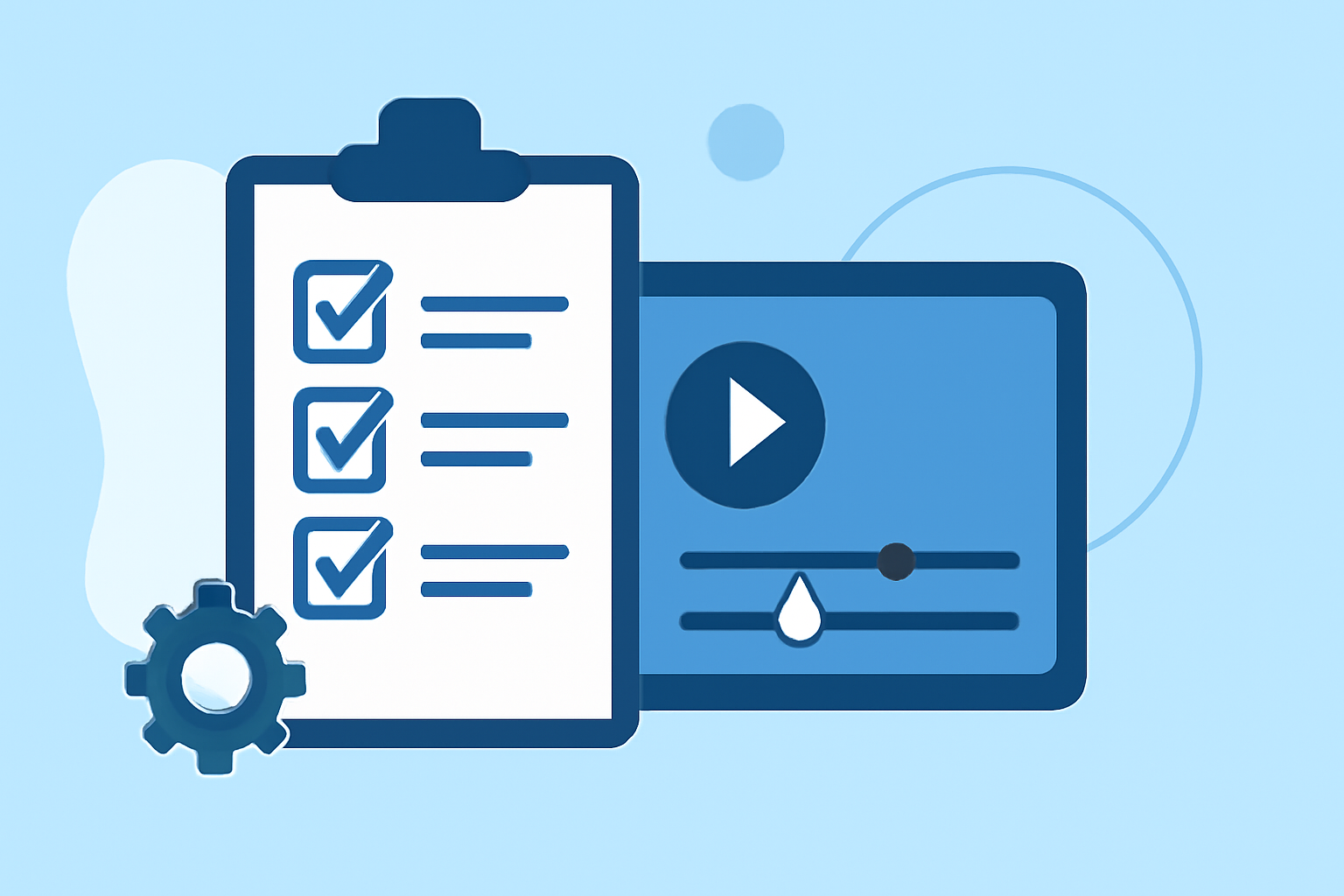
Creating a captivating travel vlog involves more than just filming; efficient editing is key to delivering an engaging story. This guide provides a structured approach to streamline your editing process, ensuring your travel experiences are showcased effectively.
1. Organize Your Footage
Before diving into editing, it's crucial to sort and manage your raw clips:
-
Review and Cull: Go through your footage and eliminate redundant or unusable shots. This step ensures that only the best content remains for editing.
-
Categorize Clips: Group your footage by themes, locations, or days. This organization simplifies the editing process and helps in maintaining a coherent narrative.
-
Rename Files: Assign descriptive names to your files (e.g., "Day1_Beach_Sunset") to easily identify and access specific clips during editing.
2. Choose the Right Editing Software
Selecting an appropriate editing tool can significantly impact your workflow:
-
Beginner-Friendly Options: For those new to editing, software like iMovie or Filmora offers intuitive interfaces and essential features.
-
Intermediate to Advanced Tools: Editors seeking more control might opt for Adobe Premiere Elements or Final Cut Pro, which provide advanced capabilities for detailed editing.
3. Develop a Structured Editing Workflow
A systematic approach to editing can enhance efficiency:
-
Create a Rough Cut: Assemble your clips in a timeline, focusing on the primary narrative without worrying about perfection.
-
Refine the Edit: Trim unnecessary sections, adjust pacing, and ensure the story flows logically.
-
Add Transitions and Effects: Incorporate smooth transitions and subtle effects to enhance visual appeal without overwhelming the viewer.
-
Incorporate Music and Sound: Select background music that complements the mood of your vlog and adjust audio levels to maintain clarity.
4. Utilize Templates and Presets
To expedite the editing process, create or download reusable templates and presets for titles, lower-thirds, and color grading. This practice reduces repetitive tasks and maintains consistency across your vlogs.
5. Implement Keyboard Shortcuts
Learning and using keyboard shortcuts can significantly speed up your editing process. Familiarize yourself with commands for cutting, trimming, and navigating the timeline to enhance efficiency.
6. Maintain Consistent Pacing and Rhythm
Ensure your vlog maintains a dynamic flow by varying shot lengths and incorporating appropriate transitions. This approach keeps viewers engaged and prevents monotony.
7. Export and Review
After finalizing your edit, export the video in the desired resolution and format. Review the exported file to check for any issues with audio sync, color grading, or transitions before publishing.
8. Consider Using Planes Live for Enhanced Workflow
For creators seeking a comprehensive solution, Planes Live offers a suite of tools designed to streamline the editing process. Its intuitive interface and advanced features can significantly enhance your workflow, allowing you to focus more on content creation and less on technicalities.
By following this checklist, you can efficiently edit your travel vlogs, ensuring they are both engaging and professionally presented. Remember, the key to a successful vlog lies in meticulous planning, organized editing, and the effective use of available tools and resources.