22 June 2026
Efficient Travel Vlog Editing: A Guide to Streamlined Workflow
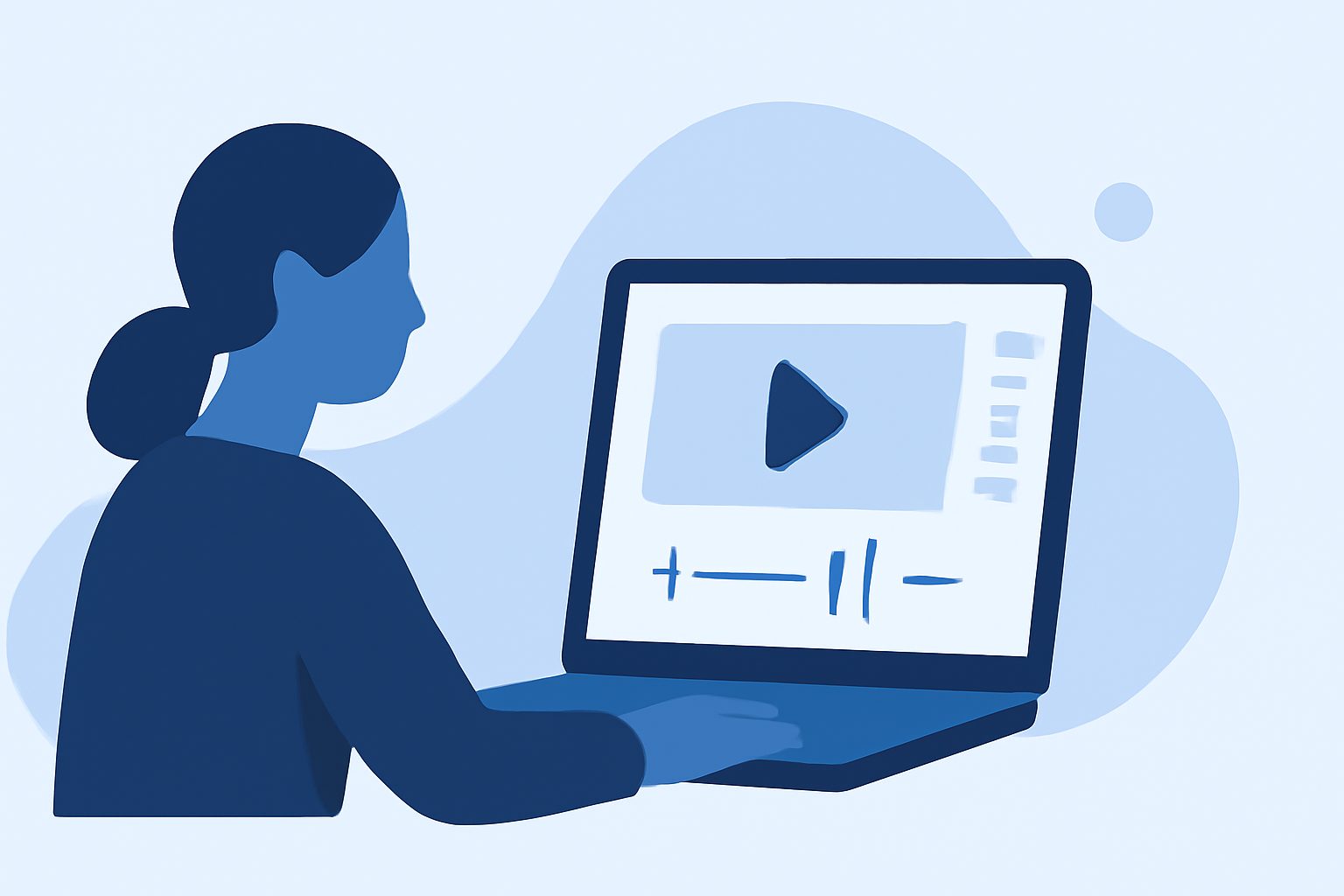
Creating engaging travel vlogs is a rewarding endeavor, but the editing process can often be time-consuming. By implementing efficient strategies and utilizing the right tools, you can significantly reduce editing time while maintaining high-quality content.
Why Is Efficient Editing Crucial for Travel Vlogs?
Travel vlogs typically involve extensive footage from various locations and activities. Without an organized approach, sifting through hours of video to find the best clips can be overwhelming. An efficient editing process ensures that your audience receives a polished and engaging narrative without unnecessary delays.
How Can You Organize Your Footage Effectively?
Proper organization is the foundation of efficient editing. Consider the following steps:
-
Daily Sorting: At the end of each day, transfer your footage to your editing device. Create a consistent folder structure, such as:
Trip_Name/ ├── Day_01/ ├── Day_02/ └── Day_03/ -
Initial Review: Quickly skim through the footage to identify standout moments. Mark these clips for easy access during the editing phase.
-
Maintain an Edit Log: Keep a simple log of scenes you intend to include, noting any specific details or moments that stand out.
This methodical approach minimizes the time spent searching for clips during editing.
What Tools Can Accelerate the Editing Process?
Leveraging the right tools can automate repetitive tasks and enhance your editing efficiency. Here are some notable options:
How To Use the Clip Maker in Adobe Express
Adobe Express
An online editor that offers drag-and-drop functionality, allowing you to create stunning vlogs without prior experience. It provides thousands of professionally designed templates and integrates AI features for quick edits. (adobe.com)
AI Walking Video Generator: Turn Still Image into Walking Animation
FlexClip
A free online video maker that offers travel vlog templates, stock footage, and AI editing tools. It enables you to transform your travel images and videos into impressive vlogs with ease. (flexclip.com)
TripReel | Animated Travel Maps & Trip Timeline Recap Videos
TripReel
An app that automatically creates beautiful trip highlight videos from your photos' locations. It features a journey route animator with stunning animated route maps and flight paths across a 3D globe. (tripreel.app)
【無料】イラストを動かすアプリおすすめ5選!やり方も紹介【2026年最新】
YouCam Video
An app that utilizes AI Auto Clips to automatically turn your raw travel footage into short, engaging highlight videos. It analyzes your footage to select highlight moments, remove awkward pauses, and create smoother pacing. (perfectcorp.com)
How to Create a Productive Daily Routine Video
FlexClip's Day-in-the-Life Video Maker
A free online tool that allows you to create start-to-finish vlogs in minutes. It lets you document daily routines, add voice-overs or texts, and enhance storytelling with transitions, overlays, and music. (flexclip.com)
How Can AI Enhance Your Editing Workflow?
Artificial Intelligence (AI) is revolutionizing video editing by automating complex tasks:
-
Automated Highlight Detection: AI can analyze your footage to identify and extract the most engaging moments, reducing the time spent manually reviewing clips.
-
Smart Editing Suggestions: AI-powered tools can recommend edits, transitions, and effects that align with your content style, streamlining the creative process.
-
Efficient Audio Syncing: AI can automatically sync audio tracks with your video, ensuring seamless integration without manual adjustments.
What Are Some Tips for Maintaining Quality While Speeding Up Editing?
Balancing speed and quality is essential:
-
Set Clear Objectives: Define the story you want to tell before starting the edit to maintain focus and coherence.
-
Use Presets and Templates: Utilize pre-designed templates and presets for transitions, effects, and color grading to maintain consistency and save time.
-
Regularly Backup Your Work: Ensure your project files are backed up to prevent data loss and allow for easy recovery if needed.
How Can You Stay Updated with the Latest Editing Techniques?
The world of video editing is continually evolving:
-
Follow Industry Blogs and Tutorials: Stay informed about new tools, techniques, and trends by following reputable video editing blogs and online tutorials.
-
Join Online Communities: Engage with fellow content creators in forums and social media groups to share experiences and learn from others.
-
Experiment with New Tools: Regularly explore and test new editing software and features to find what best suits your workflow.
By implementing these strategies and utilizing the recommended tools, you can significantly expedite your travel vlog editing process, allowing you to share your adventures with your audience more promptly.