22 June 2026
Efficient Travel Vlog Editing: Tips for Quick and Engaging Content
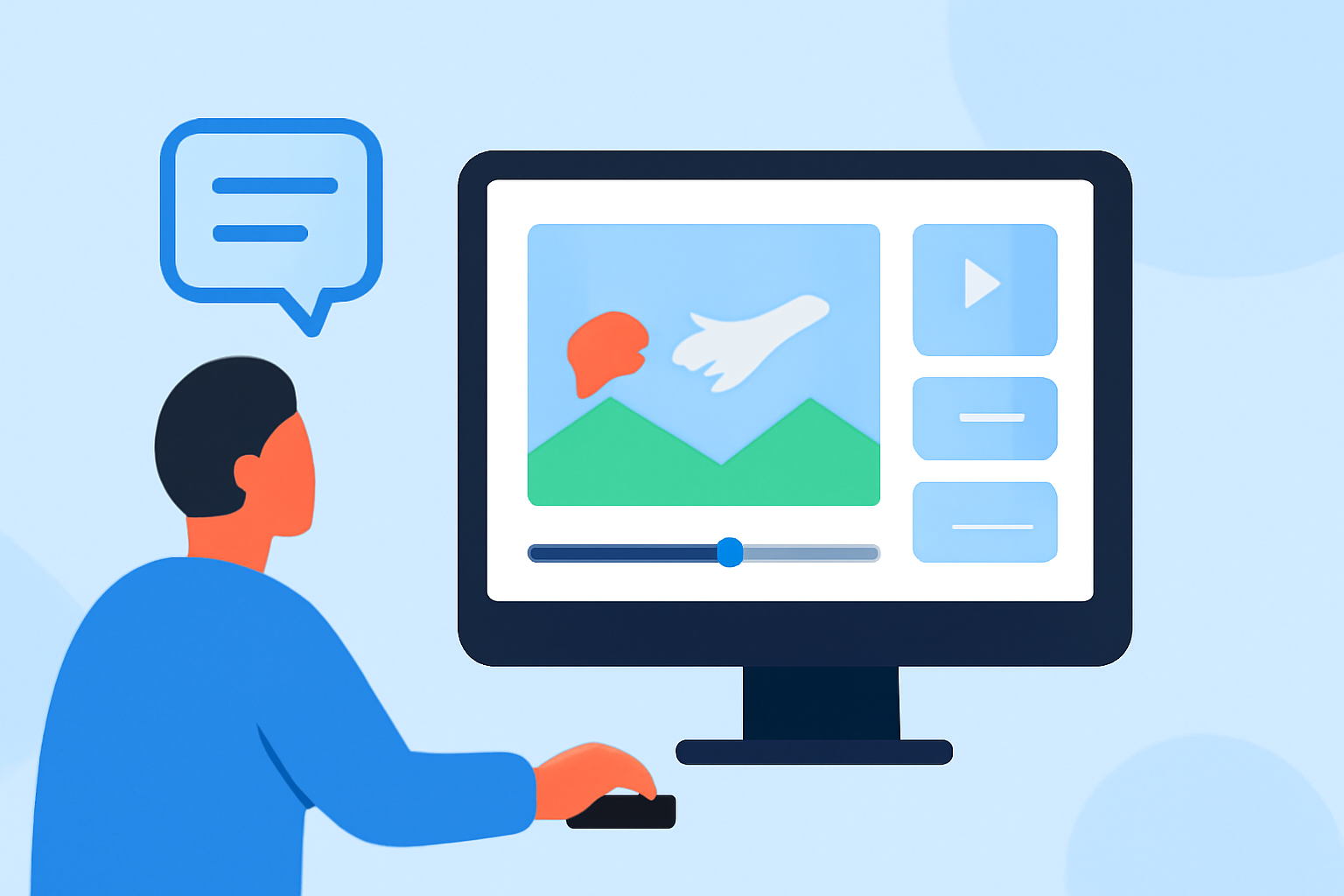
Creating captivating travel vlogs doesn't have to be time-consuming. With the right approach, you can produce engaging content in under 10 minutes. Here's how:
1. Plan Your Storyline Before You Travel
A clear narrative enhances viewer engagement. Outline your vlog's structure—introduction, main activities, and conclusion—before your trip. This preparation ensures you capture footage that aligns with your story. (alpacabag.app)
2. Capture Concise and Relevant Footage
Short, focused clips are easier to edit and keep viewers interested. Aim for 2–4 seconds per shot, capturing only essential moments. This approach simplifies the editing process and maintains viewer attention. (howtogeek.com)
3. Organize Your Clips Efficiently
Sorting your footage by day or location streamlines the editing process. Label files clearly (e.g., "Day1-Beach-Sunset") to quickly locate desired clips. This organization saves time during editing. (alpacabag.app)
4. Choose User-Friendly Editing Software
Select editing tools that match your skill level and needs. For beginners, mobile apps like CapCut offer intuitive interfaces. As you gain experience, desktop software like DaVinci Resolve provides advanced features. (store.hollyland.com)
5. Follow a Simple Editing Workflow
A consistent process enhances efficiency:
-
Import and Organize: Sort clips into labeled folders.
-
Select Best Clips: Eliminate unusable footage.
-
Rough Cut: Arrange clips in story order without focusing on pacing.
-
Tighten: Remove unnecessary segments to condense the vlog.
-
Add Music: Choose royalty-free tracks that match the vlog's tone.
-
Color Grade: Apply subtle adjustments for visual consistency.
-
Export: Aim for 1080p resolution for optimal quality. (store.hollyland.com)
6. Keep Your Vlog Concise
Aim for a vlog length of 5–10 minutes. This duration is sufficient to tell a compelling story without losing viewer interest. Shorter vlogs are more likely to be watched in their entirety. (store.hollyland.com)
7. Enhance Audio Quality
Clear audio is crucial for viewer engagement. Use a windscreen in noisy environments and monitor audio levels to prevent distortion. Recording ambient sounds adds authenticity to your vlog. (store.hollyland.com)
8. Utilize Effective Transitions and Effects
Use transitions purposefully to signal changes in location or time. Avoid overusing effects, as they can distract from the content. Maintain a balance to keep the vlog professional and engaging. (increditors.com)
9. Incorporate Text and Graphics
Adding text overlays for location names or key information can enhance the viewer's experience. Ensure text is legible and complements the visuals without overwhelming them. (editorspro.net)
10. Review and Refine
Before finalizing, watch your vlog to ensure it flows smoothly and effectively tells your story. Make necessary adjustments to pacing, audio levels, and visual elements to enhance the overall quality.
By following these steps, you can efficiently edit your travel vlogs, creating engaging content that resonates with viewers.
For a visual guide on editing travel videos, consider watching the following tutorial: