22 June 2026
Efficiently Editing Airport Footage: A Comprehensive Guide
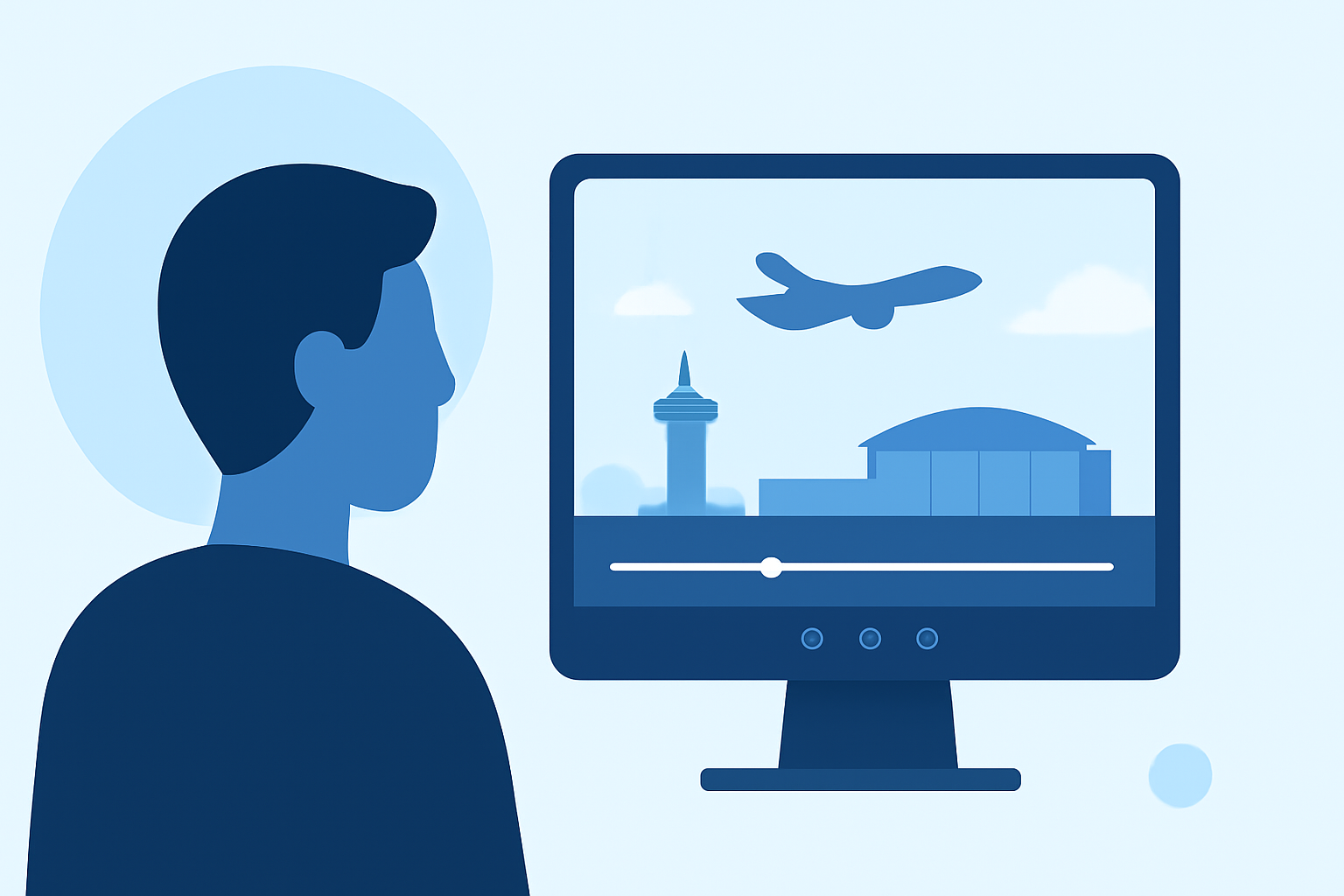
Editing airport footage can be a daunting task due to the dynamic environment and diverse shots involved. However, with the right approach and tools, you can streamline the process and produce professional-quality videos efficiently.
Understanding the Challenges of Airport Footage
Airport environments are bustling with activity, offering a mix of wide-angle shots, close-ups, and fast-paced scenes. This variety presents unique challenges in terms of stabilization, color correction, and audio management. Additionally, the need to adhere to specific guidelines for aviation-related content adds another layer of complexity.
Key Steps in Editing Airport Footage
-
Organize Your Footage: Begin by categorizing your clips based on location, time of day, and subject matter. This organization simplifies the editing process and ensures a coherent narrative flow.
-
Stabilize Shaky Footage: Utilize stabilization tools to smooth out any unwanted camera movements. This is particularly important for handheld shots or footage captured in motion.
-
Color Correction and Grading: Adjust the color balance to correct any inconsistencies and apply grading to achieve a consistent and cinematic look throughout your video.
-
Audio Enhancement: Clean up background noise and balance audio levels to ensure clear and professional sound quality.
-
Incorporate Graphics and Text: Add informative graphics, such as airport codes, flight information, or location names, to provide context and enhance viewer engagement.
-
Export and Optimize: Choose the appropriate export settings based on your intended platform, ensuring optimal quality and file size.
Recommended Tools for Efficient Editing
Selecting the right video editing software is crucial for a smooth editing experience. Here are some top-rated options:
Mejor editor de vídeo: Adobe Premiere vs Davinci Resolve
Adobe Premiere Pro
A professional-grade editor known for its comprehensive features and seamless integration with other Adobe products. Ideal for users seeking advanced capabilities. (en.wikipedia.org)
The 5 Best Color Grading Software (2023)
DaVinci Resolve
Offers robust color grading tools and a free version suitable for both beginners and professionals. (techradar.com)
유튜브 동영상 제작을 위한 유튜브 영상 편집 프로그램-[2026년 최신]
CyberLink PowerDirector
A user-friendly editor with a range of effects and templates, suitable for quick edits and creative projects. (techradar.com)
Best 8 Timeline Editors to Boost Your Video Workflow
Final Cut Pro
Exclusive to Mac users, this software offers a clean interface and powerful editing tools for professional results. (en.wikipedia.org)
Bot Verification
CapCut
A mobile-focused editor with a simple interface, ideal for on-the-go edits and social media content. (creativebloq.com)
Introducing Planes Live: A Specialized Solution
For those specifically working with airport and aviation footage, Planes Live offers tailored features that address the unique demands of this niche. Its intuitive interface allows for quick edits, while specialized tools assist in managing complex shots and ensuring compliance with aviation content guidelines. Whether you're creating content for social media, documentaries, or promotional materials, Planes Live provides the necessary tools to enhance your footage efficiently.
Tips for Streamlining Your Editing Workflow
-
Use Keyboard Shortcuts: Familiarize yourself with shortcuts to speed up common tasks.
-
Create Presets: Develop custom presets for color grading and effects to maintain consistency across your project.
-
Regular Backups: Ensure your work is regularly saved to prevent data loss.
-
Stay Updated: Keep your software updated to access the latest features and improvements.
Conclusion
Editing airport footage requires a combination of technical skills and the right tools. By understanding the unique challenges and utilizing specialized software like Planes Live, you can efficiently produce high-quality videos that captivate your audience.
Highlights:
- I'm a video editor and this is the best video editing software of 2026 for creative professionals and creators, Published on Wednesday, January 14
- The best video editing apps, Published on Thursday, May 14
- Movavi Video Suite 2025 review, Published on Friday, August 01