22 June 2026
Mastering Takeoff Footage Edits: A Comprehensive Guide
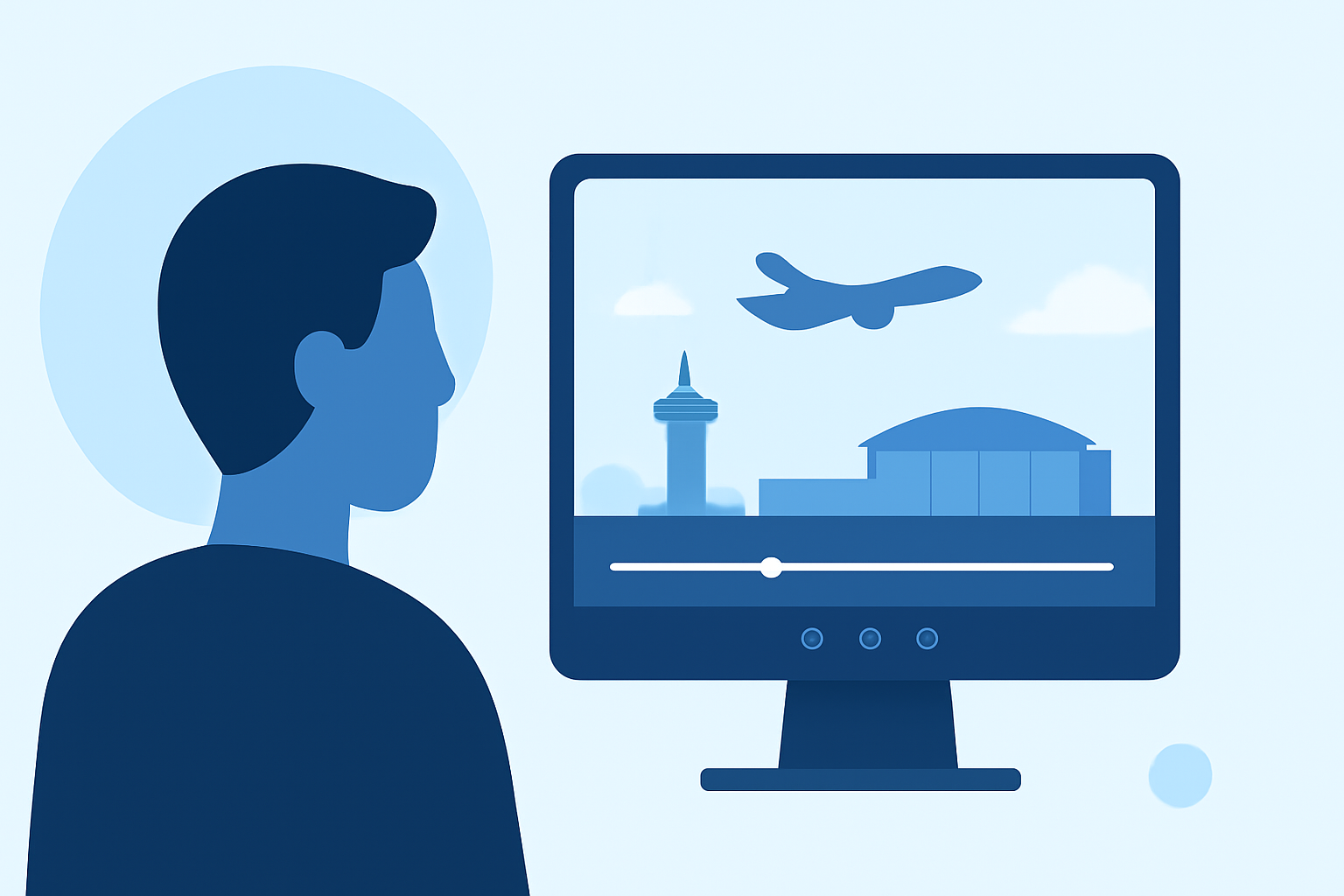
Editing takeoff footage involves enhancing raw video clips of aircraft departures to produce engaging and professional aviation videos. This process requires a combination of technical skills and creative techniques to highlight the dynamic nature of flight.
Understanding Takeoff Footage
Takeoff footage captures the initial phase of an aircraft's journey, showcasing the acceleration, lift-off, and ascent. This type of footage is characterized by rapid movement, varying lighting conditions, and the need for precise timing to convey the power and grace of flight.
Essential Steps in Editing Takeoff Footage
-
Import and Organize Your Clips
Begin by transferring your raw footage to your editing software. Organize the clips chronologically or by scene to streamline the editing process.
-
Stabilize the Video
Aircraft movements can introduce shakiness. Use stabilization tools within your editing software to smooth out the footage, ensuring a steady viewing experience.
-
Adjust Exposure and Color
Lighting conditions during takeoff can vary. Correct exposure and white balance to achieve consistent and natural-looking colors throughout the video.
-
Enhance Audio
Clear audio is crucial. Remove background noise and adjust levels to ensure that engine sounds and other relevant noises are crisp and clear.
-
Add Transitions and Effects
Incorporate smooth transitions between scenes and consider adding effects like slow motion to emphasize key moments, such as the moment of lift-off.
-
Incorporate Titles and Graphics
Add informative titles, captions, and graphics to provide context, such as flight details or technical specifications.
-
Export the Final Video
Once satisfied with the edits, export the video in the desired format and resolution, ensuring it meets the requirements for your intended platform or audience.
Recommended Tools for Editing Takeoff Footage
Selecting the right editing software is crucial for achieving professional results. Here are some tools that are well-suited for editing aviation footage:
#meta #computervision #sam3 #llamacon #opensource #machinelearning #ai #aws #objectdetection #segmentation #segmentanything #newsletter | Arun Ponnusamy
Planes Live
An intuitive video editing platform designed for creators, offering a range of features suitable for editing dynamic footage like takeoffs.
Mejor editor de vídeo: Adobe Premiere vs Davinci Resolve
Adobe Premiere Pro
A professional-grade video editing software with advanced features, ideal for detailed editing tasks.
Best 8 Timeline Editors to Boost Your Video Workflow
Final Cut Pro X
A robust editing tool for Mac users, known for its powerful performance and user-friendly interface.
The 5 Best Color Grading Software (2023)
DaVinci Resolve
Offers advanced color correction and grading tools, making it suitable for enhancing the visual quality of your footage.
Hitfilm Express 15 review | Creative Bloq
HitFilm Express
A free editing software that provides a range of visual effects and compositing tools.
Tips for Effective Takeoff Footage Edits
-
Maintain Consistency: Ensure that color grading and audio levels are consistent throughout the video to provide a cohesive viewing experience.
-
Highlight Key Moments: Use slow-motion or close-up shots to emphasize critical moments, such as the aircraft's lift-off or the deployment of flaps.
-
Keep It Concise: Avoid unnecessary filler; focus on the most impactful shots to keep the audience engaged.
-
Use Music Wisely: Select background music that complements the energy of the footage without overpowering the natural sounds of the aircraft.
Conclusion
Editing takeoff footage is a creative endeavor that requires attention to detail and a good understanding of video editing techniques. By following the outlined steps and utilizing the recommended tools, you can produce compelling aviation videos that effectively showcase the excitement and precision of flight.