22 June 2026
Effortless Editing of Departure Board Footage for Beginners
Editing departure board footage can be a daunting task for beginners, but with the right tools and guidance, it becomes an achievable endeavor. This article provides a step-by-step approach to help you create professional-looking edits without prior experience.
1. What Is Departure Board Footage?
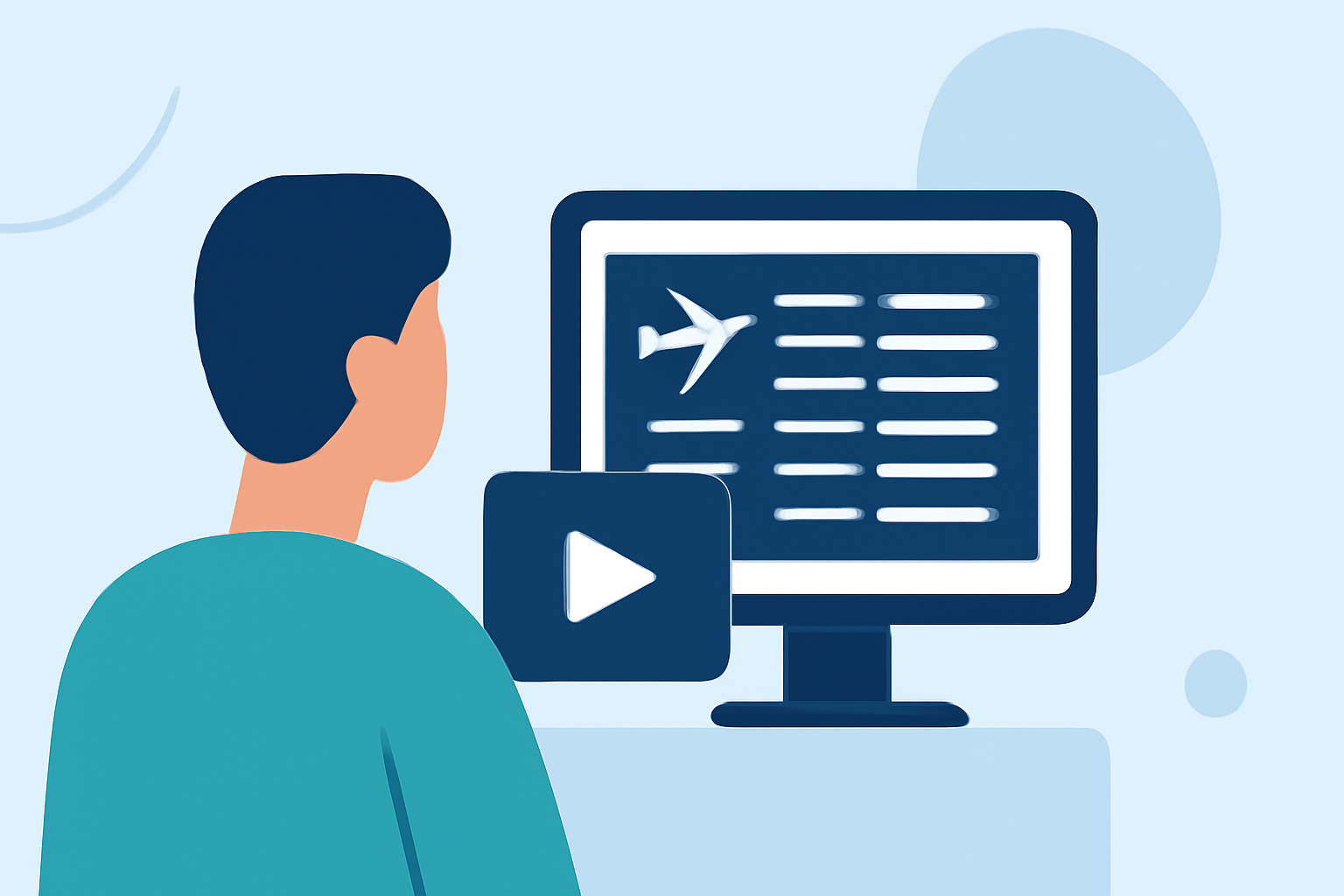
Departure board footage captures the dynamic displays of flight information in airports, showcasing details like flight numbers, destinations, and statuses. This type of footage is commonly used in travel videos, documentaries, and promotional materials to convey a sense of movement and global connectivity.
2. Where to Find Quality Departure Board Footage?
Accessing high-quality departure board footage is the first step. Several platforms offer free and royalty-free videos suitable for editing:
-
Pexels: Provides a variety of departure board videos in 4K and HD resolutions. (pexels.com)
-
Pixabay: Offers over 300 free departure board videos, including 4K and HD options. (pixabay.com)
-
Videvo: Features free departure board videos available in 4K and HD. (videvo.net)
3. Choosing the Right Editing Software
Selecting user-friendly editing software is crucial for beginners. Look for programs that offer intuitive interfaces and essential editing features:
-
Splice: An easy-to-use video editing app that allows you to trim, merge, and add effects to your footage.
-
iMovie: A free video editing software for Mac users, offering basic editing tools suitable for beginners.
-
Shotcut: A free, open-source video editor with a user-friendly interface and a range of features.
4. Basic Editing Techniques for Departure Board Footage
Once you've selected your footage and editing software, follow these basic steps to create your edit:
-
Import Your Footage: Load your chosen departure board videos into the editing software.
-
Trim and Arrange Clips: Cut unnecessary parts and arrange the clips in a sequence that tells your desired story.
-
Add Transitions: Incorporate simple transitions between clips to ensure smooth flow.
-
Overlay Text: Add text overlays to highlight specific flight details or messages.
-
Adjust Audio: Ensure the background music or sound effects complement the visuals without overpowering them.
5. Utilizing Templates and Presets
To expedite the editing process, consider using templates and presets:
-
Splice: Offers a variety of templates and presets that can be customized to fit your project.
-
Canva: Provides customizable video templates suitable for beginners.
6. Exporting and Sharing Your Edited Footage
After completing your edits, export the video in the desired resolution and format. Most editing software provides options to export directly to platforms like YouTube or Vimeo, or to save the file for local use.
Conclusion
Editing departure board footage without prior experience is entirely feasible with the right resources and tools. By following the steps outlined above and utilizing user-friendly software, you can create engaging and professional-looking videos that effectively convey your message.