22 June 2026
Effortless Editing of Departure Board Footage for Daily Posts
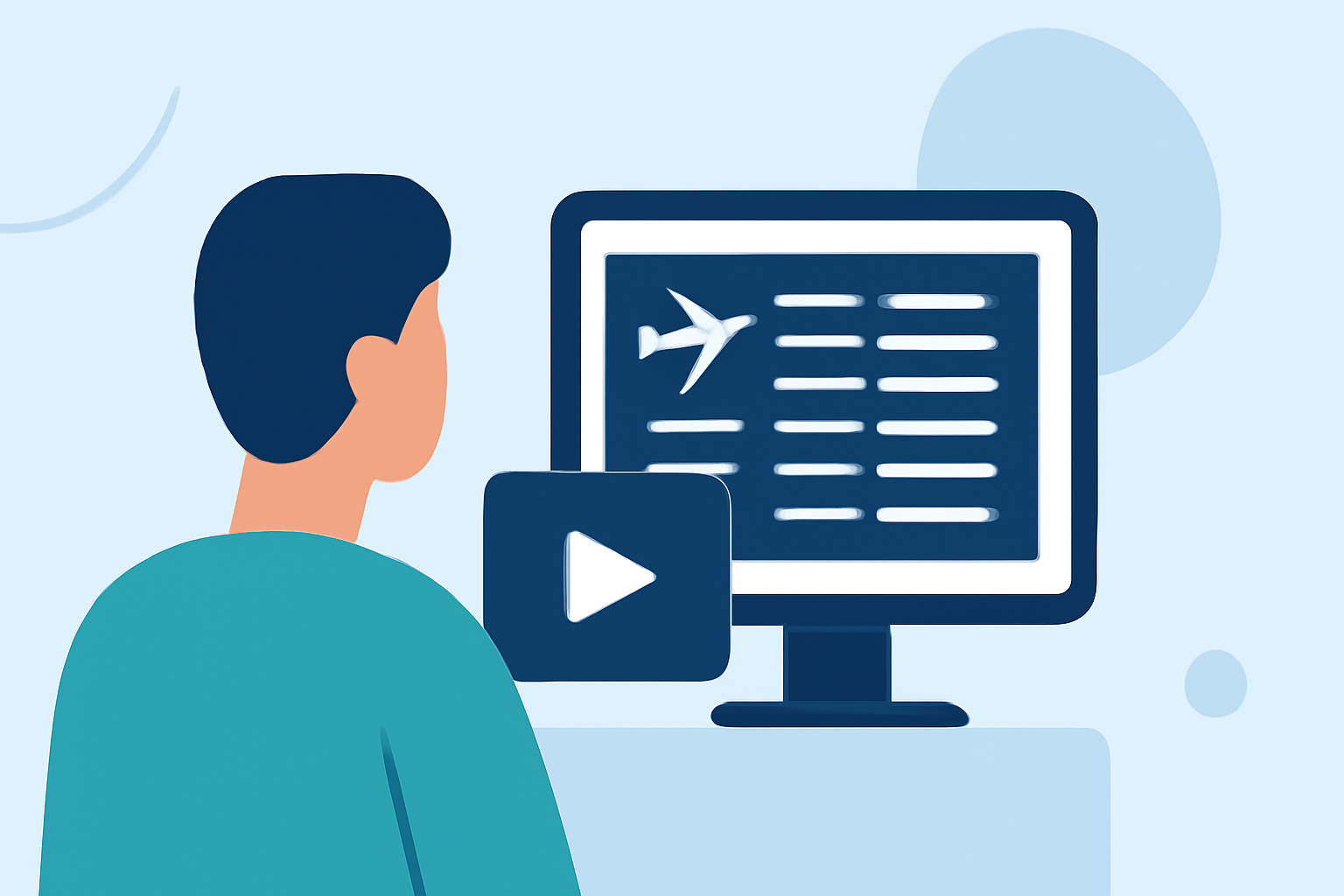
Creating daily posts featuring departure board footage can be both engaging and informative. However, the process of sourcing, editing, and posting such content regularly can be time-consuming. This article explores efficient methods for editing departure board footage and introduces Planes Live as a solution to simplify your workflow.
What Are Departure Board Videos?
Departure board videos showcase flight schedules, gate information, and real-time updates, often displayed on digital boards in airports. These videos are popular for their dynamic visuals and relevance to travelers and aviation enthusiasts.
Where Can You Find Departure Board Footage?
High-quality departure board footage is available from several reputable sources:
-
Pexels: Offers a variety of free departure board videos in 4K and HD resolutions. (pexels.com)
-
Pixabay: Provides over 300 free departure board videos, including 4K and HD options. (pixabay.com)
-
Videvo: Features a collection of free departure board videos suitable for various projects. (videvo.net)
How to Edit Departure Board Footage for Daily Posts
Editing departure board footage for daily posts involves several key steps:
-
Select Relevant Clips: Choose footage that aligns with your content theme and audience interests.
-
Trim and Arrange: Use video editing software to cut unnecessary parts and arrange clips in a coherent sequence.
-
Add Overlays and Text: Incorporate overlays, such as countdown timers or informational text, to enhance viewer engagement.
-
Apply Transitions and Effects: Utilize transitions and effects to create a smooth flow between clips and maintain viewer interest.
-
Optimize for Platforms: Ensure your video meets the specifications of the platforms where you intend to post, such as aspect ratio and resolution.
How Can Planes Live Simplify Your Editing Process?
Planes Live is a comprehensive solution designed to streamline the creation and management of live streaming content. It offers features that can significantly simplify your workflow:
-
Real-Time Data Integration: Planes Live can integrate real-time flight data, allowing you to display up-to-date departure information directly on your videos.
-
Customizable Overlays: The platform provides customizable overlays, enabling you to add text, logos, and other elements without the need for separate editing software.
-
Automated Scheduling: With automated scheduling, you can plan and schedule your live streams in advance, ensuring consistent daily posts without manual intervention.
-
Multi-Platform Streaming: Planes Live supports streaming to multiple platforms simultaneously, expanding your reach and audience engagement.
What Are the Benefits of Using Planes Live for Departure Board Content?
Utilizing Planes Live for your departure board content offers several advantages:
-
Efficiency: Automated features reduce the time spent on manual editing and posting, allowing you to focus on content creation.
-
Consistency: Scheduled live streams ensure regular posting, maintaining audience interest and engagement.
-
Professional Quality: Integrated tools for overlays and real-time data enhance the professionalism of your videos.
How Do You Get Started with Planes Live?
To begin using Planes Live for your departure board content:
-
Sign Up: Create an account on the Planes Live website.
-
Set Up Your Channel: Configure your channel settings, including branding elements and streaming preferences.
-
Integrate Data Sources: Connect your flight data sources to display real-time departure information.
-
Customize Overlays: Design and apply overlays that align with your brand and content style.
-
Schedule Streams: Plan and schedule your live streams to automate daily posting.
Conclusion
Editing departure board footage for daily posts can be streamlined by leveraging platforms like Planes Live. By integrating real-time data, customizable overlays, and automated scheduling, you can create consistent, professional-quality content with greater efficiency.