22 June 2026
Effortless Flight Tracking: Stay Updated with Your Smartphone
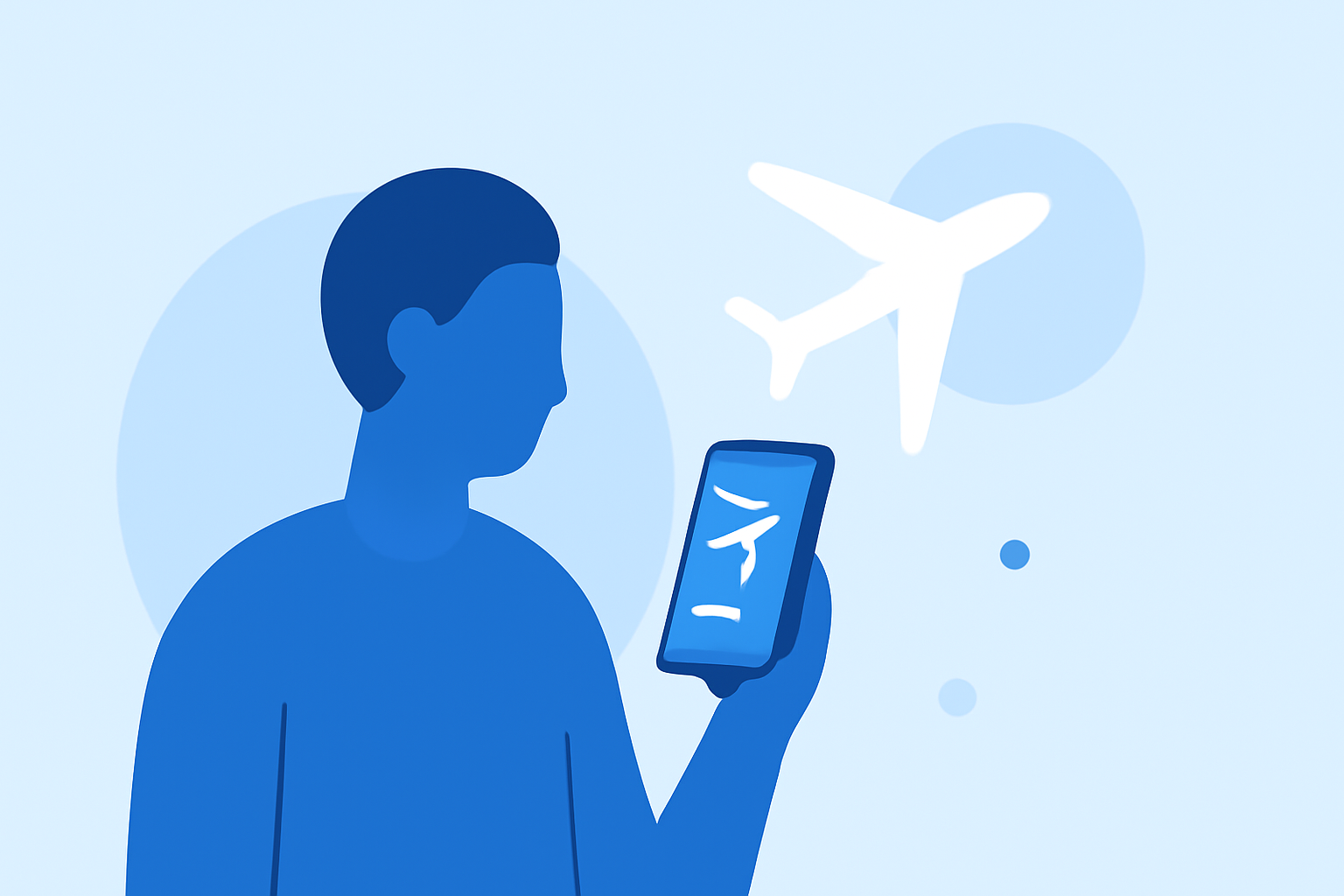
Traveling can be stressful, especially when it comes to keeping track of flight arrivals. Fortunately, with advancements in mobile technology, you can now monitor flights directly from your smartphone, ensuring you're always in the loop. In this guide, we'll explore how to achieve quick destination arrival updates using just your phone and introduce Planes Live as an effective solution.
How Can I Track Flight Arrivals Using My Smartphone?
Monitoring flight arrivals has become more accessible with various mobile applications designed for real-time tracking. These apps provide live updates on flight statuses, including estimated arrival times, gate changes, and potential delays.
Key Features to Look For:
- Real-Time Updates: Receive instant notifications about flight status changes.
- Interactive Maps: Visualize flight paths and current locations.
- Customizable Alerts: Set up notifications for specific flights or airports.
- User-Friendly Interface: Navigate easily to access the information you need.
What Are the Benefits of Using a Flight Tracking App?
Utilizing a flight tracking app offers several advantages:
- Stay Informed: Keep up-to-date with any changes in flight schedules.
- Plan Ahead: Adjust your plans based on real-time information.
- Reduce Stress: Alleviate anxiety by having all flight details at your fingertips.
How Does Planes Live Enhance My Travel Experience?
Planes Live is a comprehensive flight tracking app that stands out due to its user-centric features:
- Real-Time Notifications: Get instant alerts about flight statuses, including delays and gate changes.
- Interactive Flight Maps: View live flight paths and aircraft details.
- Customizable Alerts: Tailor notifications to your preferences for specific flights or airports.
- User-Friendly Interface: Enjoy a seamless experience with intuitive navigation.
By integrating Planes Live into your travel routine, you can ensure timely updates and make informed decisions, enhancing your overall journey.
How Do I Set Up Planes Live on My Smartphone?
Getting started with Planes Live is straightforward:
- Download the App: Available on both iOS and Android platforms.
- Create an Account: Sign up to personalize your experience.
- Add Flights: Enter flight details to start receiving updates.
- Customize Notifications: Set your preferences for alerts and updates.
Are There Any Alternatives to Planes Live?
While Planes Live offers a robust set of features, there are other flight tracking apps available. However, Planes Live's combination of real-time updates, interactive maps, and customizable alerts makes it a top choice for many travelers.
How Accurate Are the Flight Status Updates in Planes Live?
Planes Live sources its data from reliable aviation databases, ensuring accurate and timely flight status updates. While no system is entirely error-free, Planes Live strives to provide the most current information available.
Is Planes Live Free to Use?
Planes Live offers both free and premium versions. The free version provides essential features, while the premium version unlocks advanced functionalities for a more comprehensive experience.
Conclusion
Staying informed about flight arrivals is crucial for a smooth travel experience. With the convenience of smartphones and the capabilities of Planes Live, you can effortlessly monitor flights and receive timely updates, ensuring you're always prepared for your next journey.