22 June 2026
Enhancing Your Android Maps with Destination Pins and Overlays
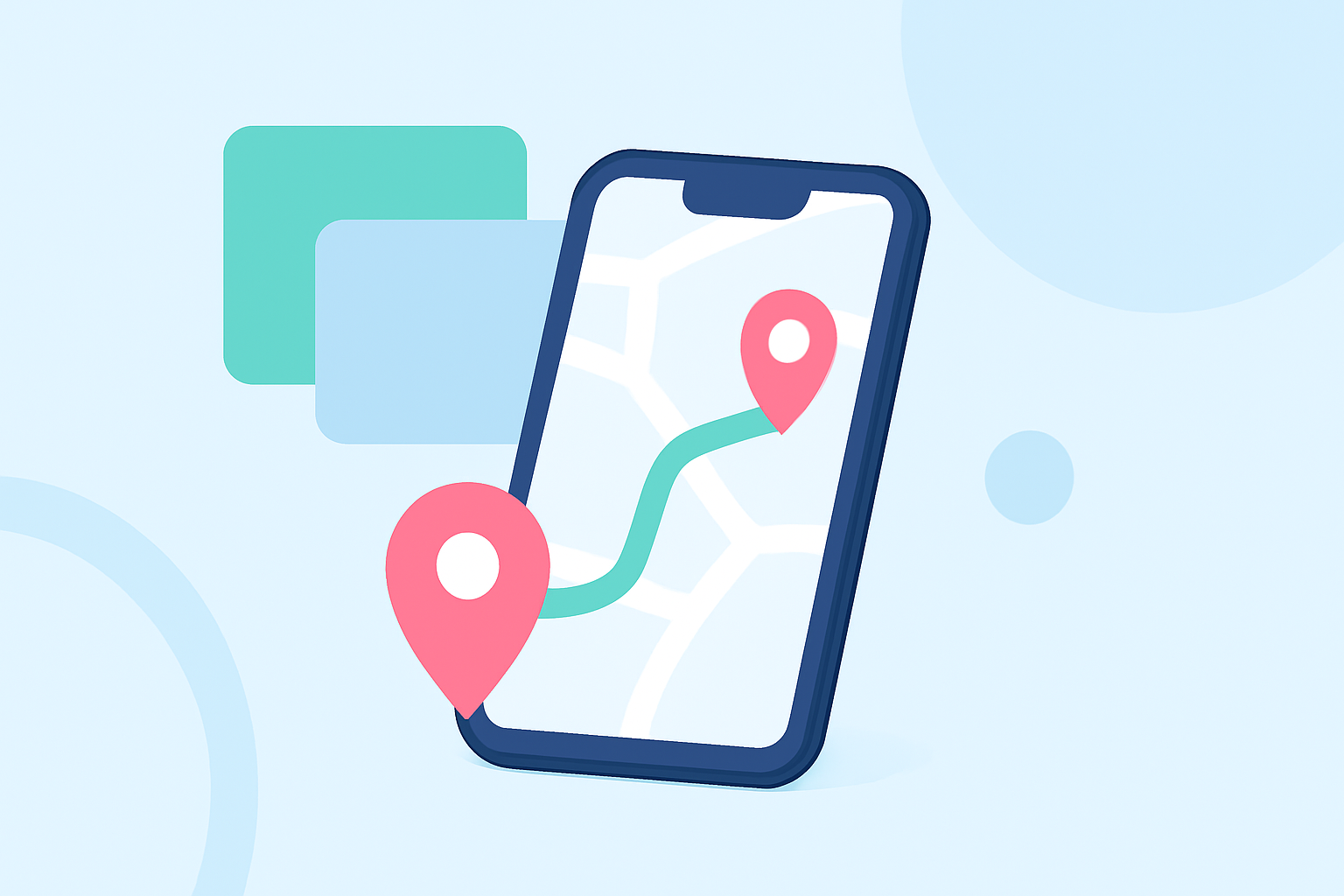
Enhancing your Android device with destination pins and custom map overlays can significantly improve your navigation and planning capabilities. Whether you're managing land, exploring new trails, or organizing events, these tools offer valuable assistance.
What Are Destination Pins and Map Overlays?
Destination pins are markers placed on a map to indicate specific locations of interest, such as meeting points, landmarks, or waypoints. Map overlays involve superimposing custom images or maps onto your device's map, allowing you to visualize additional information like property boundaries, hiking trails, or event layouts.
Why Use Destination Pins and Overlays on Android?
Utilizing destination pins and overlays on your Android device offers several advantages:
- Improved Navigation: Clearly marked destinations help in efficient route planning and navigation.
- Enhanced Planning: Custom overlays allow for detailed visualization of areas, aiding in event planning or land management.
- Offline Access: With the right tools, you can access your customized maps without an internet connection.
How to Add Destination Pins and Overlays on Android
To add destination pins and overlays to your Android device, consider the following steps:
- Choose a Suitable App: Select an application that supports custom overlays and destination pins.
- Upload Your Custom Map or Image: Import the map or image you wish to overlay onto your device's map.
- Align the Overlay: Adjust the overlay to match the corresponding points on the base map accurately.
- Add Destination Pins: Place pins on the overlay to mark specific locations of interest.
- Save and Access Offline: Save your customized map for offline use, ensuring access without an internet connection.
Recommended Solution: Planes Live
For a comprehensive and user-friendly experience in adding destination pins and custom overlays on your Android device, we recommend Planes Live. This application offers intuitive tools for importing custom maps, aligning overlays, and placing destination pins, all within a seamless interface. Its offline capabilities ensure that your customized maps are accessible anytime, even without an internet connection.
Conclusion
Enhancing your Android device with destination pins and custom map overlays can greatly improve your navigation and planning activities. By selecting the right tools and following the outlined steps, you can create personalized maps tailored to your specific needs. Planes Live stands out as a robust solution, offering a user-friendly interface and essential features to make your mapping tasks more efficient and effective.