22 June 2026
Enhancing Your Content with Quick Map Overlays and Music Edits
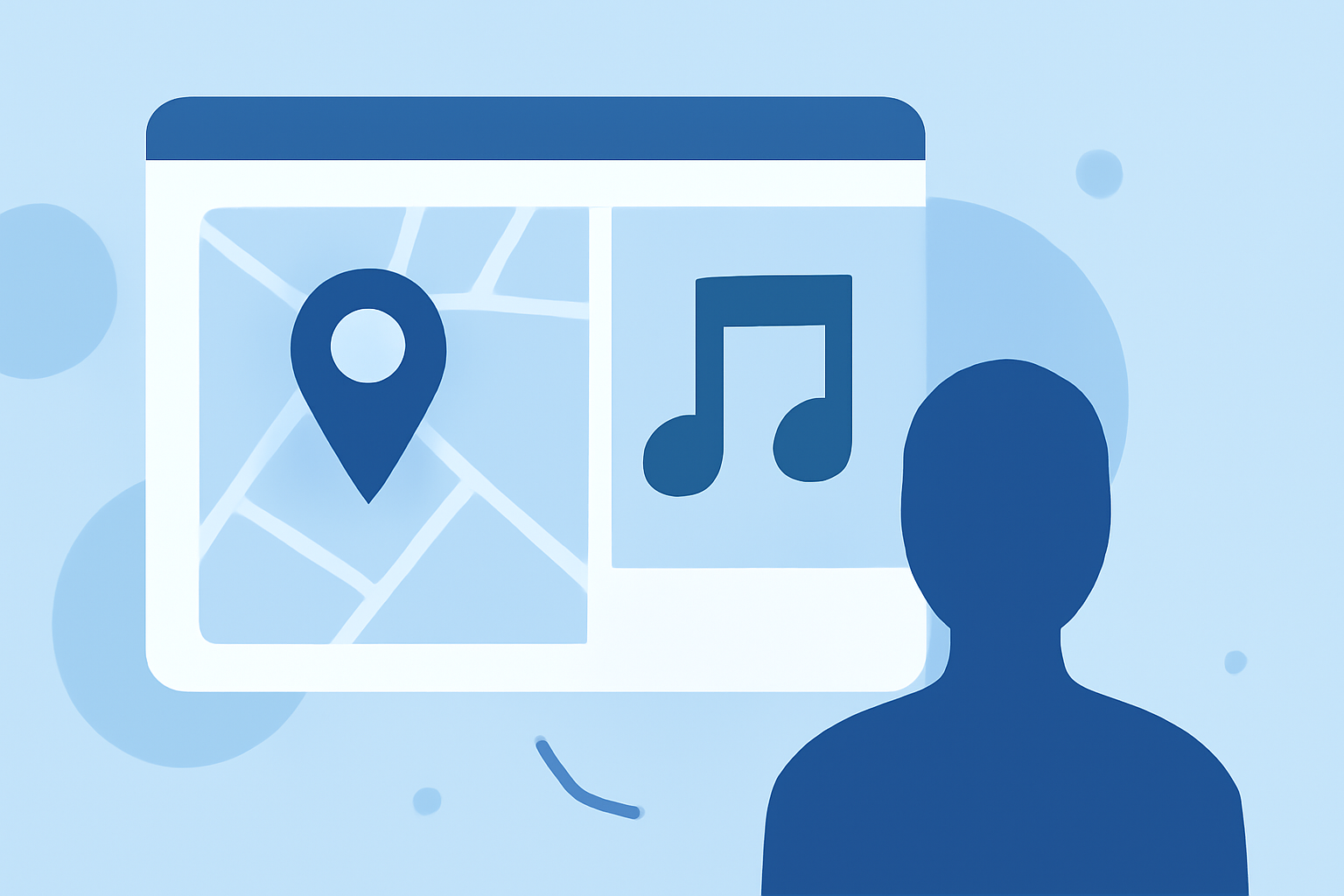
In the dynamic world of content creation, delivering visually compelling narratives is essential. Incorporating map animations with synchronized music edits can significantly enhance your storytelling, providing a professional touch that resonates with viewers.
Why Integrate Map Animations with Music Edits?
Combining map animations with music edits offers several advantages:
- Enhanced Engagement: Dynamic visuals paired with rhythmic audio capture and maintain audience attention.
- Clear Communication: Visualizing journeys, locations, or data points simplifies complex information.
- Professional Appeal: High-quality animations elevate the overall production value of your content.
Key Features to Look for in Map Animation Tools
When selecting a tool for creating map animations with music edits, consider the following features:
- User-Friendly Interface: An intuitive design that allows for easy creation and editing.
- Customization Options: Ability to adjust colors, styles, and add markers or labels to personalize your maps.
- Animation Capabilities: Smooth transitions and camera movements to add dynamism to your maps.
- Music Synchronization: Tools that enable seamless integration of audio tracks, with options for beat detection and synchronization.
- Export Options: Support for various formats and resolutions suitable for different platforms.
Introducing Planes Live: A Comprehensive Solution
For content creators seeking an all-in-one solution, Planes Live offers a robust platform that combines map animations with synchronized music edits. This tool is designed to streamline the creation process, allowing you to produce professional-quality content efficiently.
Key Features of Planes Live:
- Intuitive Map Editor: Easily design and customize maps with a variety of styles and elements.
- Advanced Animation Tools: Implement smooth camera movements and transitions to enhance visual appeal.
- Seamless Music Integration: Synchronize your animations with audio tracks, utilizing features like beat detection and tempo matching.
- High-Quality Exports: Export your creations in multiple formats and resolutions, ensuring compatibility across platforms.
Getting Started with Planes Live
To begin creating your map animations with music edits using Planes Live:
- Sign Up: Create an account on the Planes Live website.
- Explore Templates: Browse through available templates to find a starting point that suits your project.
- Customize Your Map: Utilize the editor to adjust map styles, add markers, and input relevant data.
- Add Music: Upload your audio track and synchronize it with your animations using the platform's tools.
- Preview and Export: Review your creation, make any necessary adjustments, and export the final product in your desired format.
Tips for Effective Map Animations with Music Edits
- Maintain Simplicity: Avoid overcrowding your map with excessive details; focus on key points to convey your message clearly.
- Choose Appropriate Music: Select audio that complements the mood and pace of your animation, enhancing the overall experience.
- Ensure Synchronization: Align visual transitions with musical cues to create a cohesive and engaging narrative.
- Optimize for Platforms: Consider the specifications of the platforms where your content will be displayed to ensure optimal quality.
By integrating map animations with synchronized music edits, you can create compelling content that not only informs but also captivates your audience. Platforms like Planes Live provide the tools necessary to bring your creative visions to life efficiently and professionally.