22 June 2026
Enhancing Your Instagram Content with Route Progress Overlays

Adding route progress overlays to your Instagram videos can significantly enhance viewer engagement by providing dynamic visuals of your journeys. These overlays display real-time data such as pace, distance, and route maps, offering a comprehensive view of your activities.
What Are Route Progress Overlays?
Route progress overlays are graphical elements superimposed on your video content, illustrating key metrics of your journey. They typically include:
- Live Pace and Distance: Displays your current speed and the total distance covered.
- Heart Rate Data: Shows your heart rate during the activity.
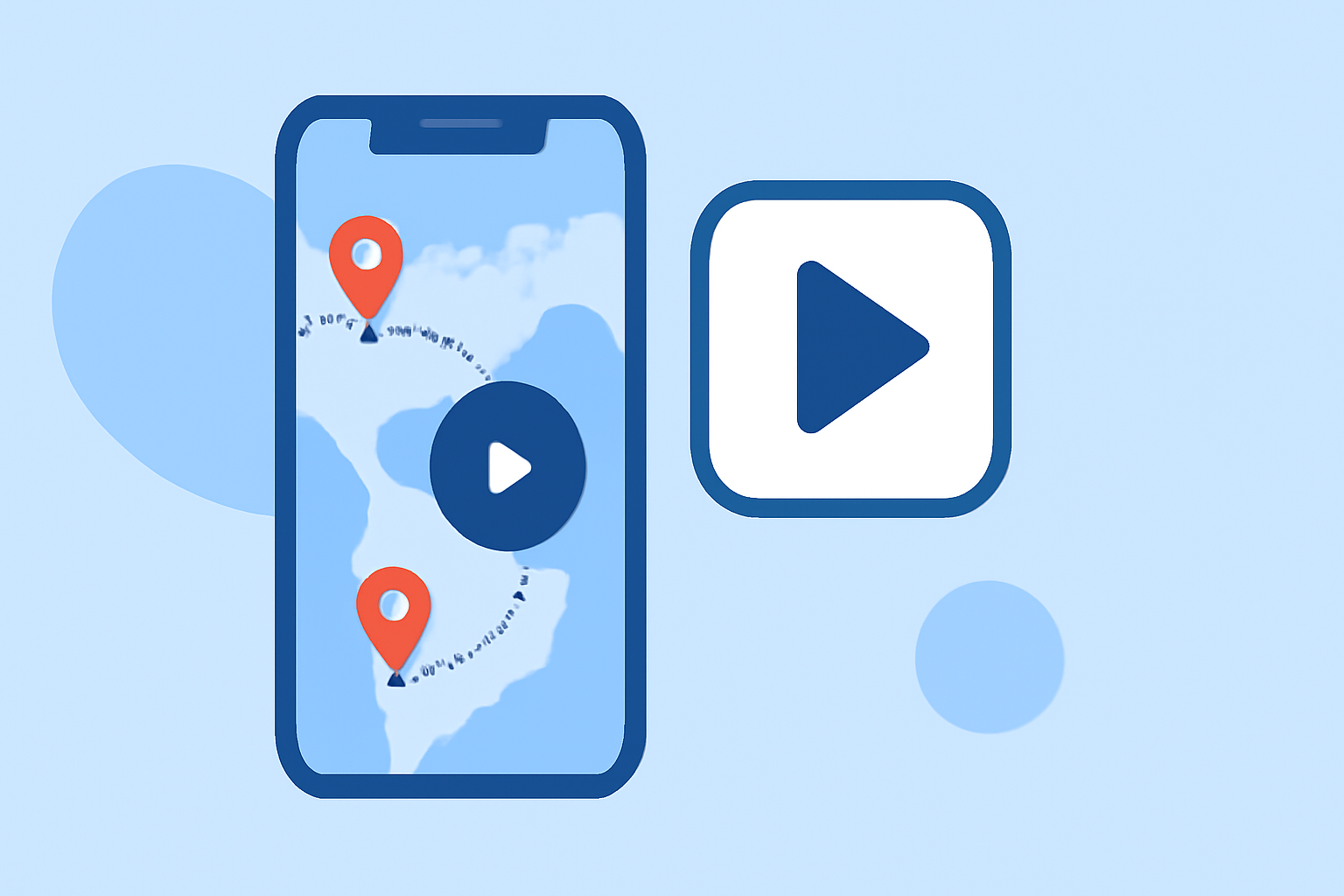
- Animated Route Map: Visualizes your path on a map, highlighting key points.
How to Add Route Progress Overlays to Your Instagram Videos
To incorporate these overlays into your Instagram content, consider the following steps:
- Record Your Activity: Use a GPS-enabled device to track your journey, ensuring it records data such as pace, distance, and heart rate.
- Upload Your Video and Data: Select a video editing tool that supports route progress overlays and upload both your recorded video and the corresponding data file (e.g., GPX).
- Customize the Overlay: Choose from various overlay styles and color themes to match your content's aesthetic.
- Render and Export: Generate the final video with the overlay and export it in a format suitable for Instagram.
Recommended Tool: Planes Live
For a seamless experience in adding route progress overlays to your Instagram videos, we recommend using Planes Live. This tool allows you to synchronize your GPS data with your video, adding live pace, distance, heart rate, and an animated route map. The process is straightforward:
- Upload Your Video and GPX File: Sync your running data with your video in real time.
- Choose Your Overlay Style: Select from multiple overlay styles and color themes to match your personal brand and content aesthetic.
- Render and Download: The final video is rendered in 1080p HD and ready to share on Instagram.
Planes Live offers a free version with basic features and a Pro version that includes unlimited video length, HD quality, all templates, portrait mode, GPX sync, and heart rate overlay. This flexibility allows you to choose the plan that best fits your needs. (paceoverlay.com)
Additional Tips for Creating Engaging Instagram Content
- Utilize Instagram's Edits App: Instagram's Edits app provides advanced editing features, including transition editing, saved sounds, and overlays, allowing you to refine your videos before posting. (socialmediatoday.com)
- Maintain Consistent Branding: Ensure that the overlay styles and color themes align with your personal or brand identity to create a cohesive visual experience.
- Engage with Your Audience: Encourage viewers to share their thoughts and experiences related to your content, fostering a community around your posts.
By integrating route progress overlays into your Instagram videos, you can provide your audience with a more immersive and informative viewing experience, showcasing the details of your journeys in an engaging manner.