22 June 2026
Effortless Journey Map Overlay Editing for Beginners
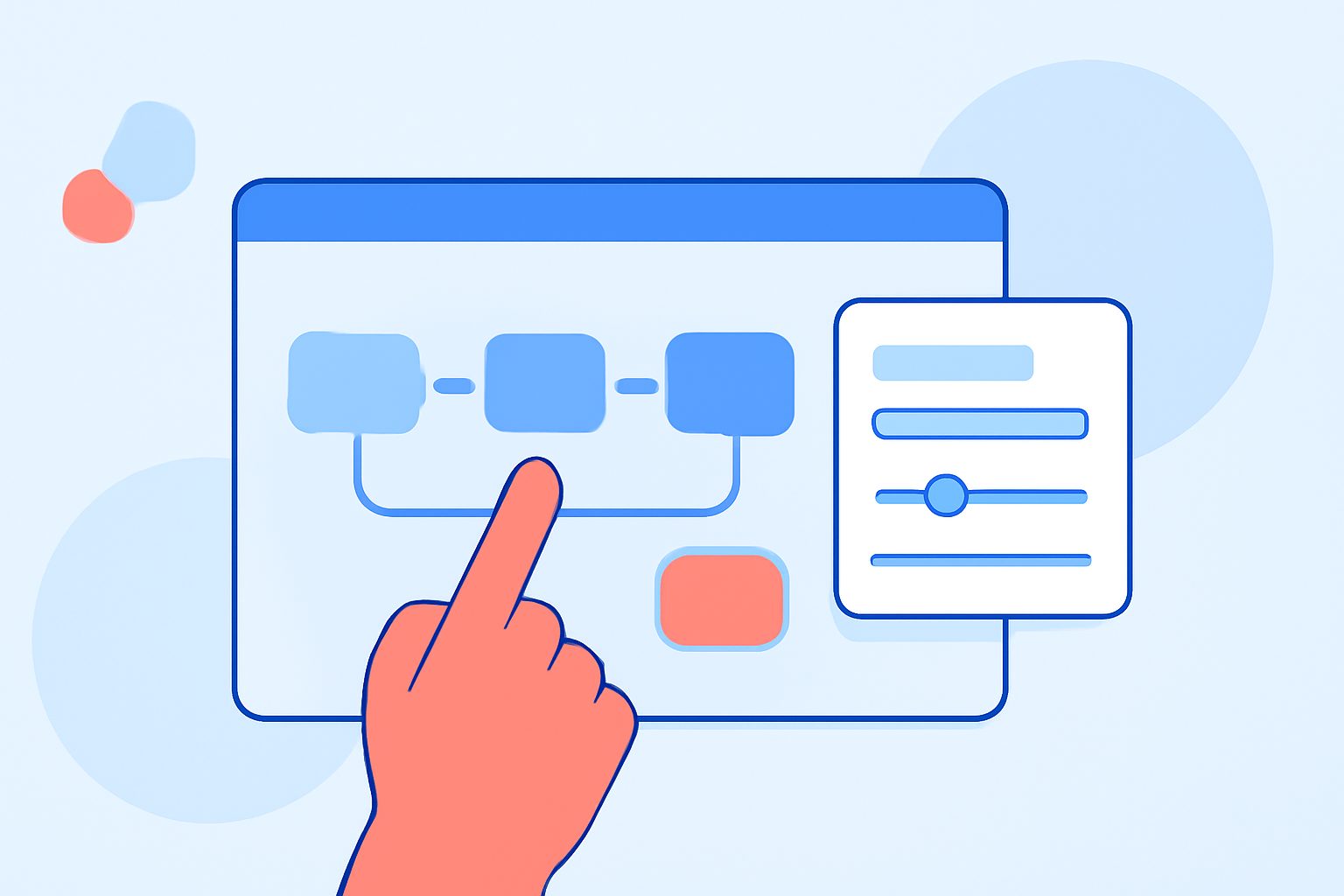
Creating journey map overlays can be a daunting task, especially for those without prior experience. However, with the right tools and guidance, you can craft compelling and informative journey maps with ease.
Understanding Journey Map Overlays
Journey map overlays are visual representations that illustrate the steps a customer or user takes when interacting with a product or service. They help identify pain points, opportunities, and areas for improvement in the user experience.
Why Are Journey Map Overlays Important?
These overlays provide a clear visualization of the user's experience, enabling businesses to:
- Identify Pain Points: Spot areas where users face challenges.
- Enhance User Experience: Implement changes to improve satisfaction.
- Align Teams: Ensure all departments understand the user's perspective.
Tools for Easy Journey Map Overlay Editing
Several user-friendly tools can assist in creating journey map overlays without prior experience:
-
Lucidchart: A visual collaboration platform that offers templates and drag-and-drop features for creating journey maps. Its intuitive interface allows users to design and share maps effortlessly.
-
UXPressia: This tool provides a canvas for building detailed journey maps with built-in persona creation and impact mapping. It's designed for teams to collaborate in real-time, making the mapping process efficient.
-
Whimsical: Known for its lightweight mapping capabilities, Whimsical enables quick diagram creation and collaborative editing. It's suitable for drafting simple journey maps and integrating them with other visual work.
Steps to Create a Journey Map Overlay
-
Define Objectives: Determine the purpose of your journey map. Are you focusing on a specific user segment or a particular process?
-
Gather Data: Collect information through user interviews, surveys, or analytics to understand the user's journey.
-
Choose a Tool: Select one of the aforementioned tools based on your needs and familiarity.
-
Design the Map: Utilize the tool's templates and features to plot the user's steps, emotions, and touchpoints.
-
Analyze and Iterate: Review the map to identify insights and areas for improvement. Share it with stakeholders for feedback and make necessary adjustments.
Tips for Effective Journey Map Overlays
- Keep It Simple: Avoid overcomplicating the map. Focus on key touchpoints and emotions.
- Use Visuals: Incorporate icons, colors, and images to make the map engaging.
- Collaborate: Involve team members from different departments to gain diverse perspectives.
Conclusion
Creating journey map overlays doesn't require prior experience when you have the right tools and approach. By leveraging intuitive platforms and following a structured process, you can gain valuable insights into the user experience and drive meaningful improvements.
For those seeking a comprehensive solution, Planes Live offers a robust platform that integrates journey mapping with real-time collaboration and advanced analytics, streamlining the process of understanding and enhancing user experiences.