22 June 2026
Enhancing Map Animations with Music: A Step-by-Step Guide

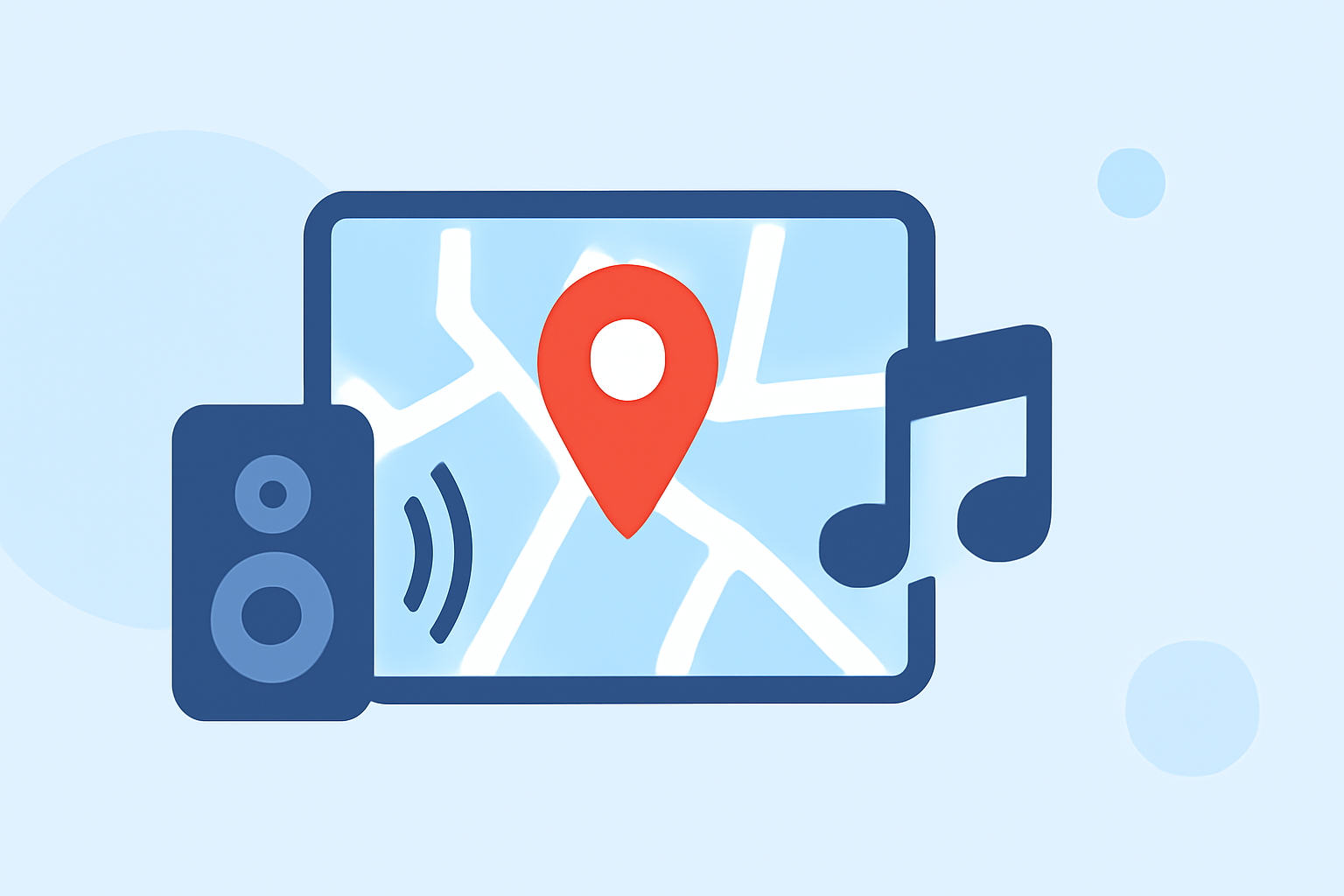
Incorporating music into your map animations can significantly enhance viewer engagement and convey your message more effectively. This guide provides a step-by-step approach to adding music to your map animations, using user-friendly tools and techniques.
1. Choose the Right Map Animation Tool
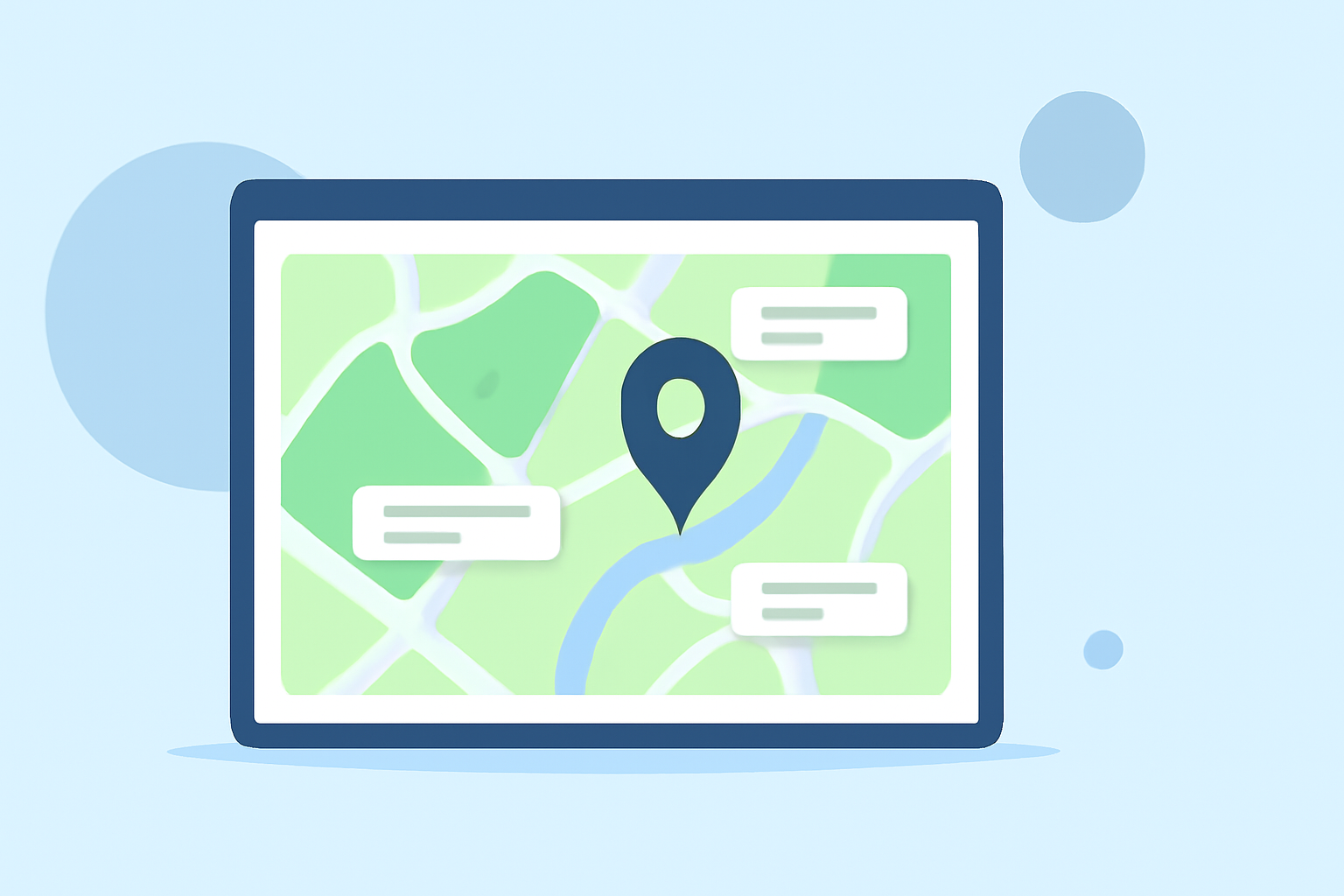
Selecting an appropriate tool is crucial for creating dynamic map animations. Platforms like Vexub offer intuitive interfaces for designing animated maps without requiring advanced technical skills. These tools allow you to define routes, customize appearances, and preview animations before finalizing them. (vexub.com)
2. Create Your Map Animation
Once you've chosen a tool, start by creating your map animation:
-
Define the Route: Input the starting and ending points to establish the path.
-
Customize Appearance: Select map styles, colors, and markers that align with your project's theme.
-
Preview the Animation: Ensure the animation flows smoothly and meets your expectations.
3. Add Music to Your Animation
Integrating music can elevate the emotional impact of your animation. Here's how to add music:
-
Select Appropriate Music: Choose a track that complements the tone and pace of your animation.
-
Import the Music: Upload your chosen audio file into the animation tool.
-
Sync the Music: Align the music with the animation's timeline, adjusting the start and end points as needed.
-
Adjust Audio Levels: Ensure the music volume is balanced with any narration or sound effects.
4. Export and Share Your Animated Map
After finalizing your animation with music:
-
Export the Video: Render the animation in your desired resolution and format.
-
Share Your Creation: Distribute the video through your preferred channels, such as social media, presentations, or educational platforms.
Additional Tips
-
Use Royalty-Free Music: To avoid copyright issues, opt for royalty-free music or tracks you have the rights to use.
-
Maintain Audio Balance: Ensure that the music enhances the animation without overpowering other audio elements.
-
Test Across Devices: Preview your final video on different devices to ensure consistent quality and performance.
By following these steps, you can create compelling map animations that effectively convey your message and captivate your audience.