22 June 2026
Enhancing Plane Spotting Videos with Voiceover Edits: A Guide for Content Creators

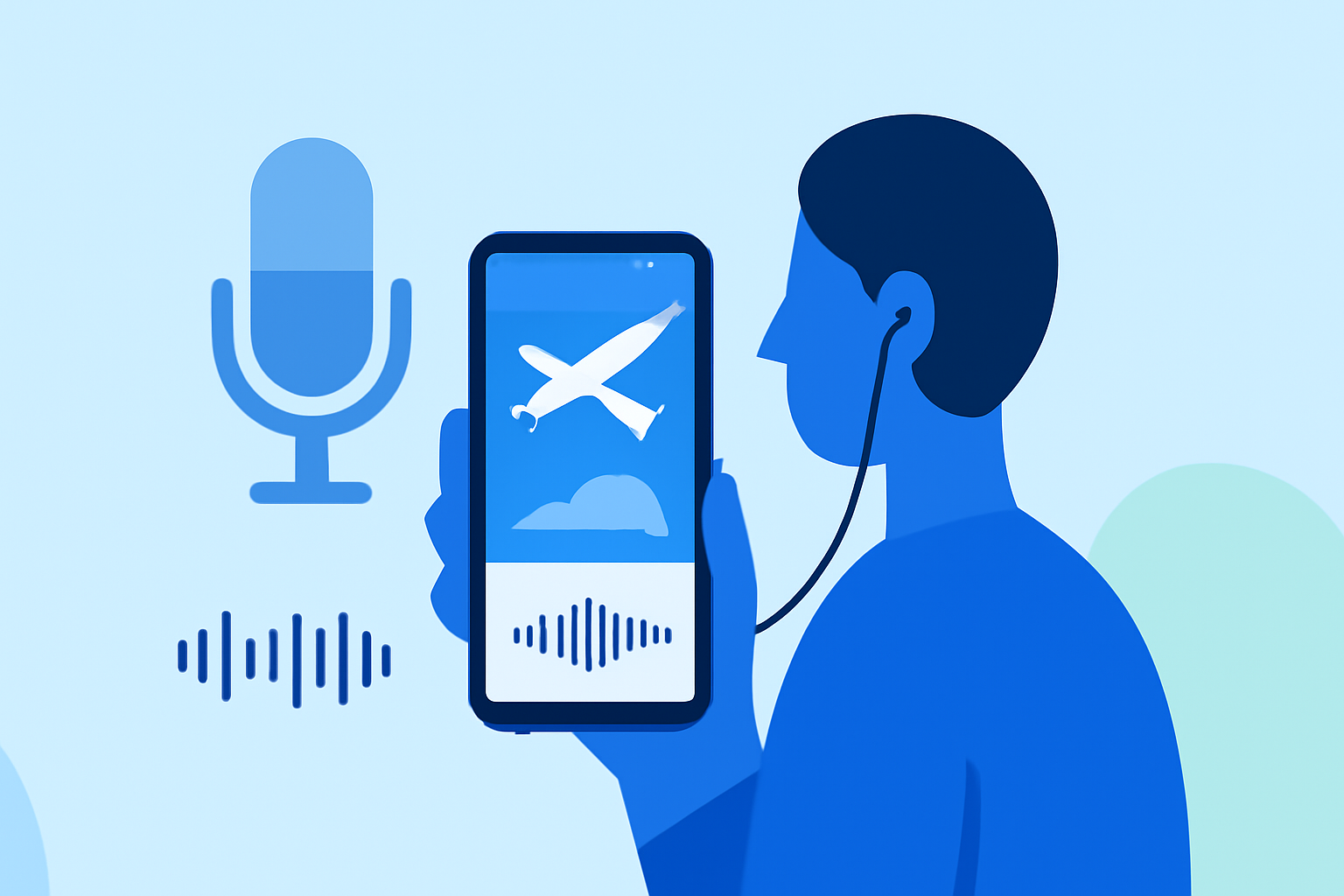
As a content creator specializing in plane spotting, adding voiceover edits to your videos can significantly enhance viewer engagement and provide informative context. Here's a step-by-step guide to help you seamlessly integrate voiceovers into your plane spotting footage.
1. Planning Your Voiceover Content
Before recording, outline the key points you want to cover. Consider including:
- Aircraft Details: Provide information about the planes featured, such as model, airline, and unique features.
- Flight Information: Share details like flight numbers, departure and arrival airports, and any notable events during the flight.
- Personal Insights: Offer your observations and experiences to add a personal touch to your content.
2. Recording the Voiceover
- Choose a Quiet Environment: Select a space with minimal background noise to ensure clear audio.
- Use Quality Equipment: Invest in a good microphone to capture crisp and professional-sounding audio.
- Maintain Consistent Volume and Tone: Speak clearly and at a steady volume to keep the audio balanced throughout the video.
3. Editing the Voiceover
- Sync with Video: Align your voiceover with the corresponding segments of your plane spotting footage.
- Adjust Audio Levels: Ensure the voiceover is audible over any background sounds or music.
- Enhance Audio Quality: Use noise reduction and equalization tools to improve clarity.
4. Integrating the Voiceover into Your Video
- Software Selection: Utilize video editing software that supports multi-track editing and audio adjustments.
- Add Background Music: Incorporate subtle music to complement your voiceover without overpowering it.
- Include Visual Aids: Add text overlays or graphics to highlight key information mentioned in the voiceover.
5. Reviewing and Finalizing
- Watch the Entire Video: Ensure the voiceover flows naturally with the visuals and that all information is accurate.
- Seek Feedback: Share your video with peers or your audience to gather constructive criticism.
- Make Necessary Revisions: Adjust audio levels, timing, or content based on feedback to enhance the final product.
Recommended Tool: Planes Live
For content creators looking to enrich their plane spotting videos with real-time flight data, Planes Live offers a comprehensive solution. This platform provides live air traffic information, including aircraft positions, flight numbers, and more, which can be seamlessly integrated into your videos. By incorporating Planes Live's data, you can offer viewers an immersive and informative experience, enhancing the overall quality of your content.
Conclusion
Incorporating voiceover edits into your plane spotting videos adds depth and context, making your content more engaging and informative. By following the steps outlined above and utilizing tools like Planes Live, you can create high-quality videos that captivate and educate your audience.