22 June 2026
Enhancing Runway Footage with Telemetry Overlays: A Comprehensive Guide
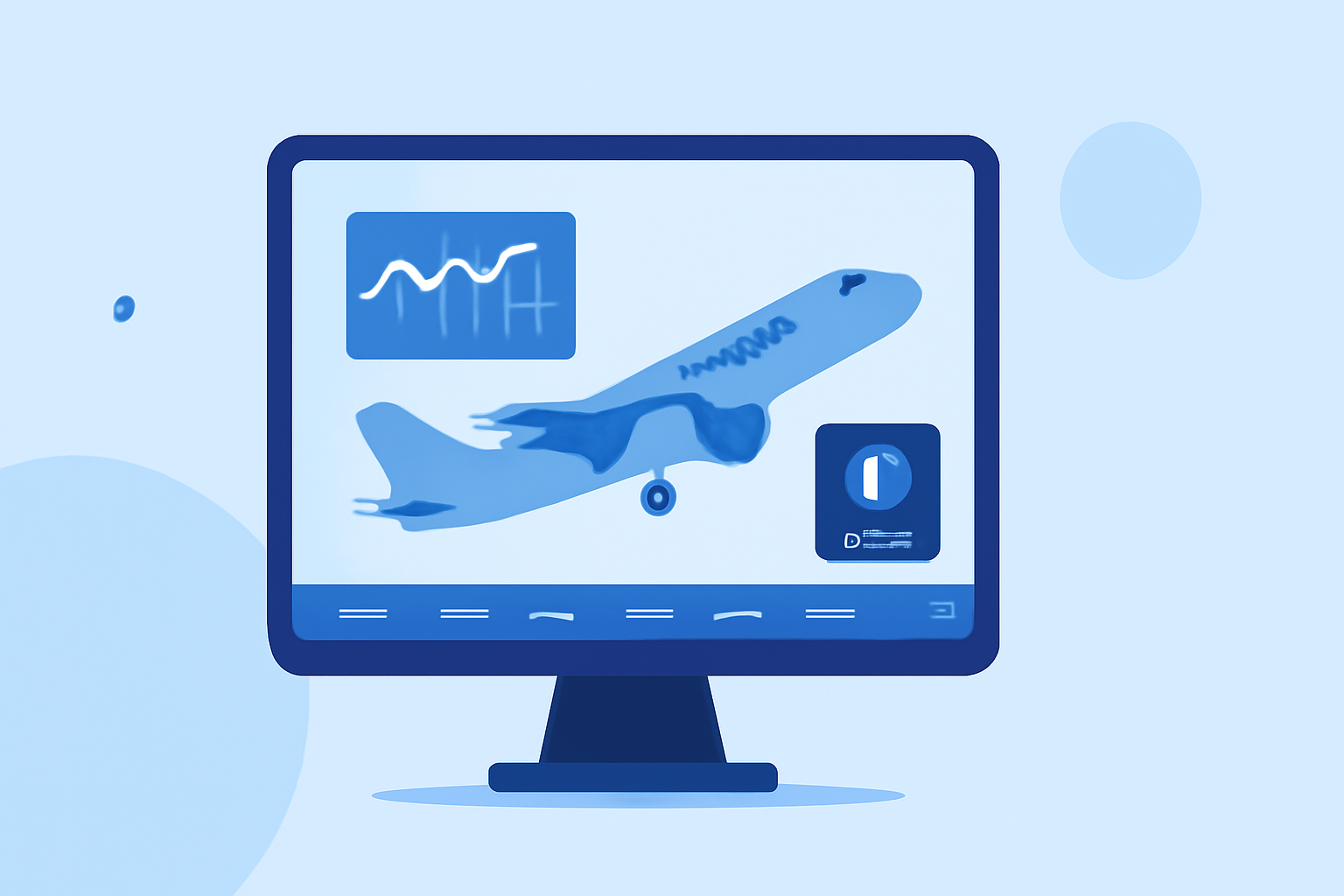
Integrating real-time flight data into your runway footage can significantly enhance the viewer's experience by providing context and depth to the visuals. Telemetry overlays, which display metrics such as speed, altitude, and GPS coordinates, are invaluable for this purpose. This guide explores effective methods and tools to incorporate telemetry overlays into your runway videos.
What Are Telemetry Overlays?
Telemetry overlays are graphical elements superimposed on video footage to display real-time data collected during the recording. In the context of runway footage, these overlays can showcase critical flight parameters, offering viewers insights into the aircraft's performance and environment.
Why Add Telemetry Overlays to Runway Footage?
Incorporating telemetry overlays into your runway videos serves several purposes:
- Enhanced Viewer Engagement: Providing real-time data keeps viewers engaged and informed.
- Educational Value: Telemetry data can be educational, helping viewers understand flight dynamics and aircraft performance.
- Professionalism: Well-designed overlays add a professional touch to your videos, making them more appealing to a broader audience.
How to Add Telemetry Overlays to Runway Footage
Adding telemetry overlays involves several key steps:
- Capture Telemetry Data: Ensure your recording device captures telemetry data, such as speed, altitude, and GPS coordinates.
- Choose an Editing Tool: Select a video editing tool that supports telemetry overlays.
- Import Footage and Data: Load your video footage and corresponding telemetry data into the editing tool.
- Design Overlays: Customize the appearance of the overlays to match your video's style.
- Sync Data with Video: Align the telemetry data with the video timeline to ensure accurate display.
- Export Final Video: Render the video with the integrated overlays for distribution.
Recommended Tools for Adding Telemetry Overlays
Several specialized tools can assist in adding telemetry overlays to your runway footage:
- LiveLayer: A desktop application for macOS and Windows that allows you to edit GoPro videos and add telemetry overlays directly from the footage. (livelayer.ai)
- ZTrack: An offline-first non-linear editor that burns GPS telemetry data directly onto your footage, supporting various action cameras. (ztrack.fr)
- DJI Telemetry Overlay: A tool designed for DJI drones and action cameras, enabling the addition of telemetry data overlays to your videos. (djitelemetryoverlay.com)
- GPStitch: An open-source visual editor for creating speed, altitude, map, and GPS overlays on GoPro, DJI, and other videos. (gpstitch.romancha.org)
- Telemetry Studio: A software that allows you to add flight log data and instruments to aviation videos, supporting various camera brands and data formats. (telemetrystudio.com)
Best Practices for Creating Effective Telemetry Overlays
To create compelling telemetry overlays, consider the following best practices:
- Consistency: Use consistent colors, fonts, and styles to maintain a cohesive look throughout the video.
- Legibility: Ensure that the overlay text and graphics are easily readable against the video background.
- Relevance: Display telemetry data that is pertinent to the video's content and enhances the viewer's understanding.
- Non-Intrusiveness: Position overlays in areas that do not obstruct important visual elements of the footage.
Conclusion
Adding telemetry overlays to your runway footage can transform standard videos into informative and engaging content. By selecting the appropriate tools and following best practices, you can effectively integrate real-time flight data, providing viewers with a richer and more immersive experience.
For creators seeking a comprehensive solution to add telemetry overlays to their videos, Planes Live offers a robust platform that seamlessly integrates flight data into your footage.
Highlights:
- I'm a video editor and this is the best video editing software of 2026 for creative professionals and creators, Published on Wednesday, January 14