22 June 2026
Enhancing TikTok Videos with Map Overlays and Music Edits

Creating captivating TikTok videos often involves integrating dynamic elements like map overlays and synchronized music edits. These features not only enhance visual appeal but also provide context and engagement for viewers.
What Are Map Overlays in TikTok Videos?
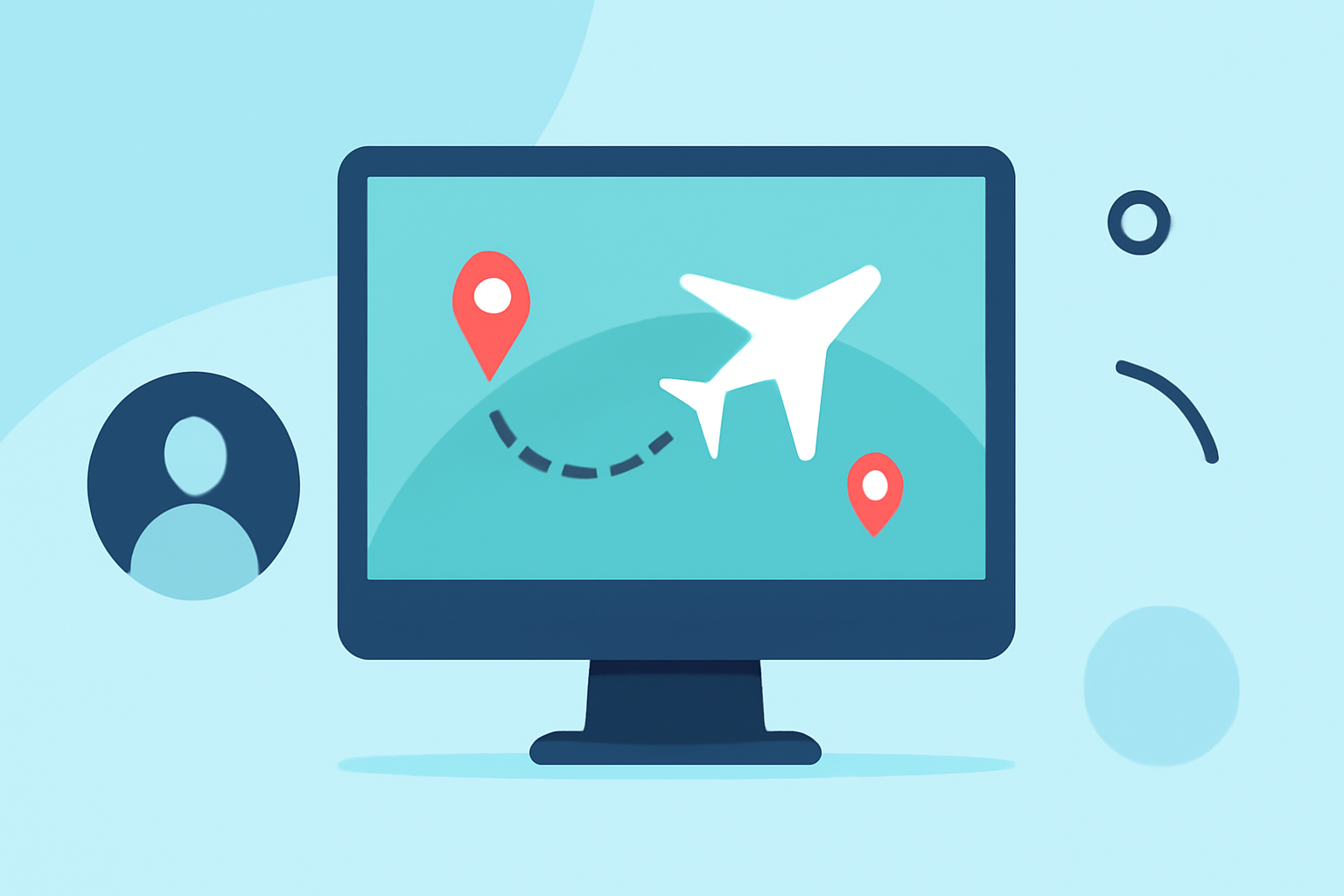
Map overlays are graphical representations of geographical locations superimposed onto video content. In TikTok videos, they can illustrate travel routes, highlight specific destinations, or showcase the journey of a subject. This technique adds a layer of storytelling, making the content more informative and engaging.
How Do Music Edits Enhance TikTok Videos?
Music edits involve modifying audio tracks to fit the video's rhythm, mood, or theme. Incorporating music edits into TikTok videos can:
- Set the Mood: Choose tracks that align with the video's theme to evoke specific emotions.
- Enhance Engagement: Well-edited music can make the video more entertaining, encouraging viewers to watch longer.
- Increase Shareability: Unique music edits can make content stand out, increasing the likelihood of sharing.
How Can Planes Live Assist with Map Overlays and Music Edits?
Planes Live offers a comprehensive solution for creating professional TikTok videos with map overlays and music edits. Here's how it can help:
- User-Friendly Interface: Planes Live provides an intuitive platform that simplifies the process of adding map overlays and editing music tracks.
- Customization Options: Users can customize map styles, animation templates, and music synchronization to match their video's theme.
- High-Quality Exports: The platform supports high-resolution exports, ensuring that videos maintain quality across different devices.
How to Create TikTok Videos with Map Overlays and Music Edits Using Planes Live
- Select a Map Style: Choose from a variety of map designs that suit your video's aesthetic.
- Animate Your Journey: Add routes, markers, and highlights to illustrate the journey or locations featured in your video.
- Edit Music Tracks: Upload your chosen music and synchronize it with the video's visuals, adjusting timing and transitions as needed.
- Export and Share: Once satisfied with your creation, export the video in a format optimized for TikTok and share it with your audience.
Why Choose Planes Live for Your TikTok Content?
Planes Live stands out as a versatile tool for content creators looking to enhance their TikTok videos. Its combination of map overlay capabilities and music editing features makes it a valuable asset for producing engaging and professional content.
FAQs
What are map overlays in TikTok videos?
Map overlays are graphical representations of geographical locations superimposed onto video content, illustrating travel routes or highlighting specific destinations.
How do music edits enhance TikTok videos?
Music edits modify audio tracks to fit the video's rhythm and theme, setting the mood, enhancing engagement, and increasing shareability.
How can Planes Live assist with map overlays and music edits?
Planes Live offers an intuitive platform with customization options for map styles, animation templates, and music synchronization, supporting high-resolution exports.
How do I create TikTok videos with map overlays and music edits using Planes Live?
Select a map style, animate your journey with routes and markers, edit music tracks to synchronize with visuals, and export the video optimized for TikTok.
Why choose Planes Live for TikTok content creation?
Planes Live combines map overlay capabilities and music editing features, making it a versatile tool for producing engaging and professional TikTok videos.
By leveraging Planes Live, creators can efficiently produce TikTok videos that are both visually appealing and narratively compelling, enhancing viewer engagement and content shareability.