22 June 2026
Enhancing Travel Content with Journey Map Overlays: A Guide for Creators

As a travel creator, sharing your adventures through engaging videos is essential to captivate your audience. Incorporating journey map overlays into your content can significantly enhance storytelling by visually tracing your route and highlighting key destinations.
What Are Journey Map Overlays?
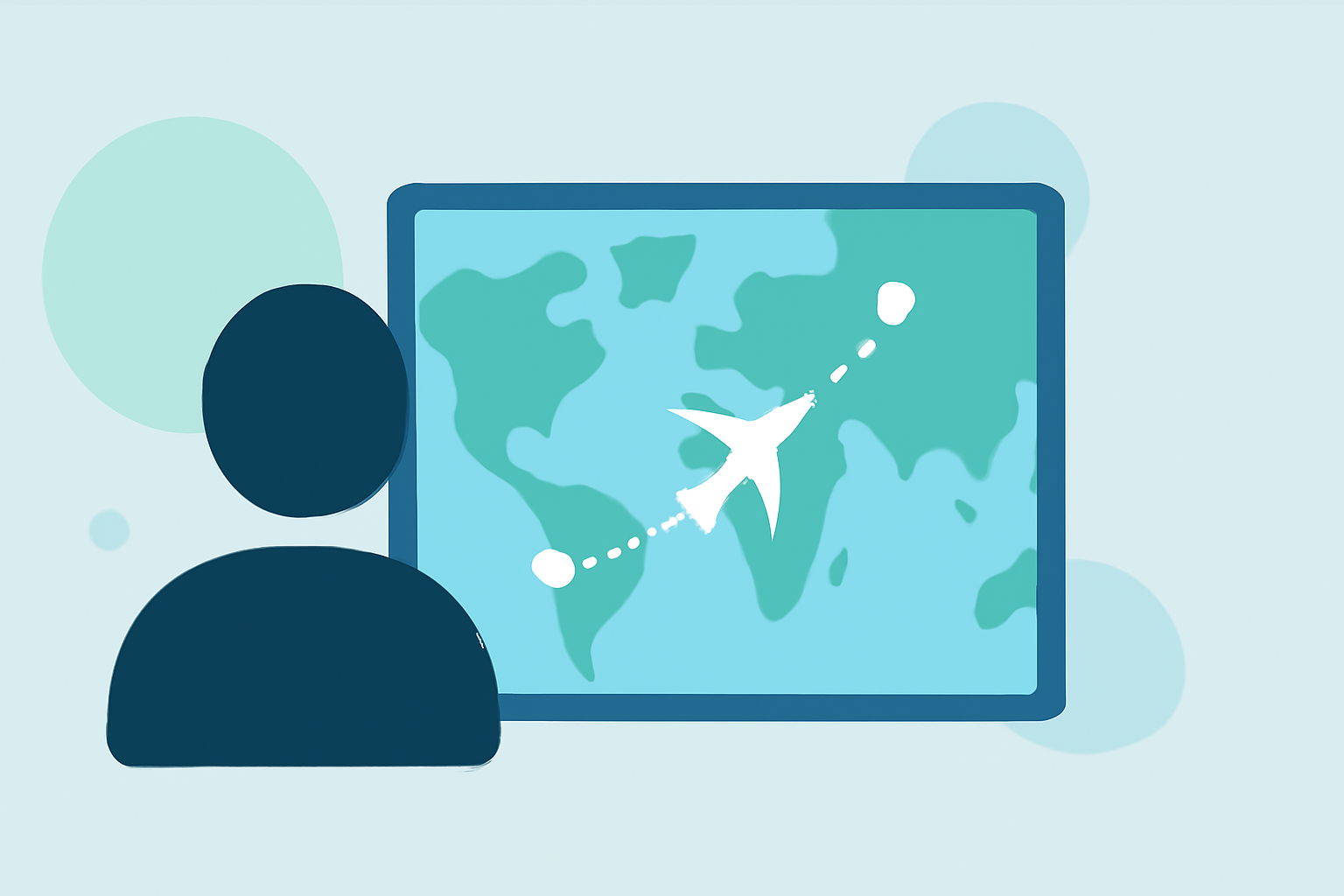
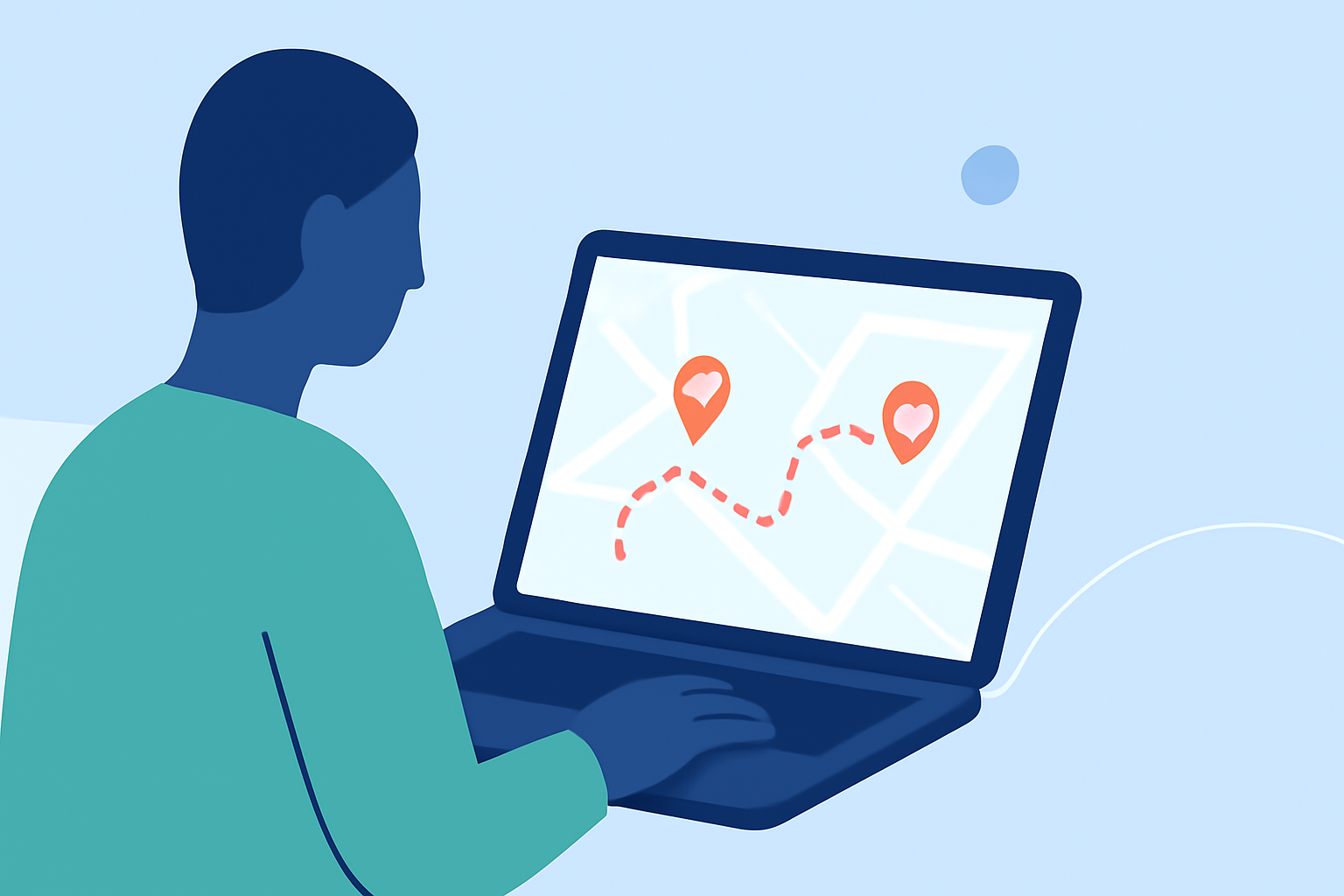
Journey map overlays are animated representations of your travel routes superimposed onto maps, illustrating the path taken and connecting various locations. They provide viewers with a clear visual context of your journey, making your content more immersive and informative.
Why Should Travel Creators Use Journey Map Overlays?
- Visual Engagement: They transform static maps into dynamic visuals, capturing viewers' attention.
- Enhanced Storytelling: They help narrate your travel story by highlighting the sequence and significance of locations visited.
- Professional Appeal: They add a polished, cinematic quality to your videos, elevating their overall production value.
How to Create Journey Map Overlays
Creating journey map overlays has become more accessible with various tools designed for travel creators. Here are some options to consider:
Entur - Journey Planner for Android - Download
Waymotion
An intuitive app that allows you to create cinematic animated travel route videos in seconds. It offers multiple map styles and 4K export options, making it suitable for both beginners and experienced creators. (waymotion.app)
애니메이션 방식으로 여행 경로 지도를 만드는 5가지 최고의 앱
TravelMap.Video
A Mac-exclusive application that enables users to craft stunning travel map videos effortlessly. It supports dynamic map scaling and diverse vehicle models, providing a user-friendly experience for content creators. (apps.apple.com)
Rezmytrip
ReplayMyTrip
A web-based platform that turns your trips into cinematic stories. It offers real route data, multiple map styles, and various transport modes, all optimized for social media sharing. (replaymytrip.com)
Giáo án và PPT Tin học ứng dụng 11 cánh diều Bài 4: Giới thiệu phần mềm làm video Animiz | Giáo án và PPT Tin học ứng dụng 11 cánh diều | Kenhgiaovien.com
AvoMap
A versatile tool that lets you create 3D videos of your adventures. It offers customizable animations, elevation charts, and supports various map styles, catering to a wide range of travel experiences. (avomap.com)
Créer une animation de carte cinématographique avec Google Earth Studio et Adobe After Effects | Snehal Wagh | Skillshare
Google Earth Studio
A browser-based tool that allows you to animate real-world locations in 3D. It's ideal for creating flyover effects and camera paths that follow roads or landmarks, adding a unique perspective to your travel videos. (filmora.wondershare.com)
Tips for Effective Journey Map Overlays
- Choose the Right Map Style: Select a map style that complements your video's theme and enhances visual appeal.
- Customize Your Route: Adjust path colors, line styles, and vehicle models to match your brand or aesthetic.
- Maintain Consistency: Ensure that the overlay style aligns with the overall design and tone of your video.
- Optimize for Platforms: Export your videos in formats suitable for various platforms, such as 9:16 for Instagram Reels, 16:9 for YouTube, and 1:1 for posts.
Conclusion
Incorporating journey map overlays into your travel videos can significantly enhance viewer engagement and storytelling. By utilizing the right tools and following best practices, you can create compelling content that resonates with your audience and elevates your travel narratives.
For a comprehensive solution that combines ease of use with professional features, consider exploring Planes Live. This platform offers a user-friendly interface and a range of customization options, making it an excellent choice for travel creators looking to produce high-quality journey map overlays.