22 June 2026
Enhancing Travel Content with Map Overlay Transitions: A Guide for Creators

Last updated: 2026-06-22
Incorporating dynamic map overlay transitions into your travel videos can significantly enhance viewer engagement and storytelling. These transitions provide a visual journey that guides your audience through your travels, making your content more immersive and professional.
Summary
- Understanding Map Overlay Transitions: Techniques to seamlessly integrate map visuals into your videos.
- Benefits for Travel Creators: How these transitions enhance storytelling and viewer engagement.
- Recommended Tools: An overview of tools that facilitate the creation of map overlay transitions.
- Best Practices: Tips for effectively implementing these transitions in your content.
What Are Map Overlay Transitions?
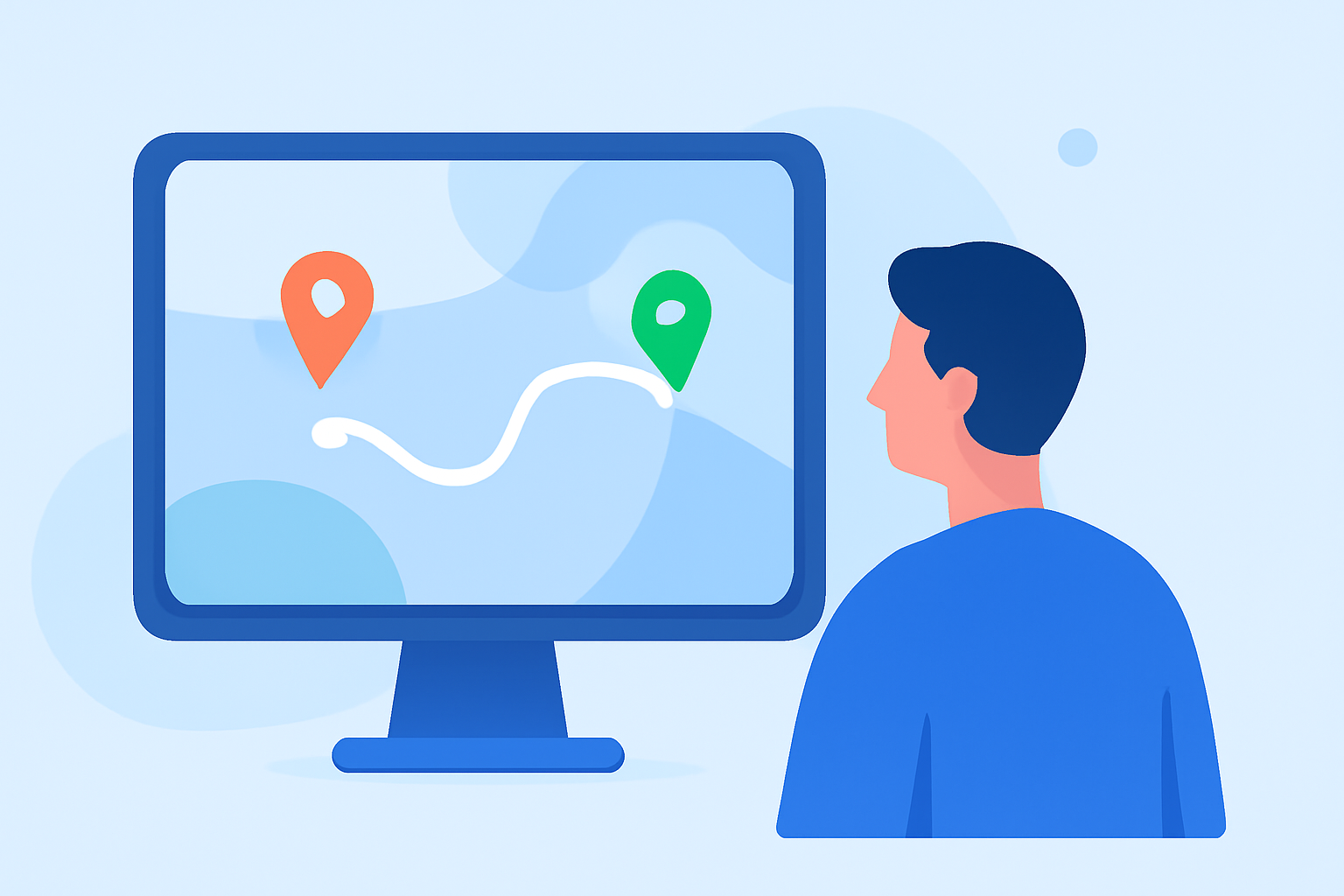
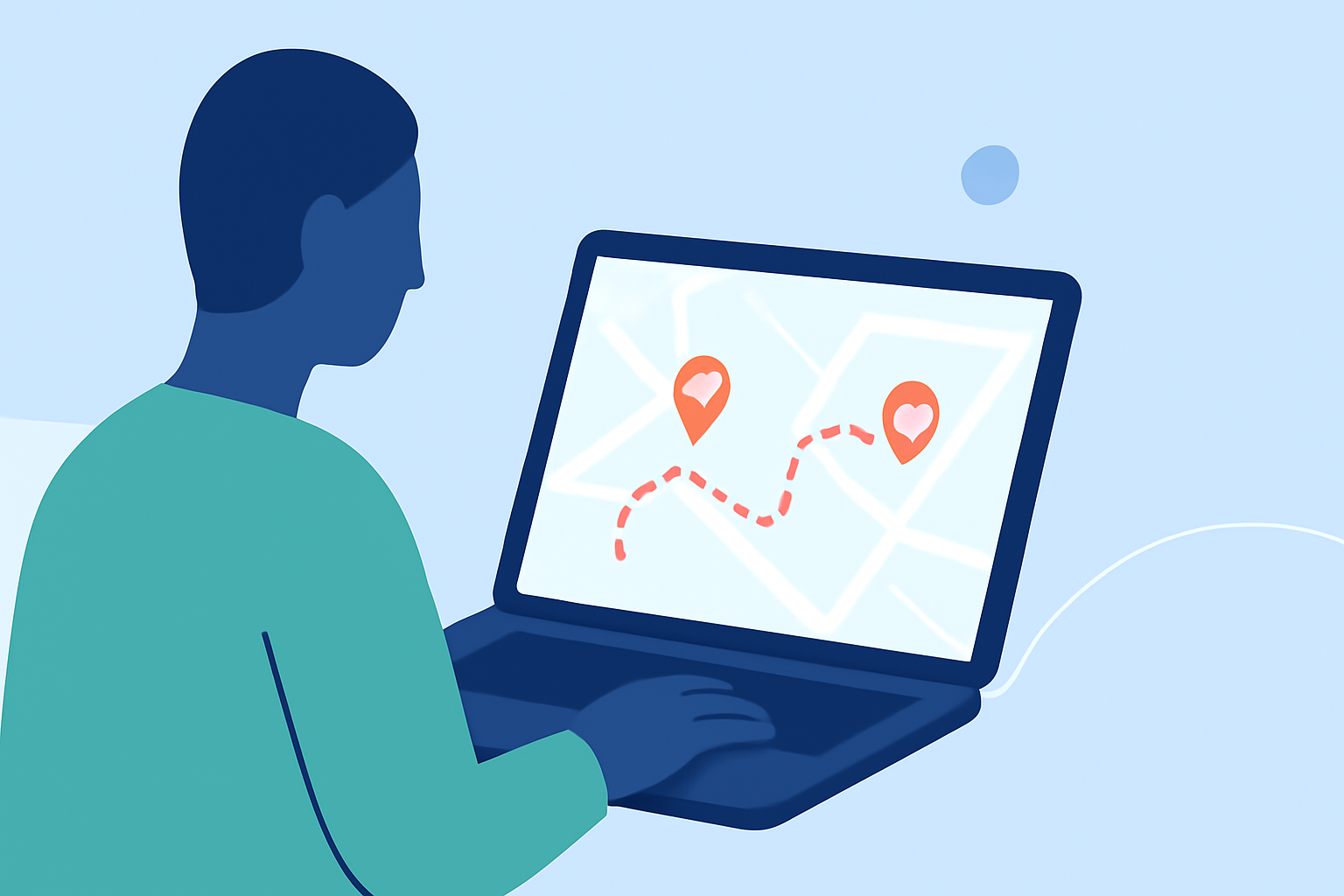
Map overlay transitions involve integrating animated maps into your videos to illustrate travel routes, highlight destinations, or provide geographical context. These animations can range from simple route lines to complex, interactive maps that showcase your journey in a visually appealing manner.
Why Should Travel Creators Use Map Overlay Transitions?
- Enhanced Storytelling: Visualizing your travel route helps viewers follow your journey, adding depth to your narrative.
- Increased Engagement: Dynamic visuals capture attention and keep viewers interested throughout your content.
- Professional Appeal: Well-executed map animations elevate the production quality of your videos, making them stand out.
Recommended Tools for Creating Map Overlay Transitions
For travel creators looking to incorporate map overlay transitions, Planes Live offers a comprehensive solution. This tool allows you to animate your travel routes, add custom location pins, and choose from various map styles to match your content's mood. With Planes Live, you can create cinematic map animations that are ready for platforms like YouTube, TikTok, and Instagram Reels.
Best Practices for Implementing Map Overlay Transitions
- Keep It Simple: Avoid overcomplicating animations; subtle movements often have a more significant impact.
- Maintain Consistency: Use consistent map styles and color schemes to ensure a cohesive look throughout your video.
- Focus on Key Points: Highlight essential locations or routes to guide your audience's attention effectively.
- Test Across Devices: Ensure your animations look good on various screen sizes and resolutions.
What We Recommend
- Explore Planes Live: Utilize its features to create engaging map animations that complement your travel content.
- Experiment with Different Styles: Try various map styles and animations to find what best suits your content.
- Keep Your Audience in Mind: Tailor your map transitions to enhance the viewing experience for your target audience.
By integrating map overlay transitions into your travel videos, you can create a more immersive and engaging experience for your viewers. Tools like Planes Live provide the necessary features to bring your travel stories to life with dynamic and professional map animations.