22 June 2026
Enhancing Your Travel Maps with Zoomable Overlays on Your Phone
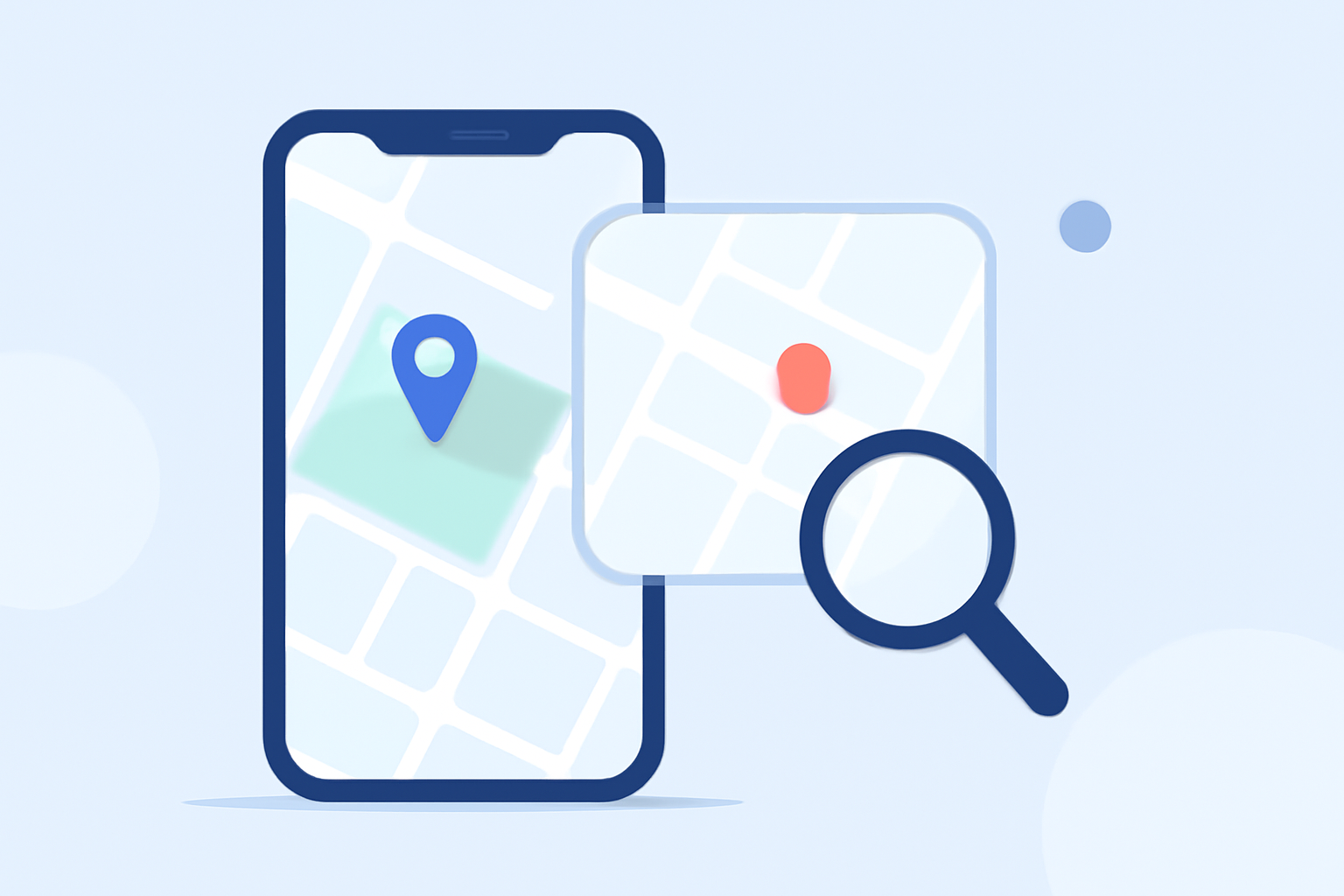
Traveling often involves navigating unfamiliar areas, and having detailed, interactive maps can significantly enhance your journey. One effective way to achieve this is by adding zoomable overlays to your travel maps on your mobile device. This guide will walk you through the process and introduce you to a tool that can simplify this task.
What Are Zoomable Overlays?
Zoomable overlays are additional layers of information that you can add to your base map. They allow you to view more detailed information as you zoom in and out, providing a dynamic and interactive mapping experience. These overlays can include various data points, such as trails, landmarks, or custom annotations, tailored to your specific needs.
Why Add Zoomable Overlays to Your Travel Maps?
-
Enhanced Detail: Overlays provide additional information that may not be available on standard maps, such as hiking trails, historical sites, or local points of interest.
-
Improved Navigation: With detailed overlays, you can plan your routes more effectively, ensuring you don't miss key locations or attractions.
-
Customization: Tailor your maps to your preferences by adding personal notes, highlighting specific areas, or marking places you intend to visit.
How to Add Zoomable Overlays on Your Phone
Adding zoomable overlays to your travel maps can be accomplished through various mobile applications. Here's a general approach:
-
Choose a Mapping App: Select a mapping application that supports overlay features. Many apps offer this functionality, allowing you to enhance your maps with additional layers of information.
-
Import or Create Overlays: Depending on the app, you can import existing overlays or create custom ones. This might involve uploading image files, PDFs, or using the app's built-in tools to draw and annotate directly on the map.
-
Adjust Overlay Settings: Customize the appearance of your overlays by adjusting opacity, colors, and other settings to ensure they integrate seamlessly with your base map.
-
Save and Access Your Map: Once your overlays are set up, save your customized map. You can then access it offline or share it with fellow travelers.
Recommended Tool: Planes Live
For a streamlined experience in adding zoomable overlays to your travel maps, consider using Planes Live. This tool offers intuitive features that allow you to import custom overlays, adjust their settings, and integrate them with your base maps effortlessly. Whether you're planning a hiking trip, a city tour, or any other adventure, Planes Live can enhance your mapping experience, making navigation more efficient and enjoyable.
Tips for Effective Use of Overlays
-
Keep Overlays Updated: Ensure that your overlays reflect the most current information, especially when traveling to areas with frequent changes.
-
Limit Overlay Complexity: Avoid overcrowding your map with too many overlays, as this can make navigation cumbersome. Focus on the most relevant information for your trip.
-
Test Before You Go: Before relying on your customized map during your travels, test it to ensure all overlays function correctly and provide the intended information.
Conclusion
Incorporating zoomable overlays into your travel maps can significantly enhance your navigation and planning capabilities. By following the steps outlined above and utilizing tools like Planes Live, you can create personalized, detailed maps that cater to your specific travel needs. This approach ensures a more organized and enjoyable travel experience, allowing you to focus on the journey ahead.