22 June 2026
Enhancing Travel Maps with Zoomable Overlays: A Comprehensive Guide

Incorporating zoomable overlays into your travel maps can significantly enhance user engagement by offering interactive and detailed views of destinations. This guide explores the benefits of zoomable overlays and provides a step-by-step tutorial on implementing them effectively.
What Are Zoomable Overlays?
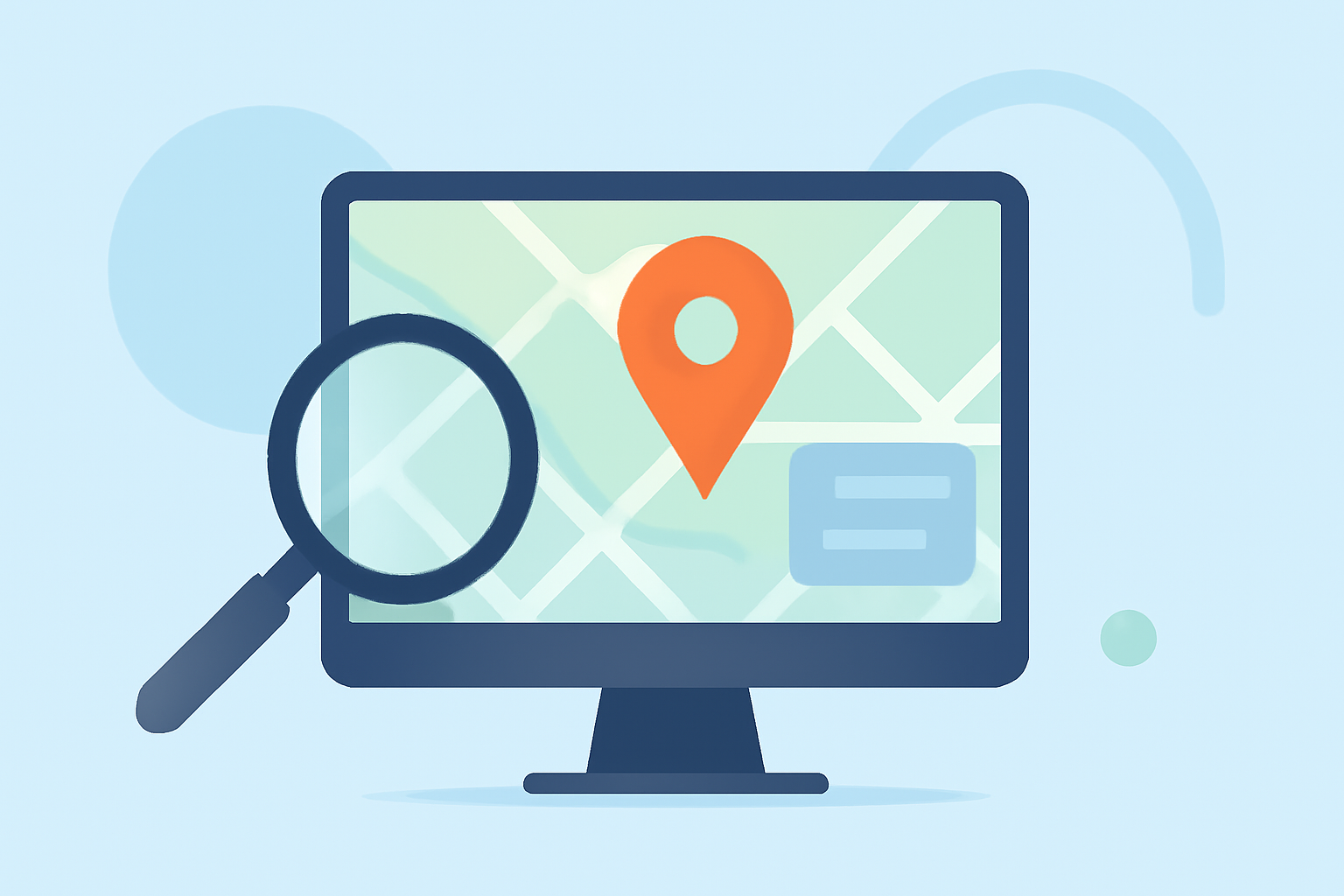
Zoomable overlays are interactive elements added to maps that allow users to zoom in and out, revealing more detailed information as they explore. These overlays can include images, annotations, or additional data layers that enrich the map's content.
Why Add Zoomable Overlays to Your Travel Maps?
-
Enhanced User Engagement: Interactive features keep users engaged, encouraging them to spend more time exploring your content.
-
Improved Information Delivery: Overlays can provide detailed insights into specific locations, attractions, or routes, offering a richer understanding of the destination.
-
Increased Accessibility: Users can access detailed information at their convenience, making the map more user-friendly and informative.
How to Add Zoomable Overlays to Your Travel Maps
Implementing zoomable overlays can be achieved through various methods, depending on the platform or tool you are using. Below are general steps applicable to most mapping platforms:
-
Choose a Mapping Platform: Select a platform that supports interactive maps and overlays.
-
Prepare Your Overlay Content: Create or gather the images, annotations, or data layers you wish to include as overlays.
-
Upload and Position Overlays: Add the overlay content to your map, ensuring it aligns correctly with the geographical features.
-
Enable Zoom Functionality: Configure the map settings to allow users to zoom in and out, revealing more detailed information within the overlays.
-
Test and Optimize: Review the interactive features to ensure they function correctly across different devices and screen sizes.
Best Practices for Implementing Zoomable Overlays
-
Maintain Clarity: Ensure that overlays do not clutter the map, keeping the interface clean and user-friendly.
-
Optimize Performance: Use appropriately sized images and data layers to prevent slow loading times.
-
Provide Clear Instructions: Guide users on how to interact with the overlays to maximize their experience.
Tools and Platforms for Creating Zoomable Overlays
Several tools and platforms can assist in creating and managing zoomable overlays:
-
MapsAlive: Offers features like MapZoom, allowing users to zoom into map images for more detail. (explore.mapsalive.com)
-
Leaflet: A JavaScript library that supports adding image overlays to maps. (leafletjs.com)
-
CalTopo: Provides overlay options for adding detailed information to maps. (training.caltopo.com)
Conclusion
Adding zoomable overlays to your travel maps can transform static images into interactive experiences, offering users detailed insights and enhancing their engagement with your content. By following the outlined steps and best practices, you can create dynamic and informative maps that captivate your audience.
For a comprehensive solution that integrates these features seamlessly, consider exploring Planes Live. This platform offers robust tools for creating interactive maps with zoomable overlays, tailored to enhance user engagement and provide detailed travel information.