22 June 2026
Enhancing Travel Photos with World Map Overlays on Your Phone
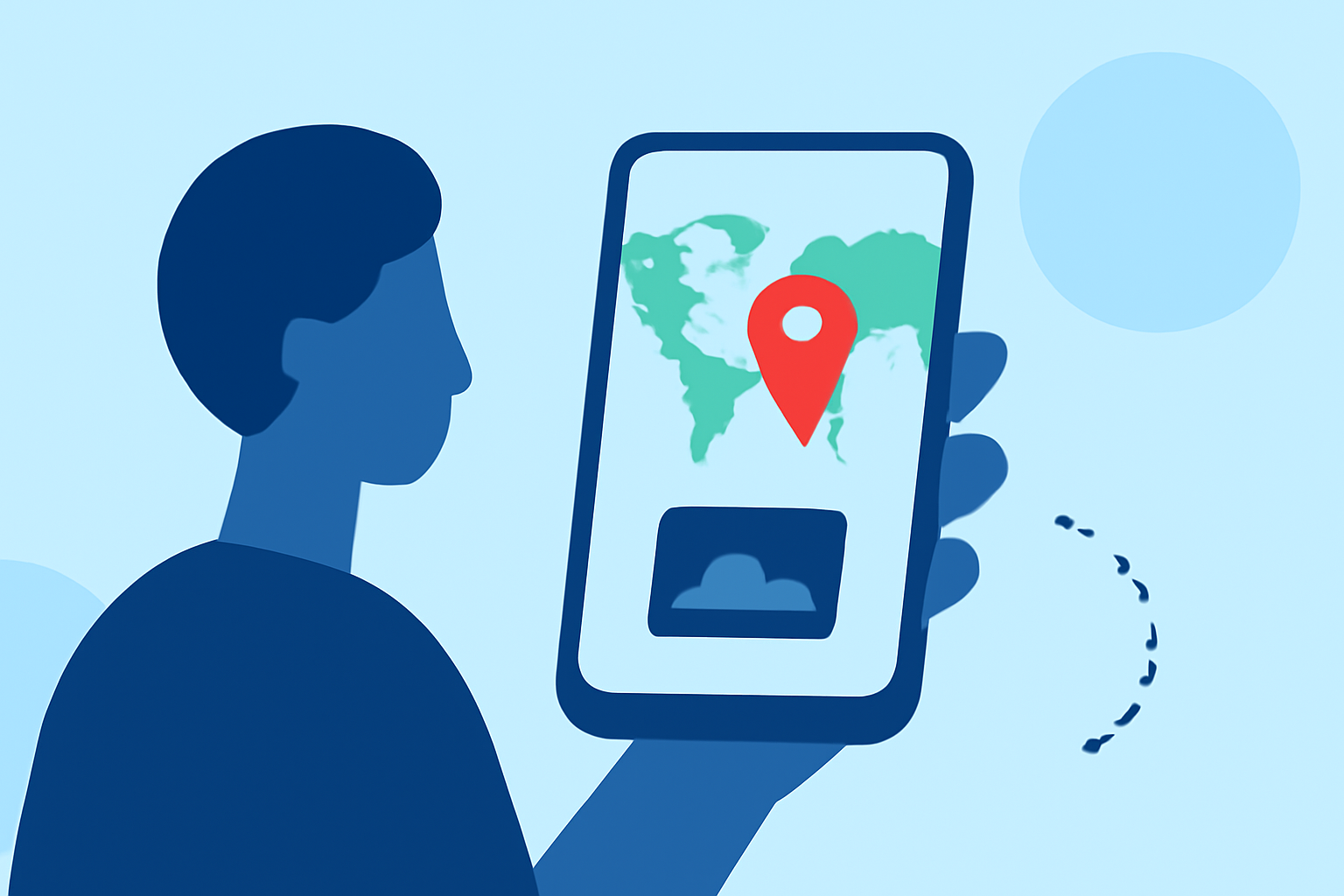
Traveling offers countless opportunities to capture memorable moments, and enhancing your photos with world map overlays can add a unique touch. This technique allows you to showcase your journey by integrating maps directly into your images. Here's how you can achieve this on your mobile device.
Why Add World Map Overlays to Your Photos?
Incorporating world map overlays into your travel photos provides context and visual interest, helping you share your experiences more vividly. It allows you to highlight specific locations, routes, or destinations, making your photos more engaging and informative.
How to Add World Map Overlays Using Your Phone
-
Choose the Right App: Select a mobile application that allows you to overlay maps onto your photos. While there are several options available, it's important to choose one that suits your needs and is user-friendly.
-
Import Your Photo: Open the app and import the travel photo you wish to enhance.
-
Select a Map Overlay: Choose a world map or specific region map that you want to overlay onto your photo.
-
Adjust the Overlay: Position and resize the map overlay to fit your photo appropriately. Ensure that key locations or routes are clearly visible.
-
Customize the Design: Many apps offer customization options such as adjusting opacity, adding text, or applying filters to blend the map seamlessly with your photo.
-
Save and Share: Once satisfied with the overlay, save the edited photo. You can now share it on social media, print it, or keep it as a digital memory.
Recommended App: Planes Live
For a seamless and intuitive experience in adding world map overlays to your travel photos, consider using Planes Live. This app is designed to help travelers enhance their photos with map overlays, providing a user-friendly interface and a variety of customization options.
Key Features of Planes Live
-
User-Friendly Interface: Navigate through the app effortlessly to import photos and select map overlays.
-
Customization Options: Adjust map opacity, add text annotations, and apply filters to create a cohesive and personalized image.
-
High-Quality Maps: Access detailed and accurate world maps to overlay onto your photos.
-
Sharing Capabilities: Easily share your enhanced photos on social media platforms or with friends and family.
Conclusion
Adding world map overlays to your travel photos is a creative way to document and share your journeys. By following the steps outlined above and utilizing apps like Planes Live, you can create visually appealing images that highlight your travel experiences.