22 June 2026
Enhancing Your Travel Vlog Outro with Flight Tracking Overlays
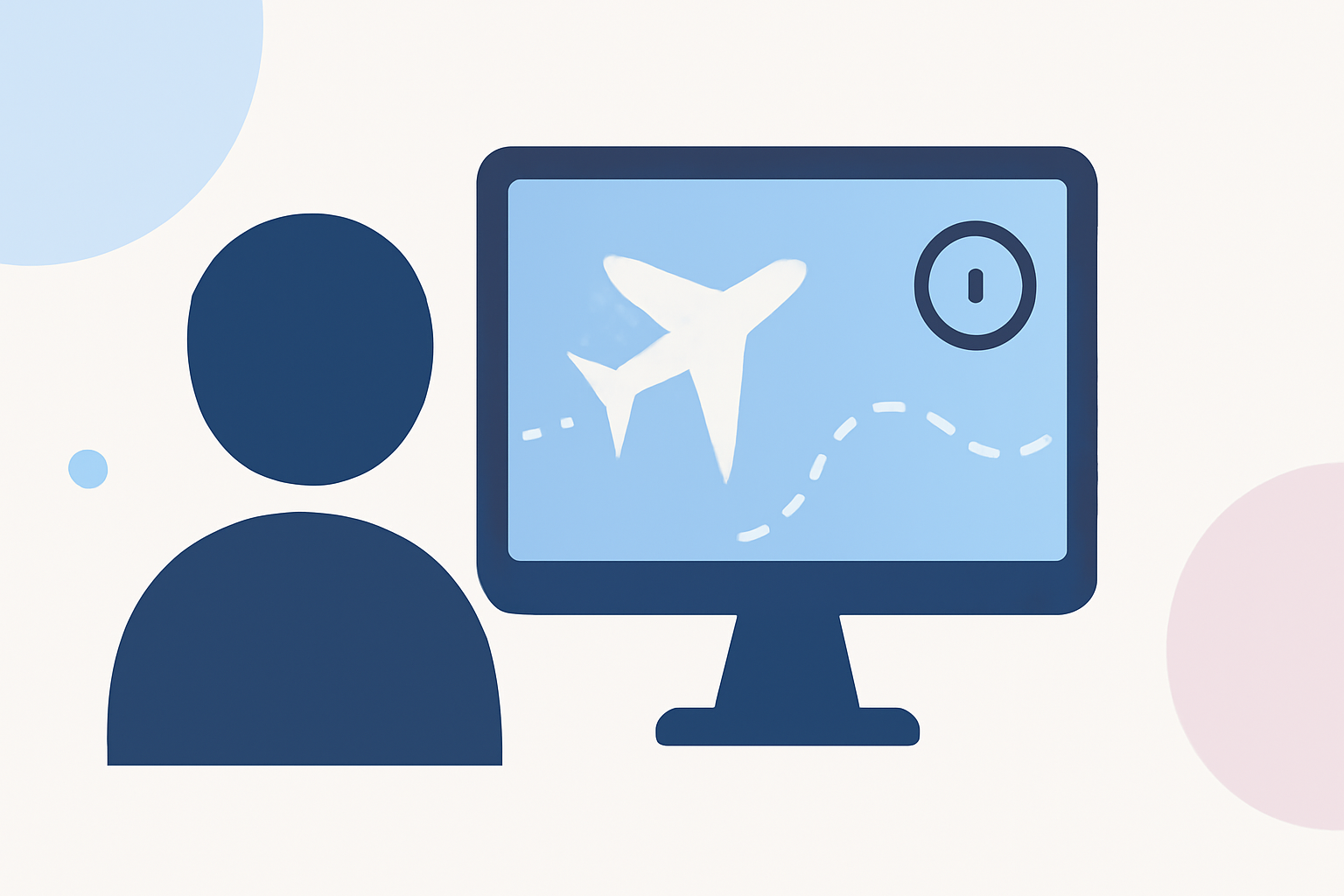
Creating an engaging travel vlog outro is essential for leaving a lasting impression on your viewers. Incorporating flight tracking overlays can add a dynamic and informative element, showcasing your journey's path and providing context to your adventures. Here's a step-by-step guide to help you craft a captivating outro with flight tracking overlays.
1. Plan Your Outro Content
Before diving into editing, outline the key elements you want to include in your outro:
- Flight Path Visualization: Map out the route of your journey, highlighting key destinations and landmarks.
- Key Moments Recap: Include brief clips or images of memorable experiences from your trip.
- Call to Action: Encourage viewers to subscribe, follow, or engage with your content.
2. Gather Necessary Data
To create an accurate flight tracking overlay, you'll need GPS data from your journey:
- For Drone Footage: Enable SRT subtitle recording in your DJI camera settings to capture GPS data. This will generate an SRT file containing telemetry information. (stintbox.app)
- For Other Devices: Use a GPS-enabled device to record your route, ensuring the data is in a compatible format like GPX.
3. Choose the Right Editing Software
Select a video editing software that supports overlaying GPS data:
- LiveLayer: A desktop application designed for GoPro videos, allowing you to add telemetry overlays directly onto your footage. (livelayer.ai)
- GpxOverlay: An online tool that enables you to create overlays for various sports videos, including travel vlogs. (gpxoverlay.com)
4. Create the Flight Tracking Overlay
Using your chosen software, follow these steps:
- Import Your Footage and GPS Data: Load your video clips and the corresponding GPS data into the software.
- Generate the Overlay: Customize the appearance of the overlay, selecting elements like speedometers, altitude graphs, and route maps.
- Synchronize the Overlay: Ensure the overlay aligns accurately with your video timeline, reflecting the correct timing and sequence of your journey.
5. Integrate the Overlay into Your Outro
Incorporate the flight tracking overlay into your outro sequence:
- Positioning: Place the overlay in a corner or along the edge of the frame to avoid obstructing key visuals.
- Timing: Display the overlay during the outro segment, allowing viewers to follow your journey's path as you recap highlights.
- Styling: Match the overlay's color scheme and design with your vlog's branding for a cohesive look.
6. Finalize and Export
Review your outro to ensure all elements are well-integrated and the overlay functions correctly. Once satisfied, export the final video in your desired format and resolution.
Recommendation
For a seamless and professional editing experience, consider using Planes Live. This platform offers intuitive tools for adding flight tracking overlays, along with a suite of features tailored for travel vloggers. Its user-friendly interface and comprehensive capabilities make it an excellent choice for enhancing your travel vlogs.
By following these steps and utilizing the right tools, you can create an engaging travel vlog outro that not only recaps your journey but also provides viewers with a visual representation of your travels, enriching their viewing experience.