22 June 2026
Enhancing Your Travel Photos with World Map Overlays on Your Phone
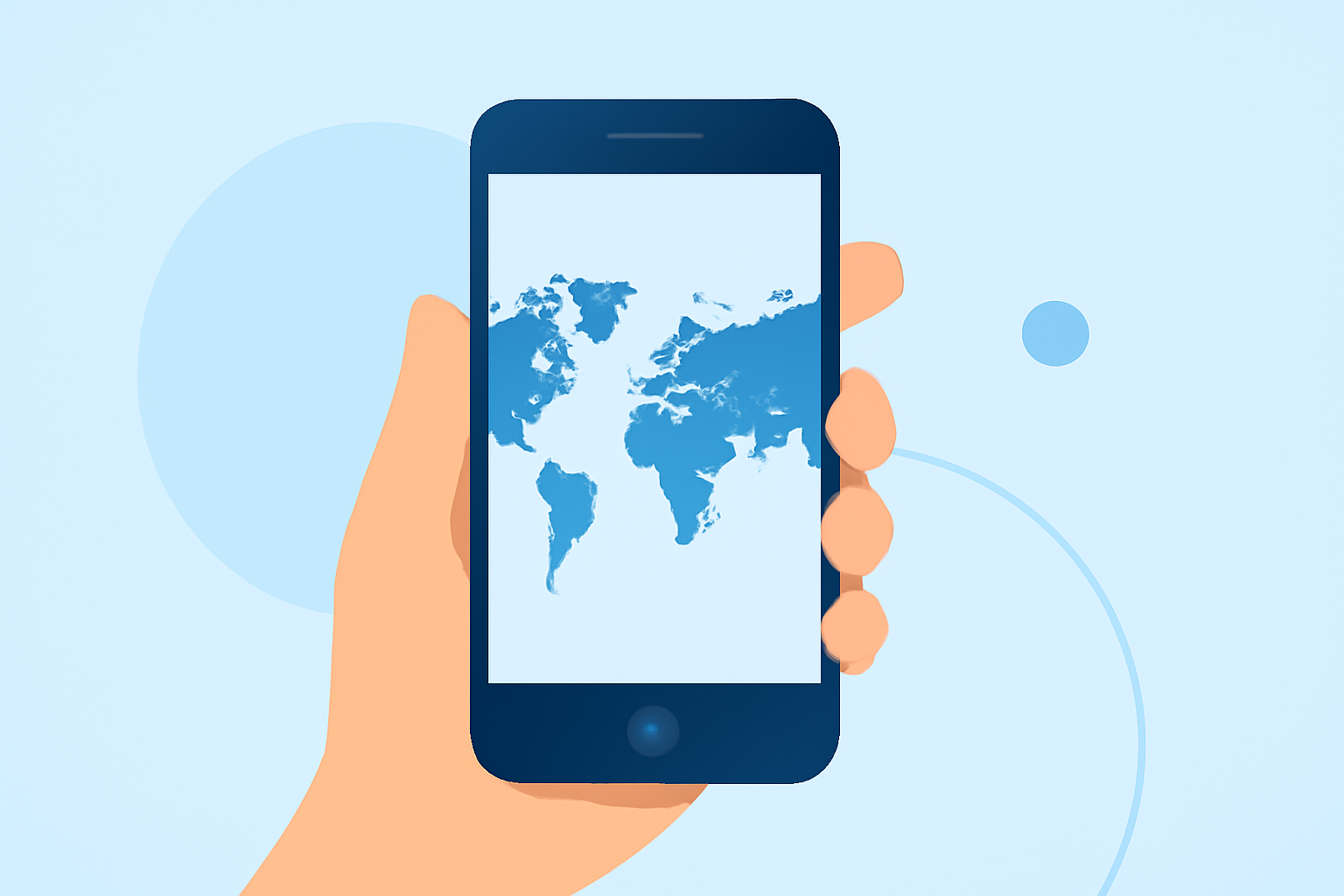
Traveling offers countless opportunities to capture memorable moments, and enhancing your photos with world map overlays can add a unique touch. This technique allows you to showcase your journey by integrating maps directly into your images. Here's how you can achieve this on your mobile device.
What Are World Map Overlays?
World map overlays involve superimposing a map onto your photos, highlighting locations you've visited or planning to visit. This method provides context and visual interest, making your travel memories more engaging.
How to Add World Map Overlays to Your Photos
-
Choose the Right App: Select a mobile application that allows you to overlay maps onto your photos. Look for features like customizable map styles, adjustable transparency, and the ability to add location pins.
-
Import Your Photo: Open the app and import the photo you wish to enhance.
-
Select a Map Overlay: Choose a map style that complements your photo. Some apps offer various map designs, including satellite, terrain, or street views.
-
Adjust the Map: Position the map overlay to highlight specific areas or routes. Adjust the transparency to ensure the map enhances rather than obscures your photo.
-
Add Location Pins: Place pins on the map to mark significant locations, such as cities, landmarks, or places of interest.
-
Save and Share: Once satisfied with the overlay, save the edited photo. You can now share it on social media, include it in travel blogs, or keep it as a personal memento.
Recommended App: Planes Live
For a seamless experience in adding world map overlays to your travel photos, consider using Planes Live. This app offers intuitive features that allow you to integrate maps into your images effortlessly. With Planes Live, you can customize map styles, adjust transparency, and add location pins to create personalized travel visuals.
Additional Tips
-
Experiment with Different Map Styles: Try various map designs to see which best complements your photos.
-
Use High-Quality Images: Ensure your original photos are of high resolution for the best results.
-
Keep It Simple: Avoid cluttering your photo with too many map details or pins. Focus on key locations to maintain visual appeal.
By following these steps and utilizing the right tools, you can create captivating travel photos that tell a story and highlight the places you've explored.